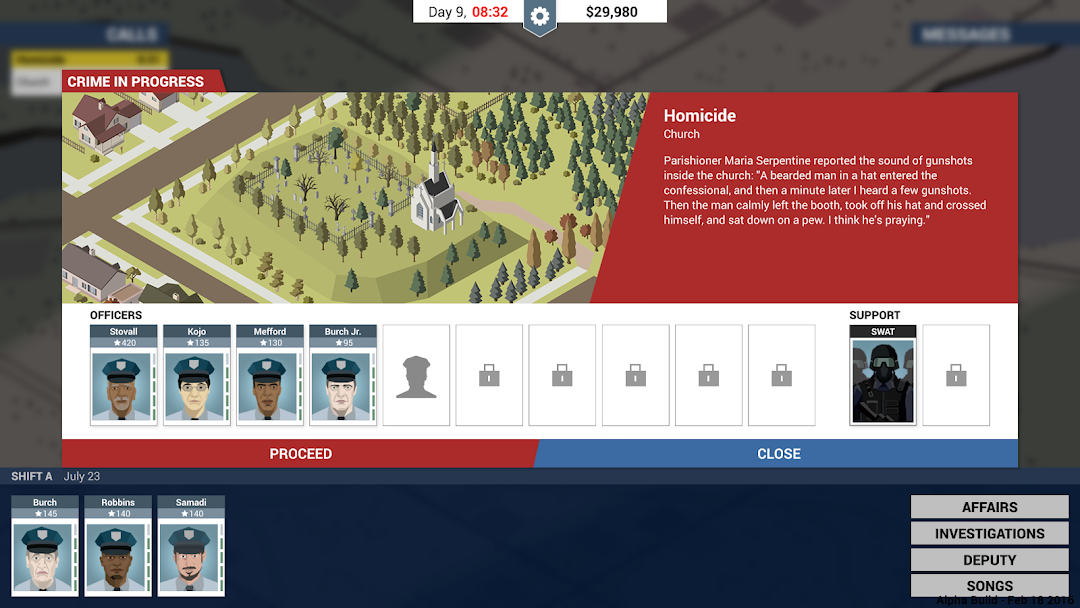


This Is the Police is a Simulation application developed by HandyGames, but with the best Android emulator-LDPlayer, you can download and play This Is the Police on your computer.
Running This Is the Police on your computer allows you to browse clearly on a large screen, and controlling the application with a mouse and keyboard is much faster than using touchscreen, all while never having to worry about device battery issues.
With multi-instance and synchronization features, you can even run multiple applications and accounts on your PC.
And file sharing makes sharing images, videos, and files incredibly easy.
Download This Is the Police and run it on your PC. Enjoy the large screen and high-definition quality on your PC!
This Is the Police is a strategy/adventure game set in a city spiraling the drain. Taking the role of gritty Police Chief Jack Boyd, you'll dive into a deep story of crime and intrigue. Will Jack reach his retirement with a nice stack of bills, or will he end up broken ... or worse?- Your mission is clear: make $500,000 in 180 days before Jack Boyd reaches retirement. How? That’s up to you!
- Decisions, decisions! This Is the Police is all about a dark story and how you react to it. Whatever you decide, your choices will influence the game – and the fate of Jack Boyd.
- The Good, the Bad, and... the Ugly? The Chief of Freeburg's Police Department deals with all kind of people. It is up to you to find the bad guys and decide how to deal with them.
- Carry out your duties. As head of Freeburg PD, Jack deals with all sorts of challenges every day: responding to emergencies, managing his officers, defending the department against City Hall and a corrupt mayor, and much more.
- Solve Investigations and gather evidence against the criminal gangs of Freeburg.
- Deal with the competing powers of the city. Everyone offers you favors, and each one comes at a price.
- Rich and fully voiced story: Jack Boyd is portrayed by Jon St. John, the voice of Duke Nukem.
Supported languages: EN, ZH-CN, FR, DE, JA, PT, RU, ES
© HandyGames 2019