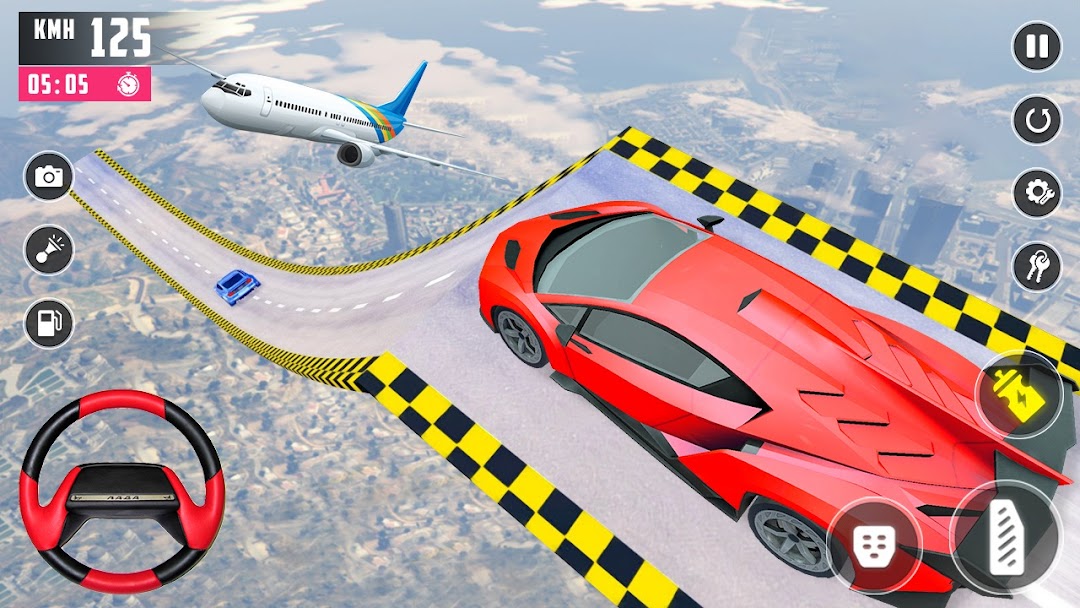
Thrilling Action-A Car Stunts is a Adventure application developed by PPGStudio, but with the best Android emulator-LDPlayer, you can download and play Thrilling Action-A Car Stunts on your computer.
Running Thrilling Action-A Car Stunts on your computer allows you to browse clearly on a large screen, and controlling the application with a mouse and keyboard is much faster than using touchscreen, all while never having to worry about device battery issues.
With multi-instance and synchronization features, you can even run multiple applications and accounts on your PC.
And file sharing makes sharing images, videos, and files incredibly easy.
Download Thrilling Action-A Car Stunts and run it on your PC. Enjoy the large screen and high-definition quality on your PC!
Gear up for an adrenaline-packed frenzy with Extreme Car Stunts - Thrilling Stunt! Brace yourself for a non-stop spectacle of stunts.Choose from an array of powerful, fully customizable vehicles that will be your partners in this tumultuous journey. Feel the thrill as you accelerate through an array of pulse-pounding levels, each set in a myriad of exotic landscapes. From towering metropolis rooftops to serpentine canyon passes, every level presents a unique challenge that will test your mettle and dexterity.
Yet, it's not solely about speed - it's about pulling off the most outrageous stunts imaginable! Launch your car sky-high off ramps, execute mid-air spins, and somersault like an intrepid acrobat. The more jaw-dropping your maneuvers, the more accolades you'll earn, and the louder the roar of the crowd.
Unlock new vehicles, and enhance them to reach new heights of insanity. Amplify your car's acceleration, handling, and crash resilience to dominate the leaderboards.
The lifelike physics engine ensures every collision is a bone-crunching spectacle. The pandemonium is simultaneously captivating and exhilarating, leaving you yearning to hit the reset button.
Extreme Car Stunt - Thrilling Stunt presents an intuitive control system catering to players of all proficiency levels. Whether you're a casual gamer seeking a quick thrill or a seasoned stunt virtuoso, this game guarantees an unforgettable experience.
Features:
Mind-boggling car stunt gameplay with heart-stopping Stunts.
Multiple levels set in diverse and exotic landscapes.
Extensive car customization options will be added soon
Realistic physics engine for awe-inspiring simulations.
User-friendly controls for maximum enjoyment.
Stunning graphics and adrenaline-pumping sound effects.