Tic Tac Toe Glow is a Casual game developed by Arclite Systems. LDPlayer is the best platform for playing Tic Tac Toe Glow on Windows PC, offering powerful features to enhance your immersive experience in Tic Tac Toe Glow.
When playing Tic Tac Toe Glow on your computer, if you find repetitive actions or tasks tedious and time-consuming, fret not! Macro can alleviate your concerns. Simply record your actions with a click of the screen recording feature and let macros take care of the rest. Macros automate your operations, allowing you to effortlessly conquer the game with minimal effort! Start downloading and playing Tic Tac Toe Glow on your computer now!
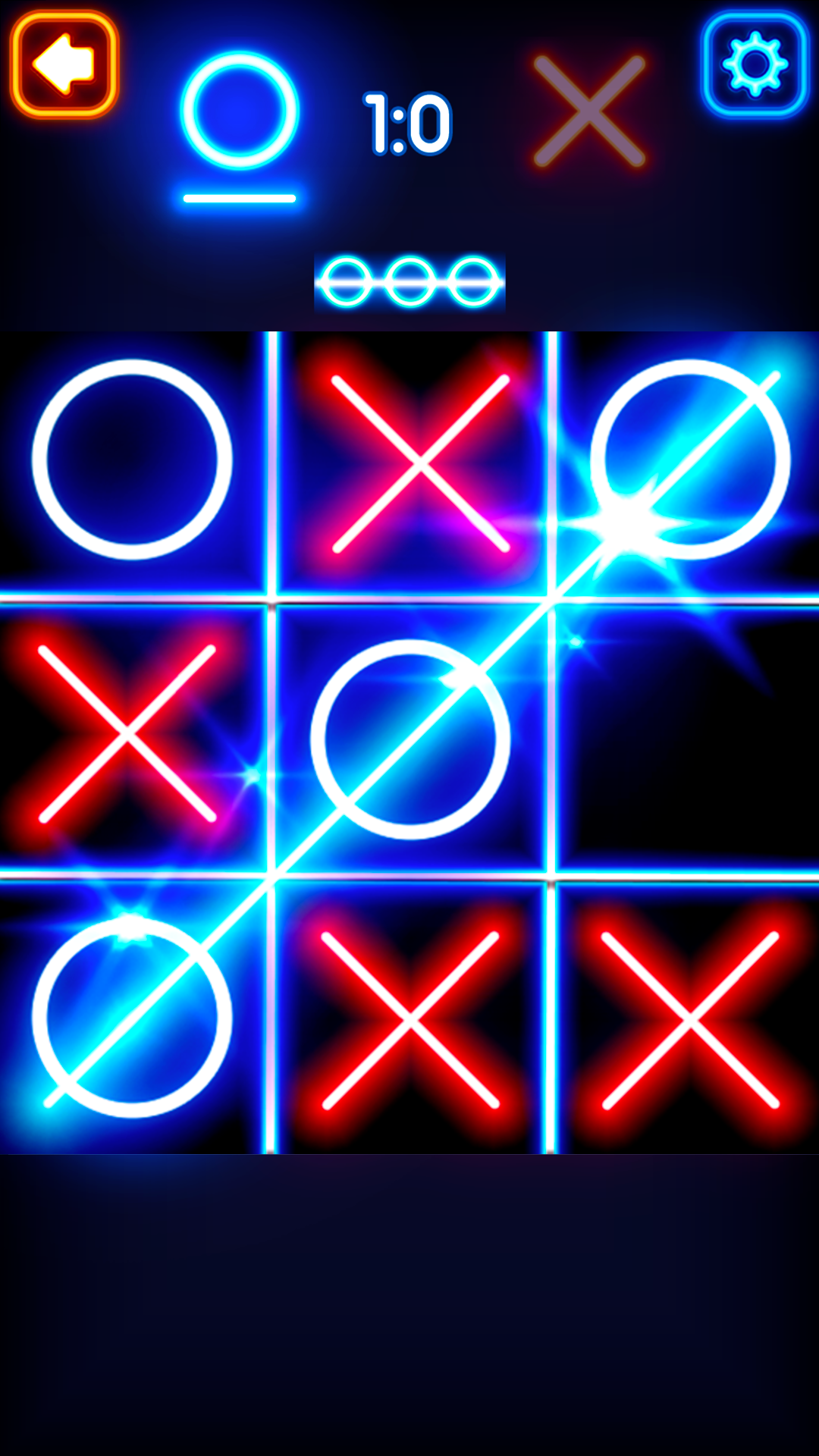
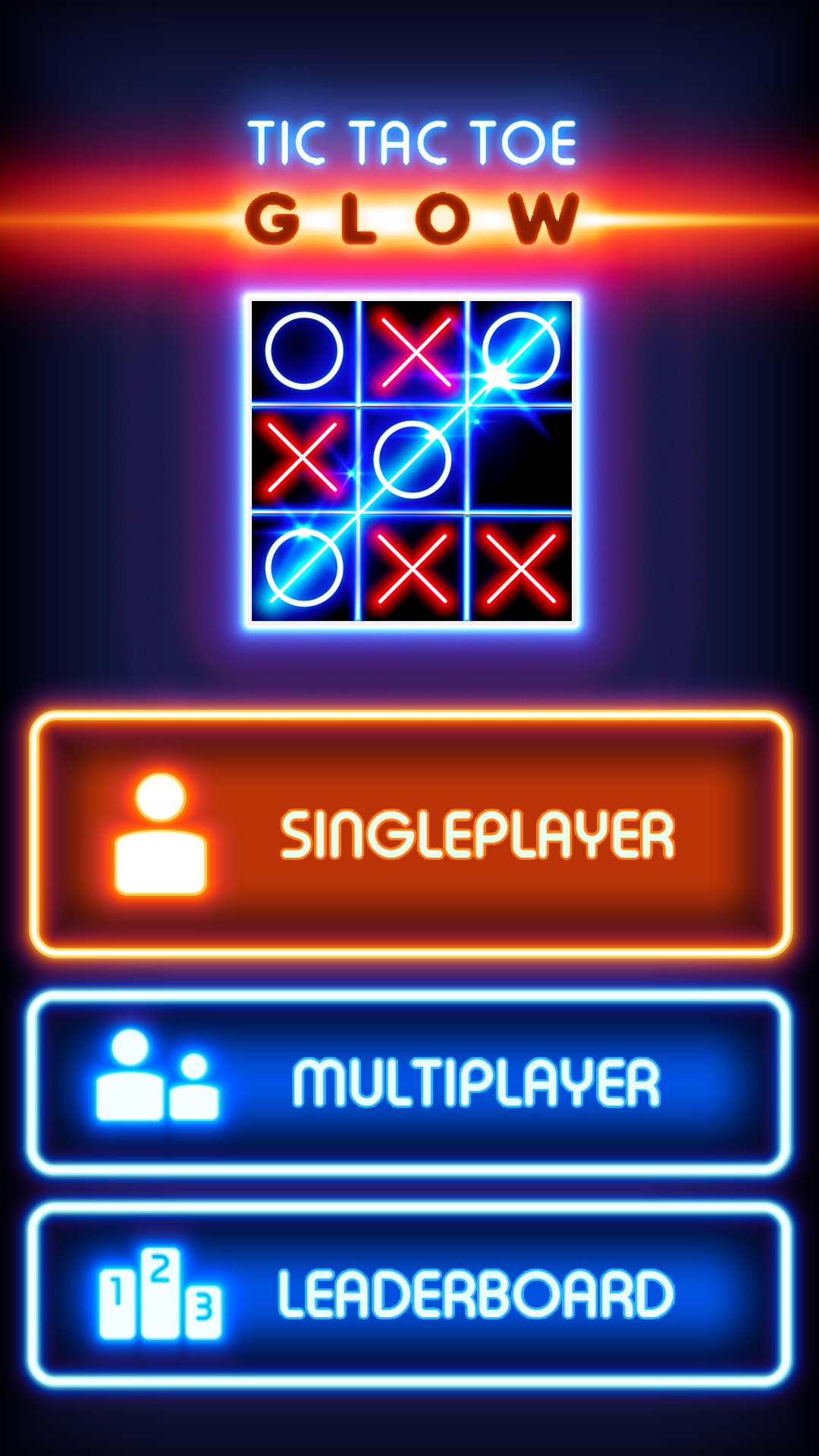
Play Tic Tac Toe Glow against our innovative AI model or enjoy xoxo fun games for 2 players locally with your friends. Play fast-paced noughts and crosses single-player battles or try to beat the AI in a ox campaign.✨Main Features
📌 Adaptive AI Opponent
AI for this puzzle game is one of the most advanced you can find among xoxo games. Our team has 10+ years of experience developing the AI of Tic Tac Toe games. The biggest advantage of our AI is its adaptability. It adapts to your play style and is highly unpredictable. Unlike other xoxo games on the market, you will always find Tic Tac Toe Glow AI to be fresh and entertaining. If you ever feel the Tic Tac Toe AI difficulty does not meet your expectations or skill, the difficulty level can be adjusted on the fly. We have tested and fine-tuned our xoxo AI machine learning model with real Tic Tac Toe players to make it entertaining and unpredictable ox fun game.
See for yourself why the Tic Tac Toe Glow's AI model is the most protected treasure of our company and the biggest reason behind the great success of the Tic Tac Toe Glow.
📌 Xoxo 2 Player Games
If you do not want to play Tic Tac Toe Glow alone against our AI, you can also play xoxo fun games for 2 players with your friend on the same phone, taking turns just like when you play xoxo with pen and paper.
📌 Mini Fun Games
This xox fun game app is not only about Tic Tac Toe; there are other fun games you can enjoy if you want to try something different and exciting. If you like games like Ludo, if you are king of games like Water Sort or Brick Breaker, you will like these. We are still working on Ludo, but you can play Block Tower, Water Sort or Brick Breaker and become king of these game while Ludo is something you can play with several other players, these games can also be played as single player games, even 2 player games are bigger fun.
📌 Water Sort
Water Sort is one of the most popular logical fun games of all time. Water Sort offers many hours of great fun. While really light-weight and seemingly simple, it gets difficult really fast. Train your brain playing this fun game and enjoy hours of intelligent play time.
📌 Brick Breaker
The Classic Brick Breaker game offers hours of great fun games, created by our team in beautiful glow design. Brick Breaker offers countless hours of fun games.
📌 Block Tower
If you want more fun games, then give a try to our Block Tower, also designed in the glow style of Tic Tac Toe Glow.