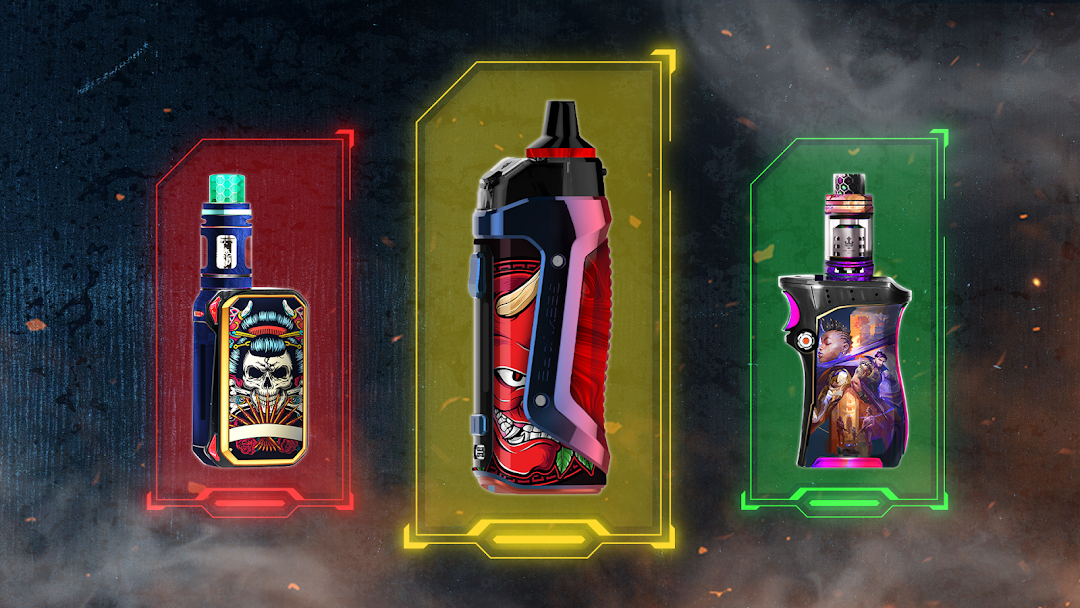
Lighter Simulation is a Simulation application developed by DINO Global LTD, but with the best Android emulator-LDPlayer, you can download and play Lighter Simulation on your computer.
Running Lighter Simulation on your computer allows you to browse clearly on a large screen, and controlling the application with a mouse and keyboard is much faster than using touchscreen, all while never having to worry about device battery issues.
With multi-instance and synchronization features, you can even run multiple applications and accounts on your PC.
And file sharing makes sharing images, videos, and files incredibly easy.
Download Lighter Simulation and run it on your PC. Enjoy the large screen and high-definition quality on your PC!
From now on, when someone ask you if you have fire, take the phone out and pretend to light up his cigarette with our virtual lighter for cigarettes. Application contains 20 different themes, so you can choose your own favorite lighter🚬 How to use this app:
- Choose the lighter from the lighter pack fake lighter
- Open the lid of the lighter by swipe or move the mobile spin the spark wheel of the flashlight lighter
- Flame appears on the screen and the lighter light up.
🚬Features of vape tool simulator:
- Realistic 3D graphics, smooth animations of lighter
- Different mode beside Virtual Lighter
*Disclaimer*
The application is designed to entertain and does not take any health risk.
Have fun and prank your friends with Lighter Simulation 😜