Tongits + Pusoy,Slots,Lucky9 is a Casual game developed by G BORACAY ALPHA HOLDING CORP. LDPlayer is the best platform for playing Tongits + Pusoy,Slots,Lucky9 on Windows PC, offering powerful features to enhance your immersive experience in Tongits + Pusoy,Slots,Lucky9.
When playing Tongits + Pusoy,Slots,Lucky9 on your computer, if you find repetitive actions or tasks tedious and time-consuming, fret not! Macro can alleviate your concerns. Simply record your actions with a click of the screen recording feature and let macros take care of the rest. Macros automate your operations, allowing you to effortlessly conquer the game with minimal effort! Start downloading and playing Tongits + Pusoy,Slots,Lucky9 on your computer now!
Get ready to experience thrilling online card games with the Philippines' newest national sensation, Tongits +.Immerse yourself in classic gameplay and engaging activities while interacting with players from all over the country.
[Scenario-based game interface and stunning game graphics]
Thanks to our meticulous attention to detail and realistic simulations, you can immerse yourself in a world where game design blends seamlessly with real-life scenarios.
[Funny animated in-game emoticons]
Enhance your gaming experience by using fun emoticons to express yourself, send virtual gifts to other players, and engage in lively chats.
[Exclusive Avatar Frames Everywhere]
Enhance your Tongits + experience with a variety of avatar frames to express your ever-changing moods. Rare, limited edition pieces are collectible and can be traded to promote player interaction and earn additional gold rewards.
[A classic fusion of innovative gameplay that will keep you on your toes]
Enter the quick-start classic mode for a fun game experience, or try the innovative POT gameplay to win the big prize.
[Spend your free time with a variety of mini-games]
Turn boring wait times into winning moments with our fun and rewarding mini-games.
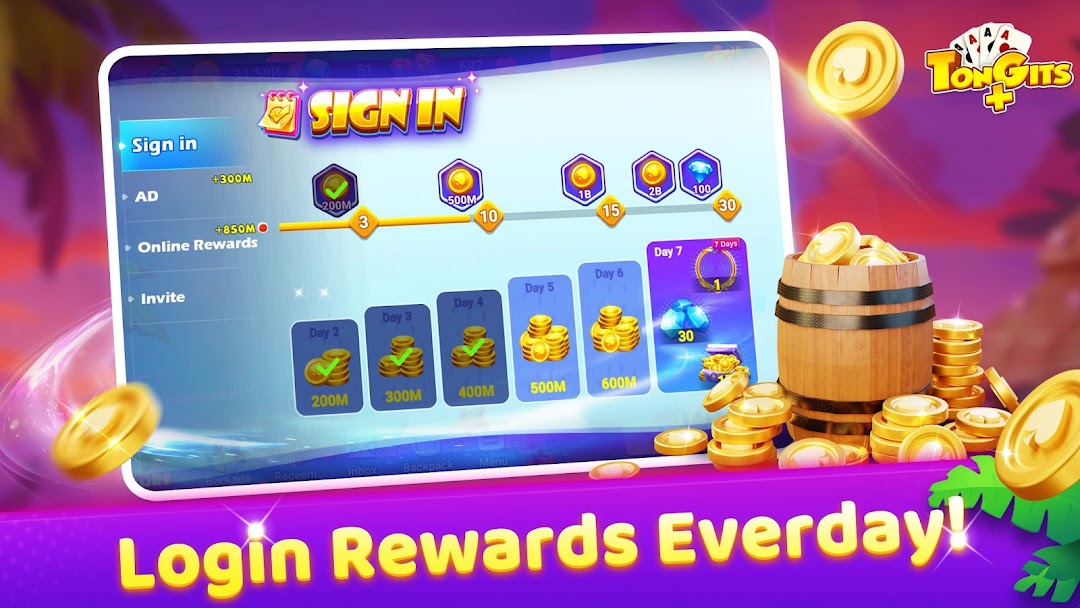
[Great rewards await you every day!]
Experience the joy of receiving login rewards, the thrill of earning game rewards, and the pride of unlocking innovative rewards, all while spending money!
We heard from you, so we created Tongits +, just like your favorite classic games. Experience real gameplay like never before!