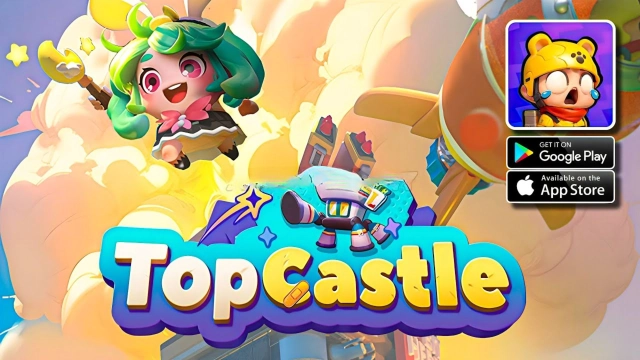
TopCastle is a Role Playing game developed by ARK GAME LIMITED, and LDPlayer is the best platform for playing TopCastle on Windows PC, offering powerful features for an immersive experience.
When playing TopCastle on PC, as a new player looking to start with a fresh account, the multi-instance and sync features are extremely useful for rerolls. You can use them to run multiple instances and begin the synchronization process. Bind your account until you draw the desired heroes.
In addition, operation recorder is great for games that require you to level up and complete tasks! Run the sync and record your actions, then repeat the main instance's actions in real-time. By doing so, you can run 2 or more accounts simultaneously. You can always get the heroes you want before others by faster rerolls and more efficient summoning! Start downloading and playing TopCastle on your computer now!
In a world blighted by a pandemic, once bustling cities are now haunted by the terrifying groans of the undead. “TopCastle” plunges you into an intense survival adventure in this deadly dystopia.In our game, you take on the role of a hero commanding an enormous mobile castle, navigating through these zombie-infested cities. Your mission is to fend off the zombie assault, rescue the remaining survivors, and gradually rebuild human civilization. It’s a call to courage and wisdom. A fight to the end!
With an exquisite impressionist art style, our game depicts the gloomy, desolate atmosphere of the post-apocalyptic world. Meanwhile, our strategic combat mode ensures thrilling tension and strategic depth.
High-intensity battles, treacherous explorations, diverse character creations, free-form facility building, a variety of rescue missions, and stimulating PVP modes make up the core gameplay in “TopCastle”. We ask humanity’s ultimate question: in a global showdown between humans and zombies, can we find hope to inspire players around the world?
In “TopCastle”, every decision you make significantly impacts your survival. Will you fight for survival or remain a bystander? The fate of the world depends on your choices. Be brave. Fight. Save the world. Rekindle hope. Carve out your path through this apocalyptic landscape. Today, are you ready?