Home/

Games/

Racing/

Traffic and Driving Simulator

Traffic and Driving Simulator
4.05+

Traffic and Driving Simulator

Play the realistic road driving game via mobile!

Download apkrecommend

Traffic and Driving Simulator is developed and provided by mobirix.

mobirix
How to Download&Play Traffic and Driving Simulator on PC?
Last Updated: 2026-05-29
com.mobirix.driveking
Download apk
Share:
  • Overview

  • FAQ

Use LDPlayer to Play Traffic and Driving Simulator on PC

Traffic and Driving Simulator is a Racing game developed by mobirix. LDPlayer is the best platform for playing Traffic and Driving Simulator on Windows PC, providing robust features to help you achieve an immersive experience in Traffic and Driving Simulator.

When playing Traffic and Driving Simulator on your computer, if you prefer using your own gamepad to control the game, LDPlayer's automatic gamepad detection can assist you in customizing controls with just a few simple clicks, allowing you to enjoy more realistic racing scenes and challenges.

With support for high frame rates, the game's diverse track designs and rich terrain and environmental changes become even more lifelike and detailed.

Additionally, the video recording feature makes it easy for you to capture all the exciting and amusing races and game content, making it convenient to share with friends or create videos. Start downloading and playing Traffic and Driving Simulator on your computer now!

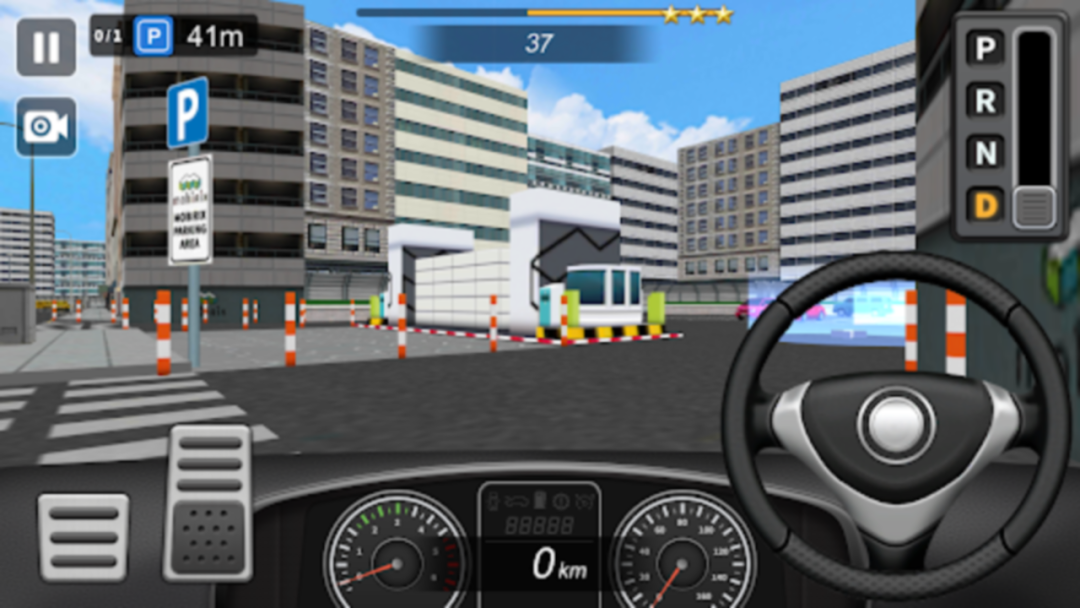
The game able to experience real driving.
Learn various driving skills by driving through various maps and missions.

[Game Features]
- Experience various pattern of parking skills through the missions!
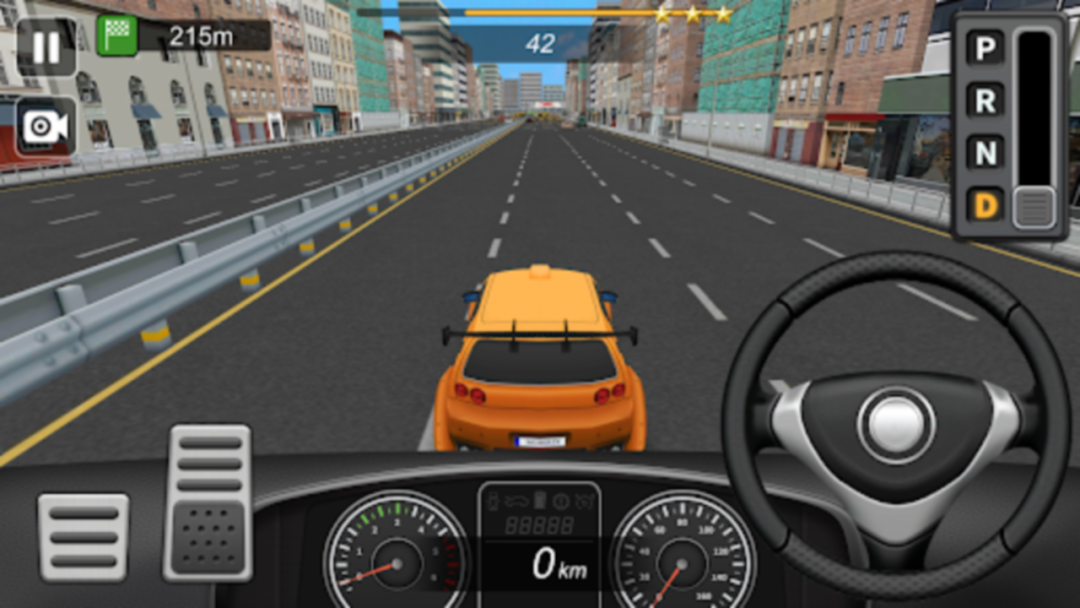
- Enjoy thrill of racing on the missions!
- Show the excellence cornering skills on changing lane missions!
- Required realistic driving skills on driving missions.
- 1st person and 3rd person point of views are available.
- Variety of maps are visible on the various stages.
- Various missions that increasing driving skills.
- Supported 16 languages.
- Supported leaderboards and achievements.
- Supported tablet devices.

Help : cs@mobirix.com

Homepage :
https://play.google.com/store/apps/dev?id=4864673505117639552

Facebook :
https://www.facebook.com/mobirixplayen

YouTube :
https://www.youtube.com/user/mobirix1

Instagram :
https://www.instagram.com/mobirix_official/

TikTok :
https://www.tiktok.com/@mobirix_official
Open up

Screenshots and Videos of Traffic and Driving Simulator PC

Experience a wider field of view, exquisite game graphics, and cooler combat skills and effects by downloading and playing Traffic and Driving Simulator on PC with LDPlayer. Enjoy the ultimate gaming experience with LDPlayer.

Why Play Traffic and Driving Simulator on PC with LDPlayer?

LDPlayer offers unique emulator features including multi-instance support, macros, operation recorder, and other functions not available on mobile devices.

High FPS

Gravity Sensor

Gamepad

High FPSGravity SensorGamepad

Enjoy smoother game graphics and more fluid actions, enhancing the visual experience and immersion of the game.

  • Video Recorder

    Easily capture your performance and gameplay process in Traffic and Driving Simulator, aiding in learning and improving driving techniques, or sharing gaming experiences and achievements with other players.
  • Do Not Disturb

    Avoid disturbances from phone calls while playing Traffic and Driving Simulator, ensuring focus during competitions for a better gaming experience and performance.

How to Download&Play Traffic and Driving Simulator on PC?

  • 1

    Download and install LDPlayer on your computer

  • 2

    Locate the Play Store in LDPlayer's system apps, launch it, and sign in to your Google account

  • 3

    Enter "Traffic and Driving Simulator" into the search bar and search for it

  • 4

    Choose and install Traffic and Driving Simulator from the search results

  • 5

    Once the download and installation are complete, return to the LDPlayer home screen

  • 6

    Click on the game icon on the LDPlayer home screen to start enjoying the exciting game