

Traffic Rider: Real Bike Race is a Racing game developed by Game Tap. LDPlayer is the best platform for playing Traffic Rider: Real Bike Race on Windows PC, providing robust features to help you achieve an immersive experience in Traffic Rider: Real Bike Race.
When playing Traffic Rider: Real Bike Race on your computer, if you prefer using your own gamepad to control the game, LDPlayer's automatic gamepad detection can assist you in customizing controls with just a few simple clicks, allowing you to enjoy more realistic racing scenes and challenges.
With support for high frame rates, the game's diverse track designs and rich terrain and environmental changes become even more lifelike and detailed.
Additionally, the video recording feature makes it easy for you to capture all the exciting and amusing races and game content, making it convenient to share with friends or create videos. Start downloading and playing Traffic Rider: Real Bike Race on your computer now!
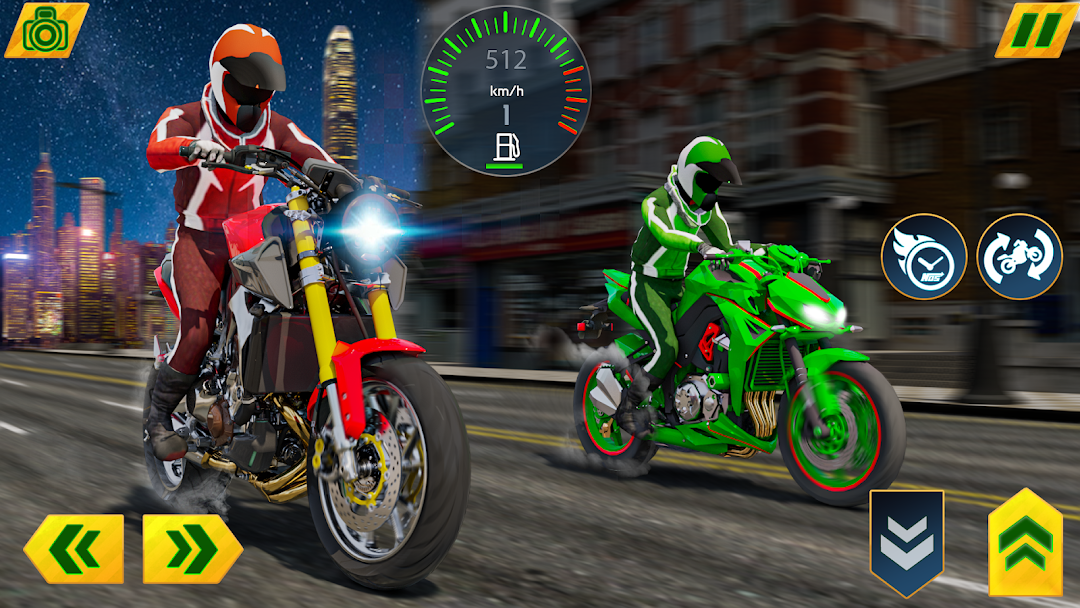
Welcome to the heavy bike games that simulate real bike racing. In the store of gt bike racing games, bike lovers win championships and buy new, heavy bikes. In games that simulate real motorcycle racing, collect daily rewards to purchase excellent sports bikes. In 2022's racing free motorbike games, design the rider with their favorite outfits, customize the super bike with their favorite skin, and increase the bike's maximum speed to infinity. You can indulge your obsessive passion for motorbike racing with motorcycle racing games. You can play bike rider motorbike games and take on the hot pursuit challenge.Anyone who has the confidence to compete against its biggest racing competitors in the hidden bike world will locate the great superhighway waiting for you. To keep up with the criminal kings of the road, you must be totally dedicated, but the prize for the best moto racer is considerable. Do you imagine you have what it takes to command The City's bike gang?
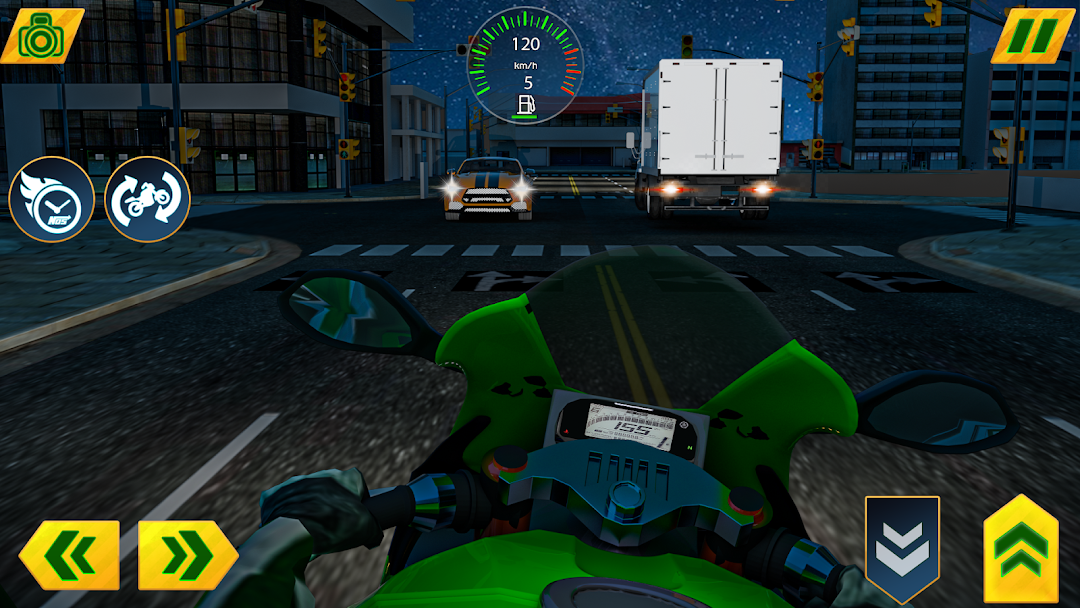
Enjoy the stunning 3D graphics of intense bike racing. The gaming setting now includes variations for the daytime, evening, and night to make a more realistic and complex racing experience. This makes bike racing original and more enjoyable.