Train Builder Games for kids is a Educational application developed by Yateland Games for kids, but with the best Android emulator-LDPlayer, you can download and play Train Builder Games for kids on your computer.
Running Train Builder Games for kids on your computer allows you to browse clearly on a large screen, and controlling the application with a mouse and keyboard is much faster than using touchscreen, all while never having to worry about device battery issues.
With multi-instance and synchronization features, you can even run multiple applications and accounts on your PC.
And file sharing makes sharing images, videos, and files incredibly easy.
Download Train Builder Games for kids and run it on your PC. Enjoy the large screen and high-definition quality on your PC!
Embark on a delightful railroad journey with Train Builder, the perfect blend of fun and education, specifically designed for train-loving kids! This app is a fantastic way for preschool-aged children, especially those in kindergarten and Pre-K, to engage in educational train games and interactive train play. Train Builder is not just another train game for kids; it's an entire world of railway adventures waiting to be explored!Enhanced Features of Train Builder:
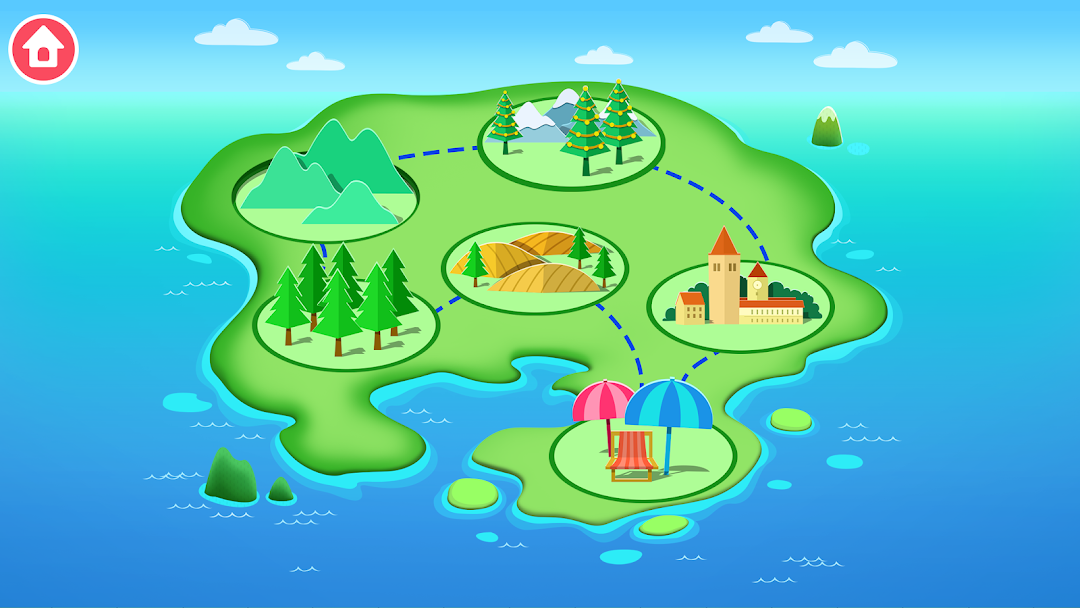
• Diverse Train Games for Kids: With six unique assembling scenes, from bustling train stations to serene farms and vibrant zoos, Train Builder offers an immersive experience in railroad building and management.
• Educational Train Games: Kids can learn about different types of locomotives and carriages, understanding the mechanics of how trains work while indulging in fun train games for kids.
• Interactive Puzzle Games: Thirty-six different carriages await assembly in this interactive puzzle challenge, perfect for developing critical thinking and problem-solving skills in young minds.
• Learning Through Play: Each scene in Train Builder is a new opportunity for learning through play. As children navigate from the forest to the big city, they gain valuable insights into geography, transportation, and wildlife.
• Preschool Train Activities: Tailored for toddlers and preschoolers aged 2-5, the game's simple yet engaging gameplay ensures that it's accessible and enjoyable for even the youngest train enthusiasts.
• Animated Train Adventures: The vibrant, animated world of Train Builder brings train adventures to life, captivating children’s imaginations and providing hours of entertainment.
• Child-Friendly Train Simulators: The game's easy-to-use controls make it one of the most child-friendly train simulators available, allowing kids to become the train conductor of their dreams.
• Educational Games with a Focus on Pre-K Activities: Train Builder is more than just entertainment; it's a valuable educational tool that incorporates key Pre-K activities to prepare children for school.
• Children's Train Puzzles and Activities: From assembling their unique train to choosing a destination and embarking on the journey, every aspect of the game is designed to enhance cognitive skills through engaging children's train puzzles and activities.
• Safe and Reliable: With no third-party advertising and the ability to play offline, parents can trust Train Builder to provide a safe, uninterrupted educational environment for their kids.
In Train Builder, every journey is a new adventure. As children pick up fruits from the farm, visit their favorite animals at the zoo, and add special carriages like dining and ice cream cars, they experience the joy of discovery and the excitement of travel. It's not just about reaching the destination; it's about building memories, one track at a time. So, let your child's imagination soar and their learning journey begin with "Train Builder"!
About Yateland:
Yateland's educational apps ignite the passion for learning through play among preschool children worldwide. We stand by our motto: "Apps that children love and parents trust." For more information about Yateland and our apps, please visit https://yateland.com.
Privacy Policy:
Yateland is committed to protecting user privacy. To understand how we handle these matters, please read our complete privacy policy at https://yateland.com/privacy.