Transmute: Galaxy Battle is a Arcade application developed by GCenter, but with the best Android emulator-LDPlayer, you can download and play Transmute: Galaxy Battle on your computer.
Running Transmute: Galaxy Battle on your computer allows you to browse clearly on a large screen, and controlling the application with a mouse and keyboard is much faster than using touchscreen, all while never having to worry about device battery issues.
With multi-instance and synchronization features, you can even run multiple applications and accounts on your PC.
And file sharing makes sharing images, videos, and files incredibly easy.
Download Transmute: Galaxy Battle and run it on your PC. Enjoy the large screen and high-definition quality on your PC!
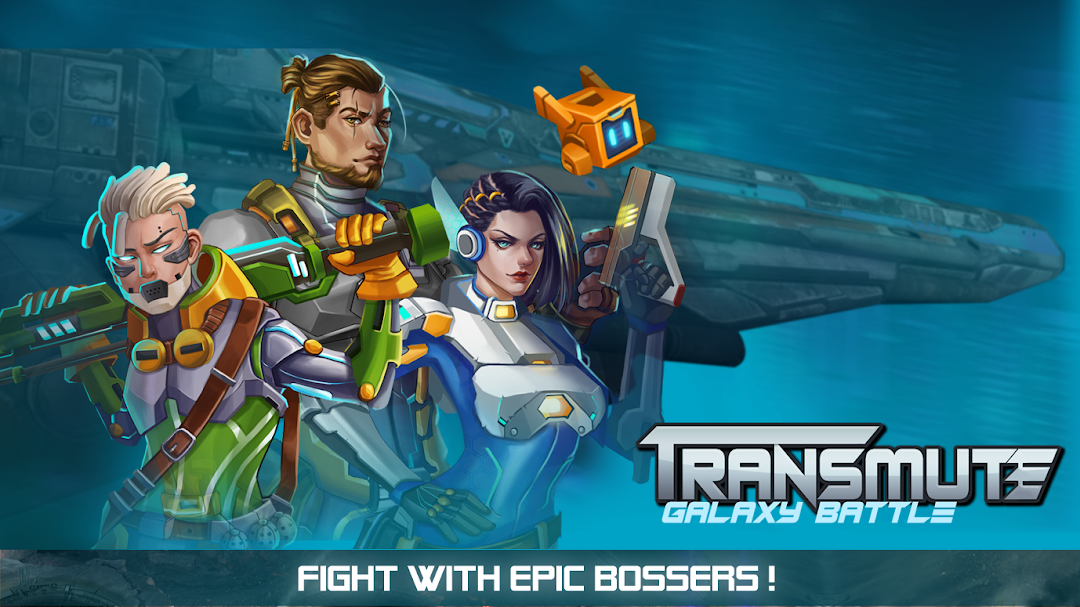
This is a shoot’em up genre game with new features, a fighter can transform in accordance with the battle situation.In the future, People will have developed superior technologies. They will have created modern and powerful fighters, built the Space Fleet to start conquering the universe. On their way to search for distant planets in outer space, the space fleet encounters a lot of aggressive monsters in space. The space fleet has discovered the conspiracy to destroy the universe of the Dark Alliance. The members of the fleet are forced to participate in a fight against that conspiracy.
Be the talented commander of a space fleet that fights against the Dark Alliance to protect the peace of the universe.
- NEW FEATURES:
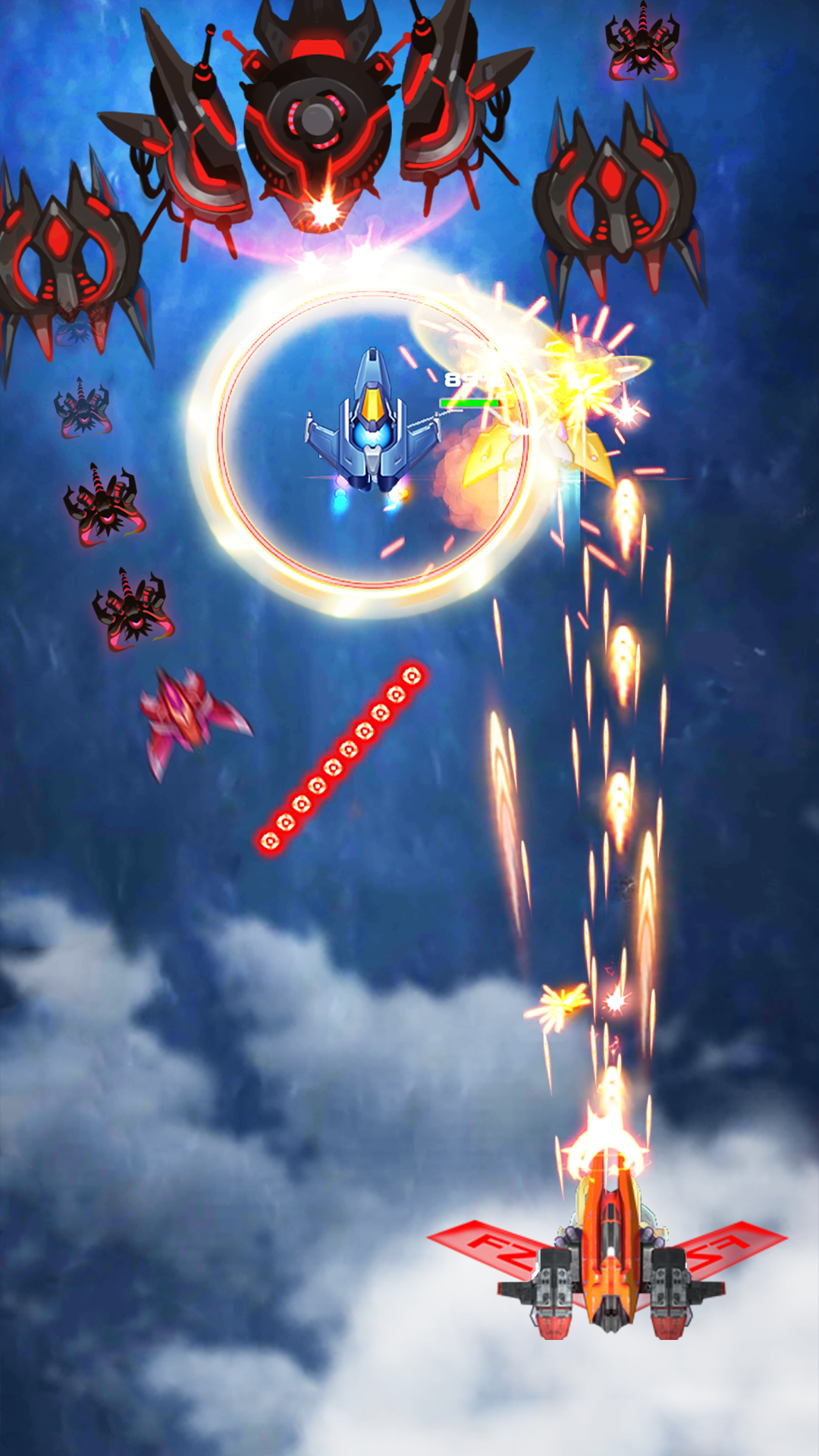
- Players choose two fighters into battle, which will be immune from transformation.
- There are many enemies
- Many levels, many challenges are constantly updated.
- There are many types of unique design fighters. Players can customize, combine richly.
- The fighters are upgraded strongly
- There are many additional equipments that help the aircraft increase its combat capability.
- There are various missions and attractive rewards
- The maps are diverse
- Pictures and sounds are of high quality
-HOW TO PLAY:
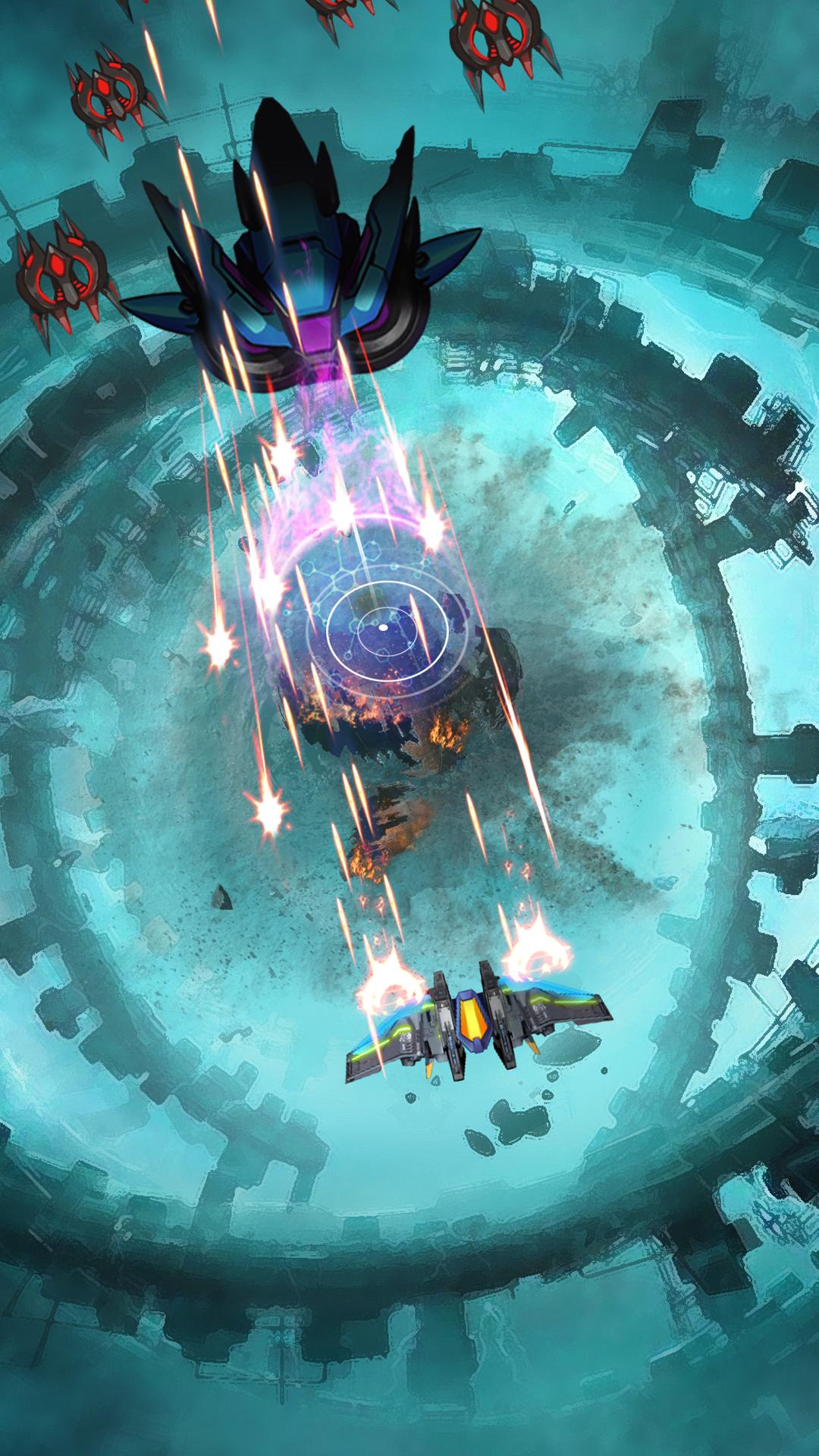
- Touch the screen and move to avoid attacks of enemies.
- Click your finger to change the fighter to suit the battle situation. Immune features when transforming will help players overcome difficult pitfalls.
- Collect bullets and items to upgrade the craft.
- Use additional features in times of emergency or when facing dangerous enemies.
_______________________
Please give us feedback to improve the game for a better experience. Thank you so much!
Fanpage: https://www.facebook.com/Transmute-Galaxy-Battle-107211970780102
Group: https://www.facebook.com/groups/574587940022576/