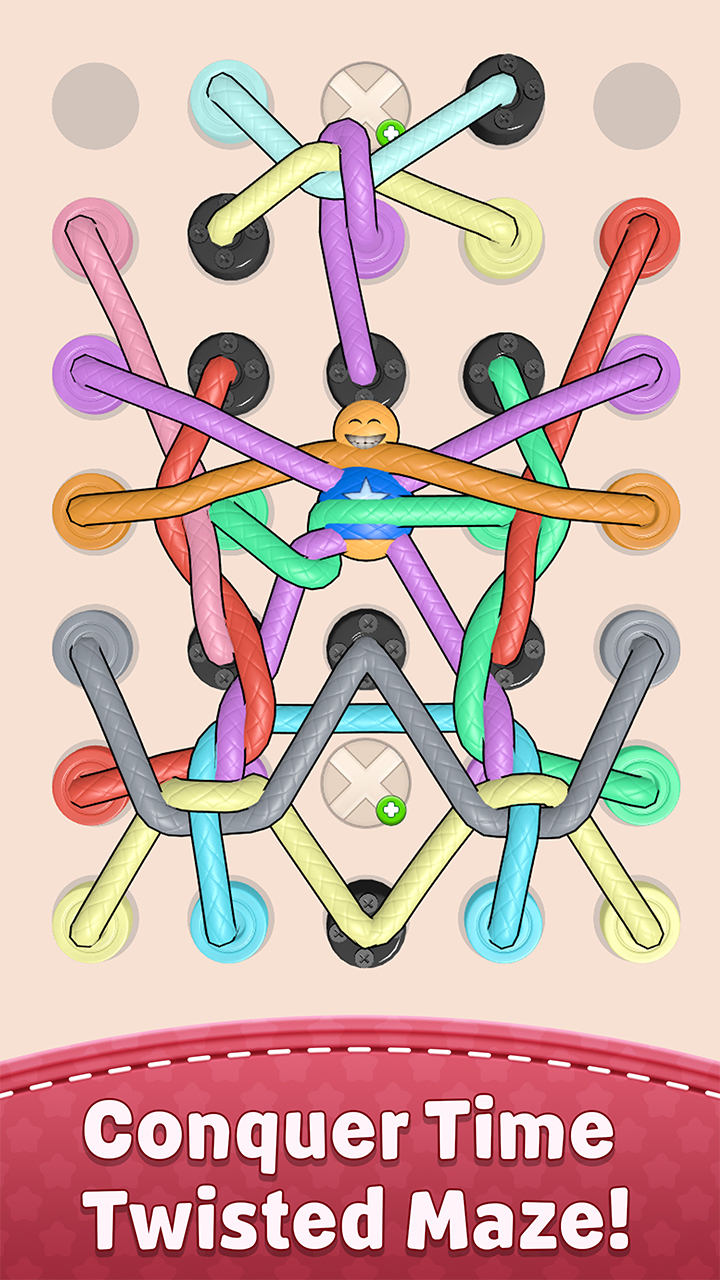
Twisted Rope 3D is a Puzzle application developed by XGame HK, but with the best Android emulator-LDPlayer, you can download and play Twisted Rope 3D on your computer.
Running Twisted Rope 3D on your computer allows you to browse clearly on a large screen, and controlling the application with a mouse and keyboard is much faster than using touchscreen, all while never having to worry about device battery issues.
With multi-instance and synchronization features, you can even run multiple applications and accounts on your PC.
And file sharing makes sharing images, videos, and files incredibly easy.
Download Twisted Rope 3D and run it on your PC. Enjoy the large screen and high-definition quality on your PC!
Welcome to Twisted Rope 3D – the ultimate knot puzzle and rope puzzle experience! If you love tricky puzzle games, brain-teasing challenges, or the classic fun of Tangle Master and Twisted game, this is the perfect choice.🧵 UNTANGLE & CONQUER
Dive into hundreds of handcrafted levels where you’ll untangle rope, solve tangled rope messes, and prove yourself as the true Knot Master. Every level brings a new 3D rope challenge – swipe, drag, and move to untwist rope, untie rope, and enjoy the most satisfying gameplay.
✨ FEATURES
🌸 Addictive rope puzzle mechanics with realistic physics.
🌸 Unique challenges inspired by the best Twisted Tangle and Tangle Master games.
🌸 Smooth animations, ASMR effects, and satis game moments for ultimate stress relief.
🌸 Relaxing gameplay that’s easy to pick up but hard to master.
🌸 Endless fun for fans of untangle, untie rope, and puzzle game adventures.
🎯 WHY YOU’LL LOVE IT
✔ Become the ultimate Knot Master in this colorful twisted rope world.
✔ Enjoy a balance of challenge, relaxing play, and pure stress relief.
✔ Feel the satisfaction of every successful knot untangle.
✔ Perfect for quick breaks or long puzzle sessions.
If you’re looking for a puzzle game that combines challenge, stress relief, and relaxing fun, Twisted Rope 3D is the game you need. Untangle, untie rope, and untwist rope until every puzzle is solved – and enjoy the most satisfying satis game experience!
▶ Start your journey now to becoming the true Knot Master of the twisted game world!