

Type a Book is a Casual game developed by Halojen. LDPlayer is the best platform for playing Type a Book on Windows PC, offering powerful features to enhance your immersive experience in Type a Book.
When playing Type a Book on your computer, if you find repetitive actions or tasks tedious and time-consuming, fret not! Macro can alleviate your concerns. Simply record your actions with a click of the screen recording feature and let macros take care of the rest. Macros automate your operations, allowing you to effortlessly conquer the game with minimal effort! Start downloading and playing Type a Book on your computer now!
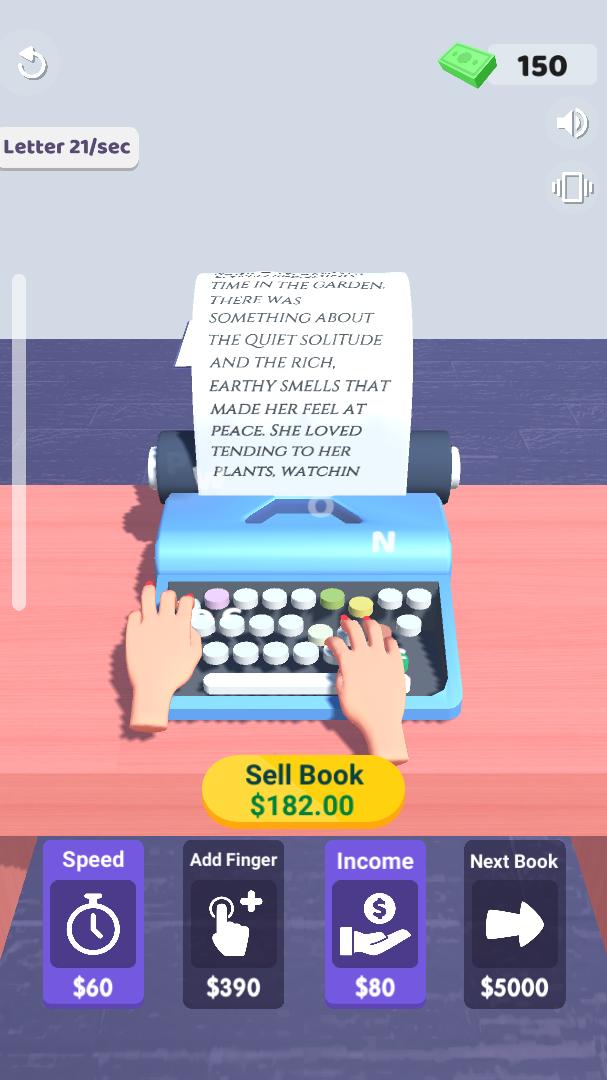
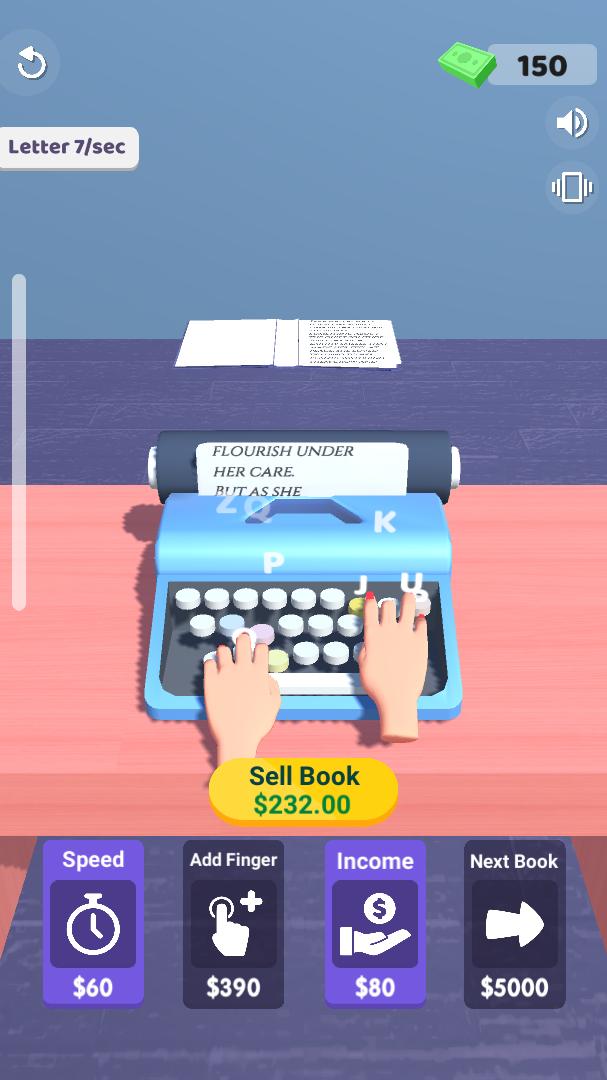
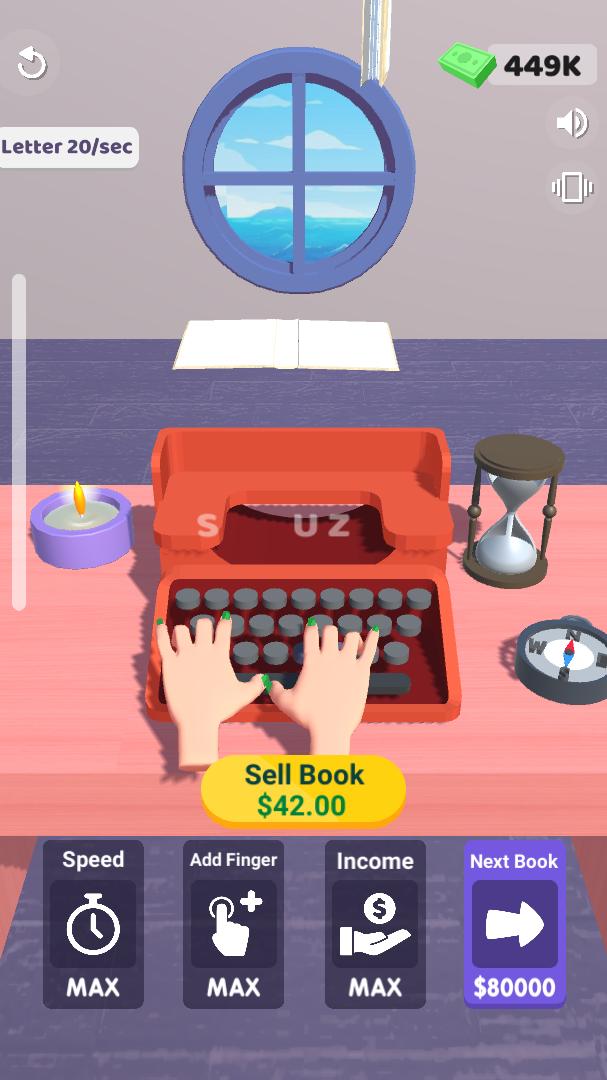
Type a Book: ASMR Keyboard Typing & Typewriter Game Immerse yourself in the calming world of typing and merging! Type a Book is a unique ASMR typing game that combines the satisfying sounds of a typewriter with the fun of merging letters to create stories. Whether you're a typing enthusiast, an ASMR lover, or just looking for a relaxing game, Type a Book is the perfect choice for you. Relaxing ASMR Typing Experience Feel the soothing sounds of a classic typewriter as you type and merge letters. The gentle clicks and clacks of the keys create a calming ASMR experience that helps you unwind and de-stress. Perfect for moments when you need to relax or focus. Merge Letters, Create Stories Type and merge letters to form words, unlock new stories, and progress through the game. The merging mechanic adds a fun and addictive twist to traditional typing games, making it both challenging and rewarding. Key Features: Soothing ASMR Sounds: Enjoy the nostalgic and calming sounds of a typewriter as you type. Merge Gameplay: Combine letters to create words and unlock new levels. Relaxing & Addictive: Simple yet engaging gameplay that’s perfect for all ages. Customizable Experience: Adjust typing sounds and speed to suit your preferences. Endless Fun: Unlock new stories and challenges as you progress. Why You’ll Love Type a Book: Perfect for stress relief and relaxation. Improves typing skills in a fun and engaging way. Combines the joy of typing with the satisfaction of merging puzzles. Great for ASMR lovers and fans of nostalgic typewriter sounds. Download Now and Start Your Typing Journey! Whether you're looking to relax, improve your typing, or simply enjoy a unique gaming experience, Type a Book has something for everyone. Dive into the world of ASMR typing and merging today! Keywords: type, typing, typewriter, ASMR, merge, typing game, relaxing game, stress relief, word game, letter merge, keyboard sounds, typing simulator, story typing, typewriter sounds, ASMR typing, merge puzzle, word merge, typing challenge.