Ultimate Alien Mission is a Adventure application developed by Xyami Studio, but with the best Android emulator-LDPlayer, you can download and play Ultimate Alien Mission on your computer.
Running Ultimate Alien Mission on your computer allows you to browse clearly on a large screen, and controlling the application with a mouse and keyboard is much faster than using touchscreen, all while never having to worry about device battery issues.
With multi-instance and synchronization features, you can even run multiple applications and accounts on your PC.
And file sharing makes sharing images, videos, and files incredibly easy.
Download Ultimate Alien Mission and run it on your PC. Enjoy the large screen and high-definition quality on your PC!
Alien Rescue Ultimate Mission game allows you to play the leading role in an adrenaline-filled saga that involves the Omni-trix, aliens, and powerful foes. A group of three peaceful heroes from the galaxy thought they had escaped the wrath of Aggregor. Can you believe that most extraterrestrial villains shiver when they hear the name of this feared intergalactic criminal?However, the troubles are not over for our fugitives! A sudden crash shakes their craft to the core, and they crash on Earth. The Plumbers try to help them board another ship, but their plan goes wrong.
It appears that Aggregor has infiltrated the rescue ship. Now, these innocent creatures need alien help! Can you jump in and do your best to give him a hand?
Get ready to shoot and jump your way to victory!
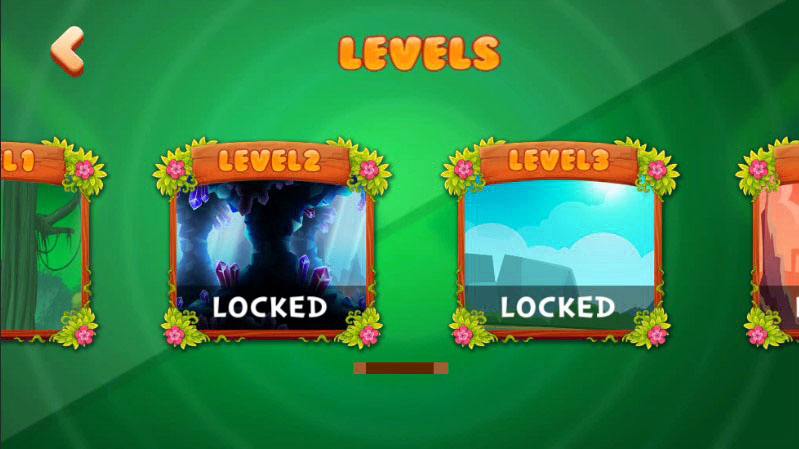
You will need just a few minutes to adjust to the intuitive gameplay of this adventure. To get through each one of the four exciting levels, you need to obliterate enemies, survive all obstacles, and find the missing aliens. Can you believe that they are hiding, terrified for their lives?
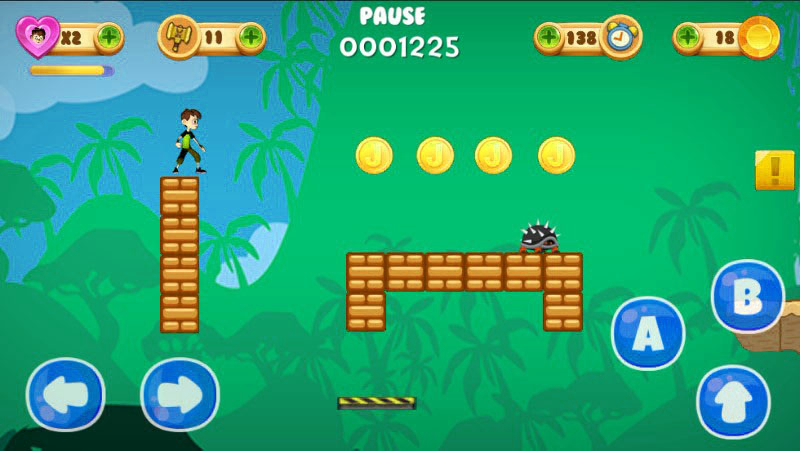
As you might have expected, the controls are as easy as pie! Do you know what the coolest part is? They are incredibly flexible, as well! To move your character through the background, you can use the Left and Right buttons.
Want to make a jump? You can press the jump button. Want to punch or shoot at someone? Nothing easier! Just click A or B buttons, and your character will perform a superpower attack.
However, you need to make sure your power-up bar is full before you try this.
Tips and tricks that will lead you to success:
A good attack strategy is essential for your success. Nevertheless, it's quite important to know how to pick your fights! You will find that sometimes it's smarter to sneak past enemies rather than confront them directly. Focus on your patience, timing, and swiftness to get past any situation that may arise!
Don't forget to keep an eye out for extra lives, health refills.
Get ready to detangle the labyrinth of corridors and find all the hostages before it's too late!
Have Fun!!