Home/

Games/

Role Playing/

Universal Bond: Auto Battler

Universal Bond: Auto Battler
4.8100+

Universal Bond: Auto Battler

How to Download&Play Universal Bond: Auto Battler on PC?
Last Updated: 2026-07-17
com.jzdqacineb.ld
Download apk
Share:
  • Overview

  • FAQ

Use LDPlayer to Play Universal Bond: Auto Battler on PC

Universal Bond: Auto Battler is a Role Playing game developed by , and LDPlayer is the best platform for playing Universal Bond: Auto Battler on Windows PC, offering powerful features for an immersive experience.

When playing Universal Bond: Auto Battler on PC, as a new player looking to start with a fresh account, the multi-instance and sync features are extremely useful for rerolls. You can use them to run multiple instances and begin the synchronization process. Bind your account until you draw the desired heroes.

In addition, operation recorder is great for games that require you to level up and complete tasks! Run the sync and record your actions, then repeat the main instance's actions in real-time. By doing so, you can run 2 or more accounts simultaneously. You can always get the heroes you want before others by faster rerolls and more efficient summoning! Start downloading and playing Universal Bond: Auto Battler on your computer now!

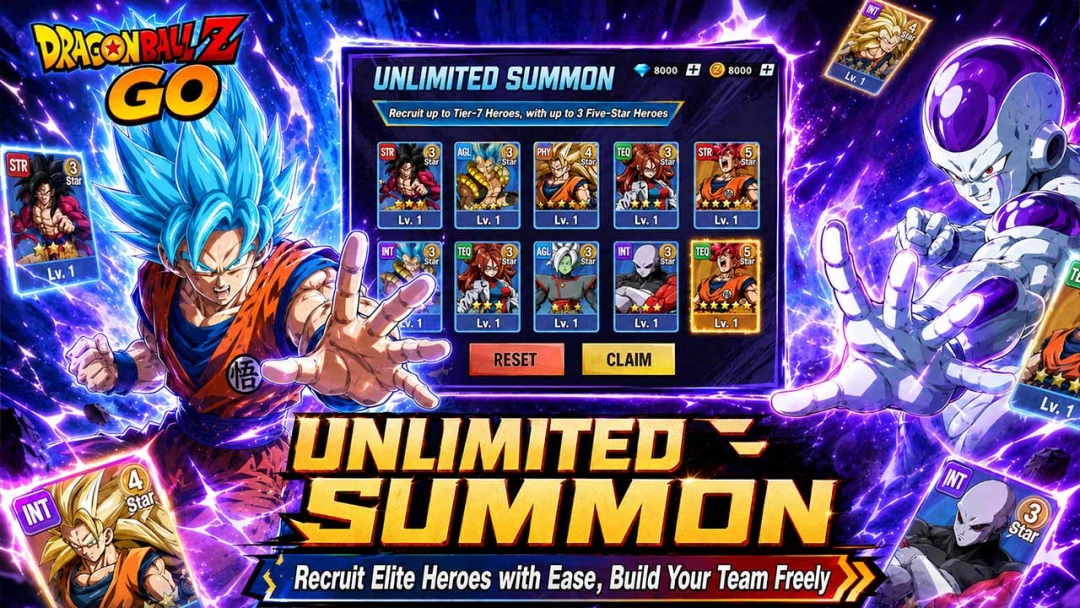
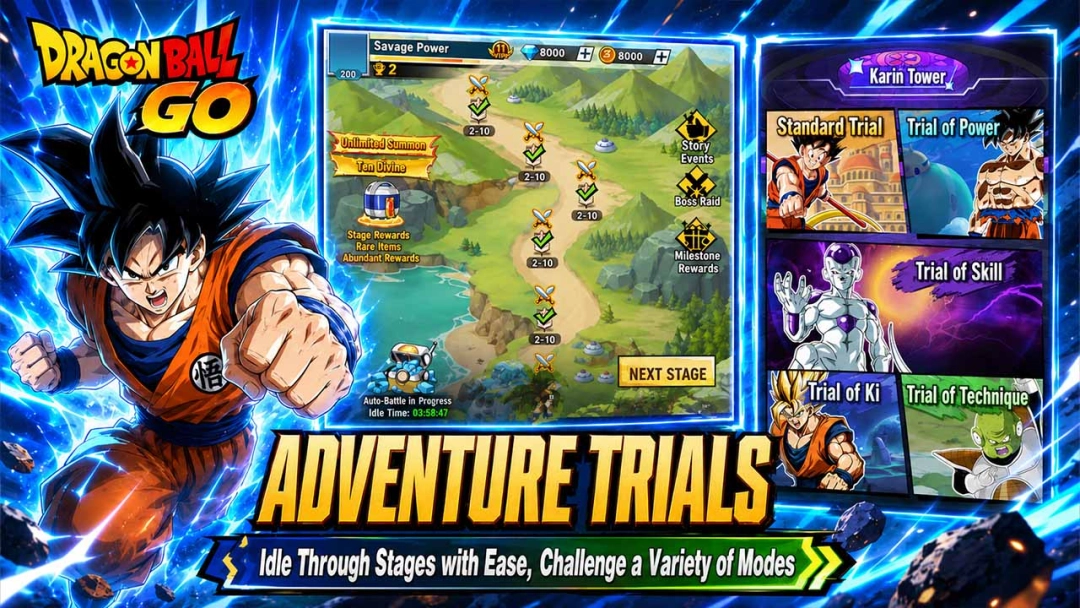
Universal Bond: Casual Auto Battler​ — Dragon Ball Auto Chess. Victory lies in your strategy.

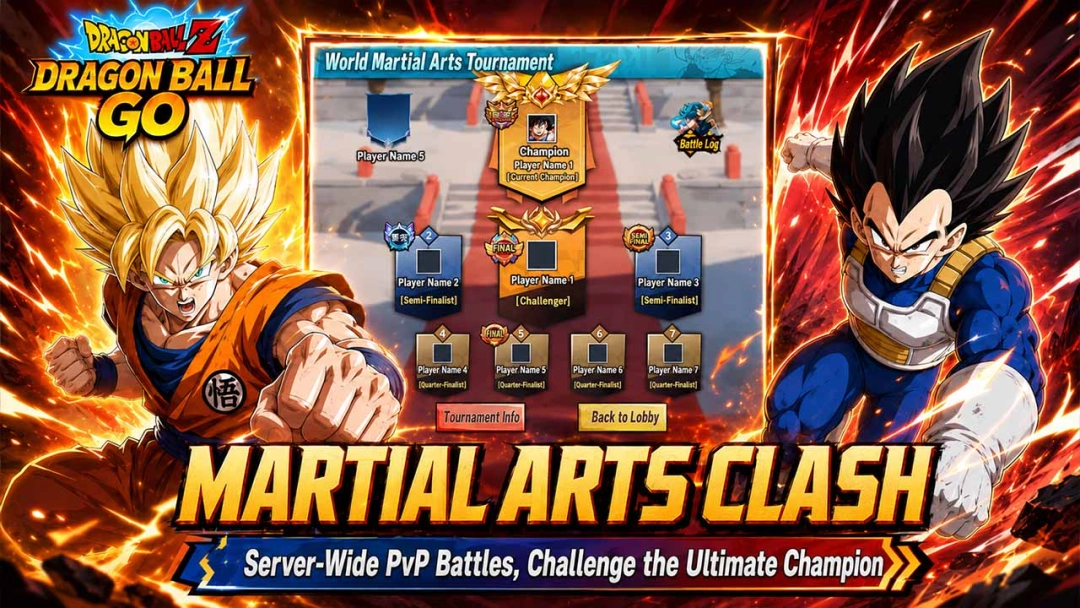
Assemble legendary warriors like Goku, Vegeta, and Frieza to forge your ultimate dream team! This isn't just a clash of power—it's a battle of wits.

Positioning decides everything.​

Frontline tanks must withstand relentless barrages, while fragile backline units require careful protection. Beware of Assassins; they bypass the front line to strike your core units directly! Will you swap in heavier tanks to absorb the damage, or redesign your layout to counter the dive?

Master unique class synergies, unleash epic beam clashes, and turn "almost winning" into absolute victory!

Deploy your formation and face the challenge now!
Open up

Screenshots and Videos of Universal Bond: Auto Battler PC

Experience a wider field of view, exquisite game graphics, and cooler combat skills and effects by downloading and playing Universal Bond: Auto Battler on PC with LDPlayer. Enjoy the ultimate gaming experience with LDPlayer.

Why Play Universal Bond: Auto Battler on PC with LDPlayer?

LDPlayer offers unique emulator features including multi-instance support, macros, operation recorder, and other functions not available on mobile devices.

Multi-Instance & Sync

Remote Control

Operation Recorder

Multi-Instance & SyncRemote ControlOperation Recorder

Effortlessly clone multiple instances and initiate synchronization until you draw the desired hero before binding your account, enhancing efficiency in rerolls in Universal Bond: Auto Battler.

  • High FPS

    With support for high FPS, Universal Bond: Auto Battler's game graphics are smoother, and actions are more seamless, enhancing the visual experience and immersion of playing Universal Bond: Auto Battler.
  • Keyboard & Mouse

    In Universal Bond: Auto Battler, players frequently perform actions such as character movement, skill selection, and combat, where keyboard and mouse offer more convenient and responsive operation.

How to Download&Play Universal Bond: Auto Battler on PC?

  • 1

    Download and install LDPlayer 9 on your PC.

  • 2

    Enter Universal Bond: Auto Battler in the search bar to search for the game.

  • 3

    Choose Universal Bond: Auto Battler developed by ZZZ from the search results and click on "Install".

  • 4

    Once the installation is complete, click the game icon in LDPlayer to launch it.

  • 5

    Log in to LDGame with Google, Line, Facebook or Email account to start playing the game.

  • 6

    Enjoy exclusive top-up discounts and free redeem codes in LDPlayer version of Universal Bond: Auto Battler!