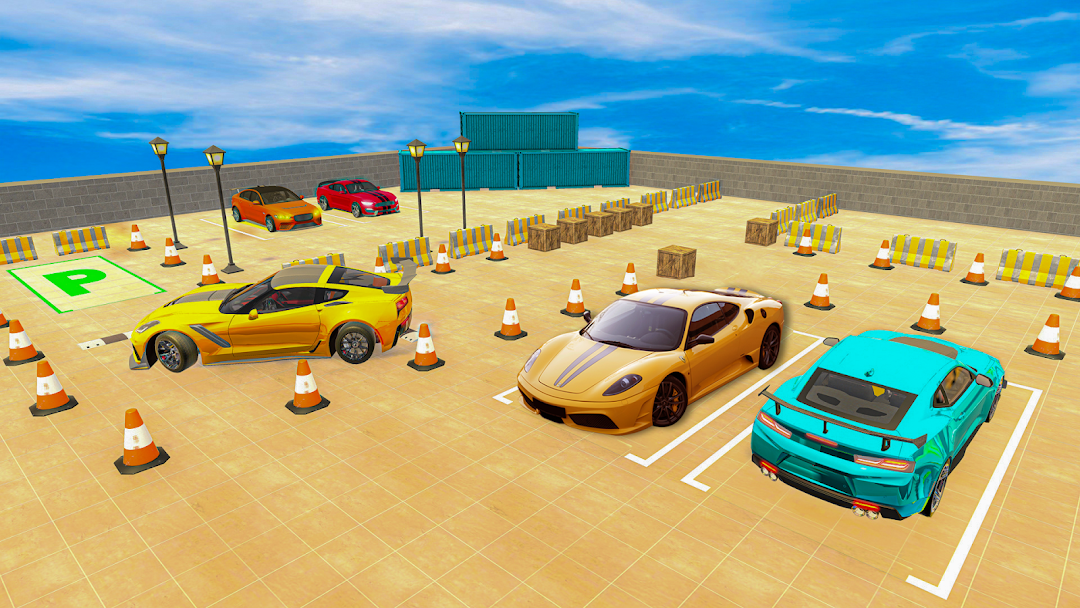
US Car Parking is a Simulation application developed by LALIT PANSARA, but with the best Android emulator-LDPlayer, you can download and play US Car Parking on your computer.
Running US Car Parking on your computer allows you to browse clearly on a large screen, and controlling the application with a mouse and keyboard is much faster than using touchscreen, all while never having to worry about device battery issues.
With multi-instance and synchronization features, you can even run multiple applications and accounts on your PC.
And file sharing makes sharing images, videos, and files incredibly easy.
Download US Car Parking and run it on your PC. Enjoy the large screen and high-definition quality on your PC!
Are you tired of boring car parking games? Then this is the one for you! Sunny, funny and extremely exciting car stunt game. When your ride is parked, nobody will stop you from enjoying some of the most fun activities in this exciting driving game. This game is the best simulator for parking. City legend says that there are treasure chests on the streets of Country. These treasures are protected by dangerous cars. To get them you will have to park your vehicle between two vehicles and be careful not to crash into either of them.The US car parking is the newest fun parking game. In the city in the USA where everything is about cars and motorcycles, you have to move faster than anyone else to win. Drive in a busy city to park the cars that drive very fast and you need to choose from three particular spaces before you are trapped by an angry driver. The game has different modes that allow you to play as easily. You can also get three stars by completing every level. Do not waste more time here and get started right now with US Car Parking!
This new game is easy to learn, fun, and exciting! Create your own strategy and follow it along the road. Make a success of your business – get all red cars to the parking lot and make money - billions of dollars. Earn money for every car that reaches the indicated spot lot... that can you will spend for more upgrades for the next levels.
Play all your favorite free online parking games here, where you will have the chance to play as a car parker and earn points at the end of each level. Moving with the arrow keys, press the Space bar to brake, and use the mouse to control objects while moving around the parking lot in search of the objective. Think you have what it takes to win? Give it your best shot!.
There are lots of features;
- IT'S FREE TO Play
- EASY CONTROL WITH STEERING WHEEL, GAS AND BRAKE PEDALS
- CAR CUSTOMIZATIONS
- DIFFERENT CAMERA TYPES
- REAL CAR SOUND
- CHALLENGING LEVELS TO TEST YOUR DRIVING SKILLS
- LEARN TRAFFIC SIGNS AND TRAFFIC RULES WITH FUN