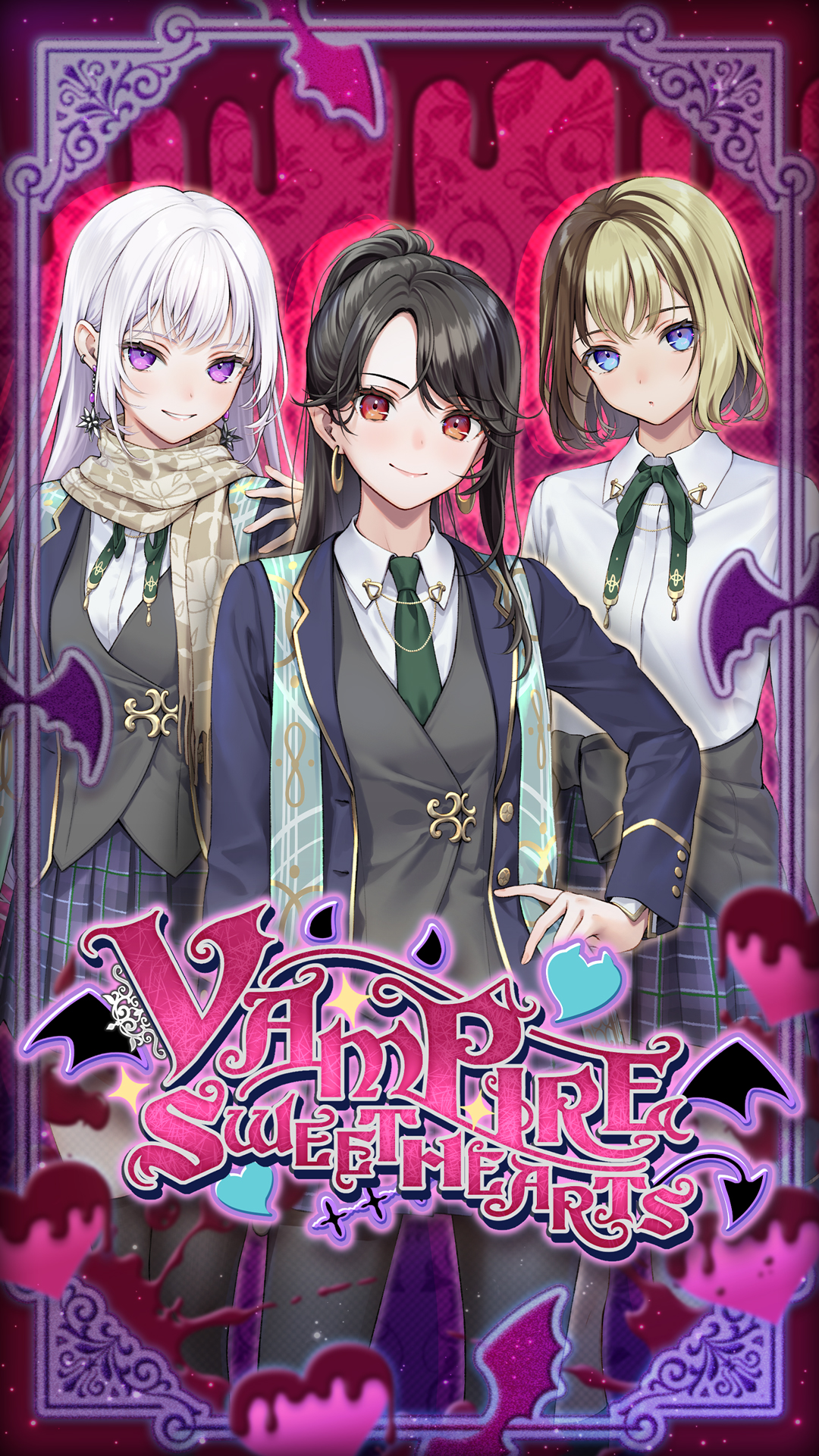
Vampire Sweethearts is a Simulation application developed by Genius Studio Japan Inc., but with the best Android emulator-LDPlayer, you can download and play Vampire Sweethearts on your computer.
Running Vampire Sweethearts on your computer allows you to browse clearly on a large screen, and controlling the application with a mouse and keyboard is much faster than using touchscreen, all while never having to worry about device battery issues.
With multi-instance and synchronization features, you can even run multiple applications and accounts on your PC.
And file sharing makes sharing images, videos, and files incredibly easy.
Download Vampire Sweethearts and run it on your PC. Enjoy the large screen and high-definition quality on your PC!
This application is an interactive story.Users can read the story by selecting choices that appear throughout.
■ Synopsis ■
You’re off to join a prestigious academy far away from home. Just before midnight, you board your train, feeling excited about the adventure you’re about to embark on, but then you encounter a mysterious girl in one of the train cars. Soon, you wake up, unsure of how much time has passed. When you see the blood dripping from your arm, the memories come flooding back… What will you do when you realize you’ve joined a school for vampires?!
■ Characters ■
Meet Valerie — A Cold-Blooded Vampire
Valerie doesn’t rule just the student council with an iron fist but those around her too. She’s skeptical about humans and believes vampires are superior. As the daughter of the dean, she’s used to having things her way, but together, the two of you discover that all is not what it seems in the academy… Can you prove to her that humans are stronger than she thinks?
Meet Ophelia — A Daring Half-Vampire
Ophelia is a highly intelligent half-vampire who’s determined to bridge the gap between your two races. Even though she’s loyal to Valerie and lives amongst vampires, she feels conflicted. It appears there’s much more to her than meets the eye… Will you stand by her side when the truth comes to light?
Meet Esme — A Powerful Vampire
Esme is a popular girl at school who uses her connections to get what she wants. Having a strong personality and a powerful family means people fear her, but despite the image she portrays, she’s always been curious about humans and is willing to open up her heart to you. Will you be the hero she’s been searching for?