Violet Coloring Book is a Educational application developed by Funbrite, but with the best Android emulator-LDPlayer, you can download and play Violet Coloring Book on your computer.
Running Violet Coloring Book on your computer allows you to browse clearly on a large screen, and controlling the application with a mouse and keyboard is much faster than using touchscreen, all while never having to worry about device battery issues.
With multi-instance and synchronization features, you can even run multiple applications and accounts on your PC.
And file sharing makes sharing images, videos, and files incredibly easy.
Download Violet Coloring Book and run it on your PC. Enjoy the large screen and high-definition quality on your PC!
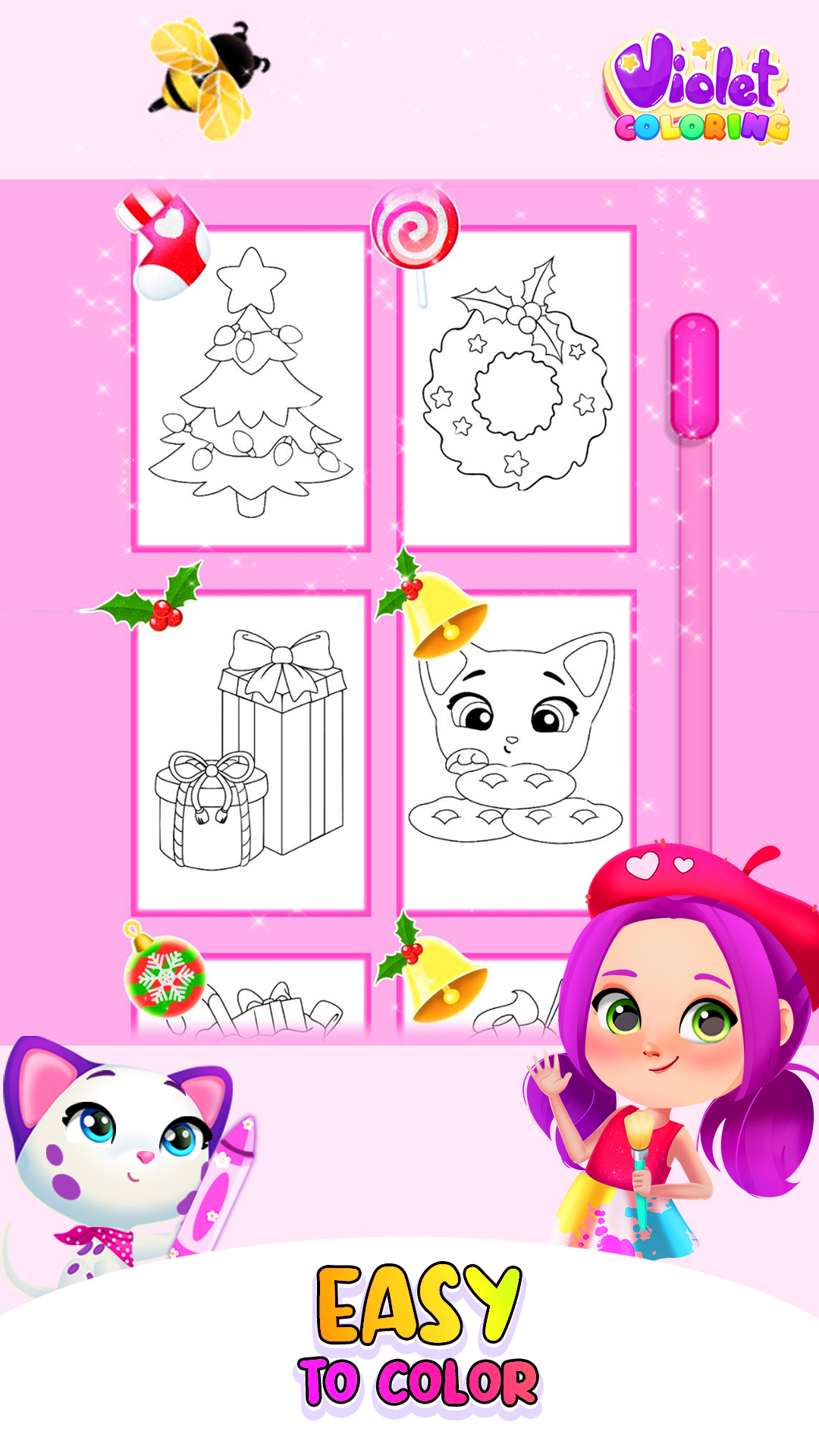
Color beautiful drawings alongside an amazing friend named Violet. You should start by picking the drawing that you like the most. We have tons of coloring pages you can choose from such as cats, delicious deserts, elves, dresses, Christmas trees, presents, pictures with Violet and her little pet and so many others. After you chose the design, you liked best, use the tools at your disposal. Select a cool pattern like stripes or polka dots or opt for a more unique look and add glitter everywhere. The sparkles come in a lot of different shades and colors so you should try all of them out before making a final decision. The background is so plain and boring right now: paint it a vibrant color and add little details to make the drawing stand out. There are over 180 colors and glitter shades for you to pick from. Use crayons for an effortless look and if you are in the mood for something more artistic choose the paint brush. When choosing the paint observe how different tools have different strokes. The result will depend on the tools you have worked with so far. The colored pencils are also a good option because they are very pretty and easy to use. If you made a mistake do not stress about it. Just press the button located on the top left corner of the screen and tap over the area you want to erase. If your picture needs something to make it look even more special than it already does go to the sticker section of the game and attach a couple of them. There are over 70 stickers including a lady bug, a bee, a glazed donut, a paper plane and so on. Just in time for the Holiday Season we have prepared an adorable gift for you. Christmas-themed drawings that you can color and decorate to your liking. Add green, red, white and yellow for a more festive look. Do not forget to add a lot of glitter to make it look even better as it did before. After finalizing your masterpiece save it and go to your gallery. There, all of the drawings you have completed will be showed.Features that are present in this particular game:
- Add amazing stickers
- Pick a drawing and color it
- Understandable storytelling and easy gameplay
- Vibrant colors and glitters
- Different tools like paint, pencils, and crayons
- Gain experience as an artist
- Motivating music