Virtual Families Our New Home is a Simulation application developed by Last Day of Work, LLC, but with the best Android emulator-LDPlayer, you can download and play Virtual Families Our New Home on your computer.
Running Virtual Families Our New Home on your computer allows you to browse clearly on a large screen, and controlling the application with a mouse and keyboard is much faster than using touchscreen, all while never having to worry about device battery issues.
With multi-instance and synchronization features, you can even run multiple applications and accounts on your PC.
And file sharing makes sharing images, videos, and files incredibly easy.
Download Virtual Families Our New Home and run it on your PC. Enjoy the large screen and high-definition quality on your PC!
The next step for Virtual Families! Create your dream life!From "Virtual Families 3" to the new and improved "Virtual Families: Our new home", your world is bigger and better than ever before!
ADOPT YOUR FAMILY TODAY!
Adopt a person to care for! In this life simulation game, you build your family from humble beginnings. Help them find love, get married, and have kids! Build a home and life to be proud of as you guide generation after generation to success and happiness.
DESIGN YOUR DREAM HOME
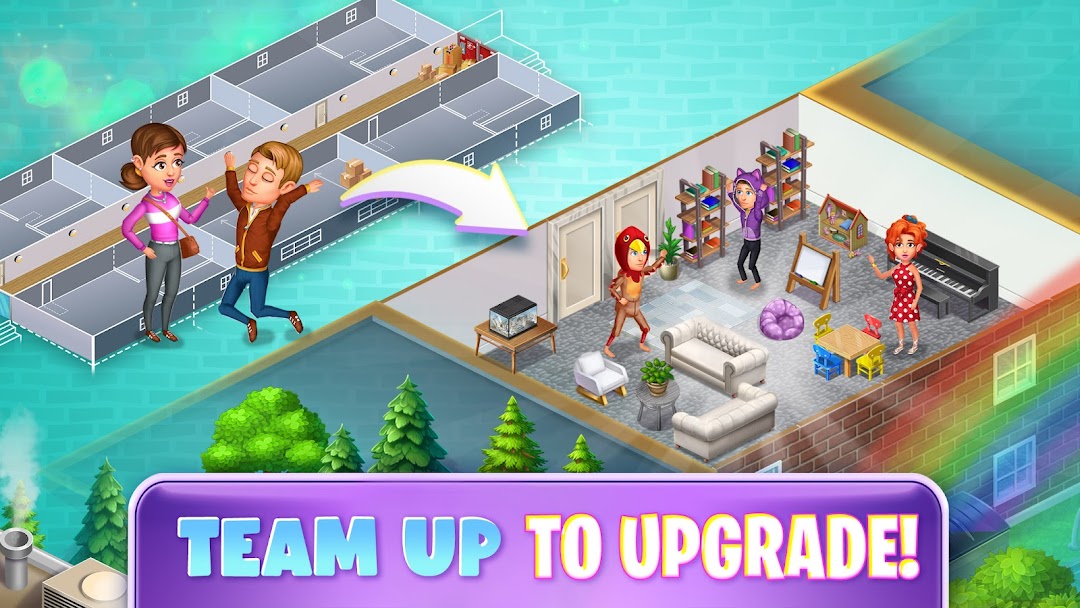
Life starts small in the virtual world! From a humble apartment, to a home in a quiet village, on to the city... and more! Dream big, and create your ideal home! YOU are the architect, and have more control than ever before! Build the house of your dreams and show off your home in new and exciting themed Contests! New paints, new furniture, custom room and home layout creation... the world is your oyster!
MAKE A HAPPY, PROSPEROUS LIFE
Train your family from babies to adulthood to take care of their home and make the best choices in their life! Encourage them to work on their careers to earn coins for decorations, furniture, new paints, rooms and more! Your family will treasure your help every step of the way as you guide them carefully to success in an unpredictable world. Don't forget to check in one them often, they miss you when you're gone!
LIFE SIMULATION RUNS IN REAL TIME
Your family continues to live, eat, grow, and work when you're not around! Along the way there will be many different random events to respond to, adding new challenges to daily life in the virtual world. No two lives are the same! This simulation game is designed to have a life of its own!