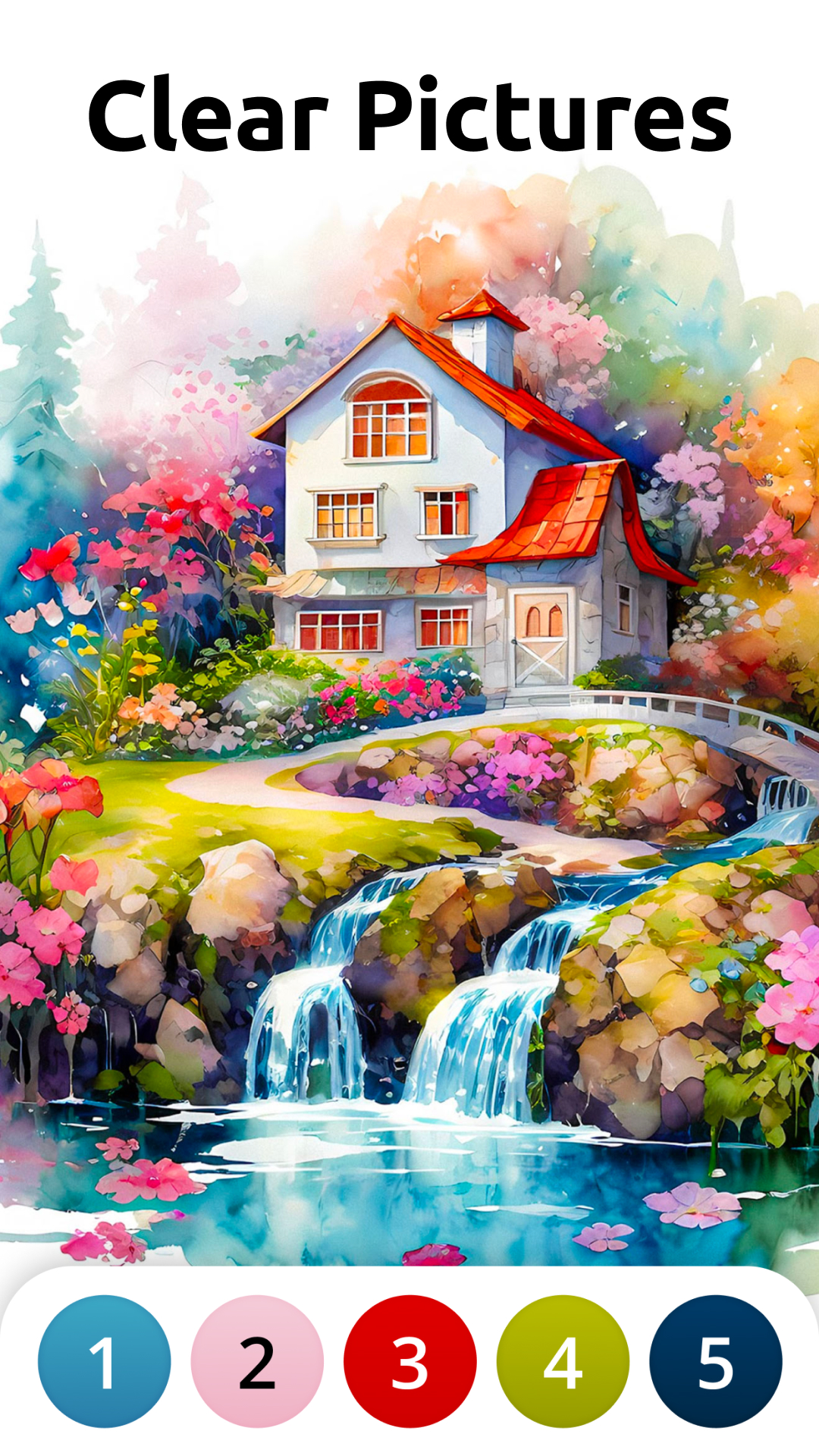
Vita Color for Seniors is a Board application developed by Vita Studio., but with the best Android emulator-LDPlayer, you can download and play Vita Color for Seniors on your computer.
Running Vita Color for Seniors on your computer allows you to browse clearly on a large screen, and controlling the application with a mouse and keyboard is much faster than using touchscreen, all while never having to worry about device battery issues.
With multi-instance and synchronization features, you can even run multiple applications and accounts on your PC.
And file sharing makes sharing images, videos, and files incredibly easy.
Download Vita Color for Seniors and run it on your PC. Enjoy the large screen and high-definition quality on your PC!
Vita Color: The Ultimate Coloring App for SeniorsHave you been searching for the ideal coloring app to pass the time but designed with mature adults in mind? Look no further than Vita Color! Vita Color redefines the digital coloring book experience, offering seniors and people of all ages an easy and thoughtful way to paint their way to relaxation and vitality.
At Vita Studio, we have always been dedicated to crafting mobile games designed for seniors that bring back relaxation, fun, and joy. Our repertoire includes popular titles like Vita Solitaire, Vita Color, Vita Jigsaw, Vita Word Search, Vita Block, and more.
Thoughtful Designs for Mature Adults and Seniors:
- Big-font numbers: easy to read and comfortable on the eyes.
- Big buttons: simple to tap for speed, precision, and navigation.
- Enlarged gallery view: bigger pictures for savoring every detail with ease.
Vivid High-Quality Images:
- Super clear digital print pages for detailed, crystal-clear images.
- Bright colors and high contrast so you can bring your works of art to life.
Easy Painting Experience:
- Effortless to spot and paint your selections: clean lines and large patterns for a streamlined and enjoyable experience.
- Varied complexity: choose pages that suit your pace - whether just enough to keep you busy or hard enough for a brisk challenge.
Experience Everyday Well-Being:
- Vitality points: accumulated after completing each masterpiece to help you stay energized and engaged.
- Breathtaking scenes: immerse yourself in art that infuses hope, love, and happiness into your life.
- Daily quotes: start each day inspired, empowered, and refreshed.
Vita Color, the ultimate coloring book experience designed exclusively for seniors, takes you on a stress-relief journey through a vivid art world. Striking the perfect balance between challenge and achievement, this coloring book boasts a curated collection of beautiful illustrations. These thoughtful designs promote relaxation and mindfulness, making it the ideal activity for the older generations to unwind and express their creativity. Don't miss out on another stroke of creativity – try Vita Color today!
Contact us via: support@vitastudio.ai
For more information, you can:
Join our Facebook group: https://www.facebook.com/groups/vitastudio
Visit our website: https://www.vitastudio.ai/