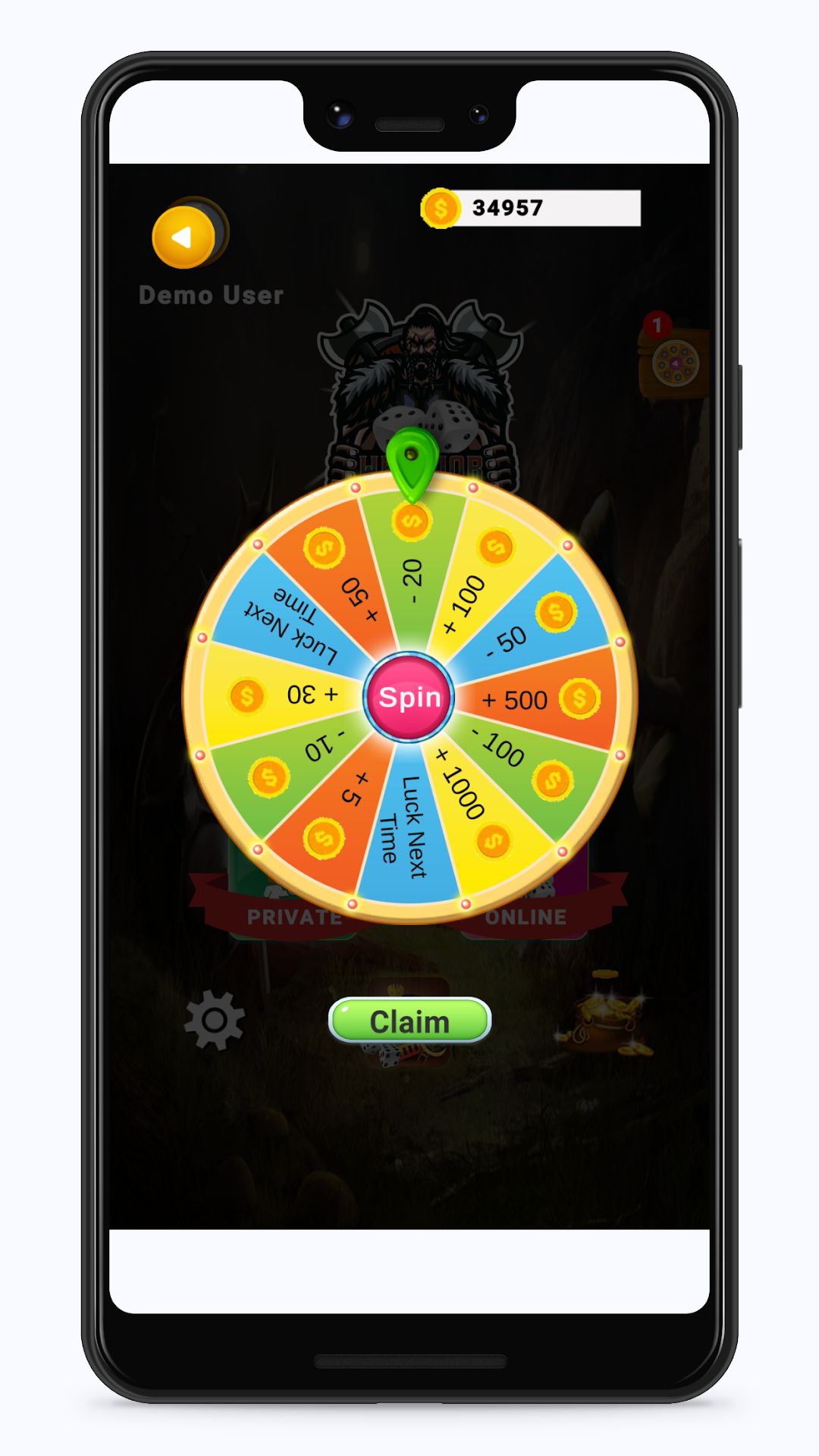
Warrior Ludo 3D is a Board application developed by Bytesun Softwares Pvt Ltd., but with the best Android emulator-LDPlayer, you can download and play Warrior Ludo 3D on your computer.
Running Warrior Ludo 3D on your computer allows you to browse clearly on a large screen, and controlling the application with a mouse and keyboard is much faster than using touchscreen, all while never having to worry about device battery issues.
With multi-instance and synchronization features, you can even run multiple applications and accounts on your PC.
And file sharing makes sharing images, videos, and files incredibly easy.
Download Warrior Ludo 3D and run it on your PC. Enjoy the large screen and high-definition quality on your PC!
3D Ludo is fun to play a multiplayer board game that can be played between 2, 3 or 4 players. It is the most popular and fun game to play with family and friends. Ludo is a mind refreshing game with its lucky dice rolls and strategical gameplay. This interesting 3D Ludo game has been around us for a long time as the best game to play in our spare time.How the Ludo game works:
Ludo game starts with four tokens placed in each player's starting box. A dice is rolled in turns by each player during the game. The player's token will be placed on the starting point when a 6 is rolled on the dice. The main goal of the game is to take all 4 tokens inside the HOME area before the other opponents.
Basic rules of Ludo game:
- A token can start to move only if the dice rolled is a 6.
- Each player gets a turn wise chance to roll the dice. And if the player rolls a 6, they will get another chance to roll the dice again.
- All the tokens must reach the center of the board to win the game.
- The token move clock-wise according to the number of rolled dice.
- Knocking out other's token will give you an extra chance to roll the dice again.
Game features:
Single Player - Play against the computer.
Local Multiplayer - Play with friends and family offline.
Online multiplayer with friends and family
create room and share code with friends to join room
Play 2 to 4 players.
Multi-colored dice for each player.
Real Ludo dice roll animation.
View the progress of each player in percentage.
Throw dice or roll instantly.
Easy single menu player selection.
Enjoy playing the best online and offline version of the Ludo game anytime anywhere with your friends and family.
Also included Snakes and Ladder online and offline multiplayer board game enjoy the same with family and friends