

Weaphones Firearms Simulator is a Action game developed by OranginalPlan, and LDPlayer is the best platform for playing Weaphones Firearms Simulator on PC, offering powerful features to immerse you in the game.
When playing Weaphones Firearms Simulator on computer, you can adjust frame rate settings for smooth gameplay and stunning visuals.
LDPlayer also provides pre-configured keyboard mapping for convenient control of the entire game. Continuous optimization of keyboard mapping enhances key sensitivity and skill accuracy. Additionally, LDPlayer offers special buttons like shoot, hide mouse, and continuous key press for an enhanced gaming experience.
If you prefer using a gamepad, the automatic gamepad detection allows you to customize controls with just a few clicks, enabling you to freely maneuver your hero. Start downloading and playing Weaphones Firearms Simulator on your computer now!
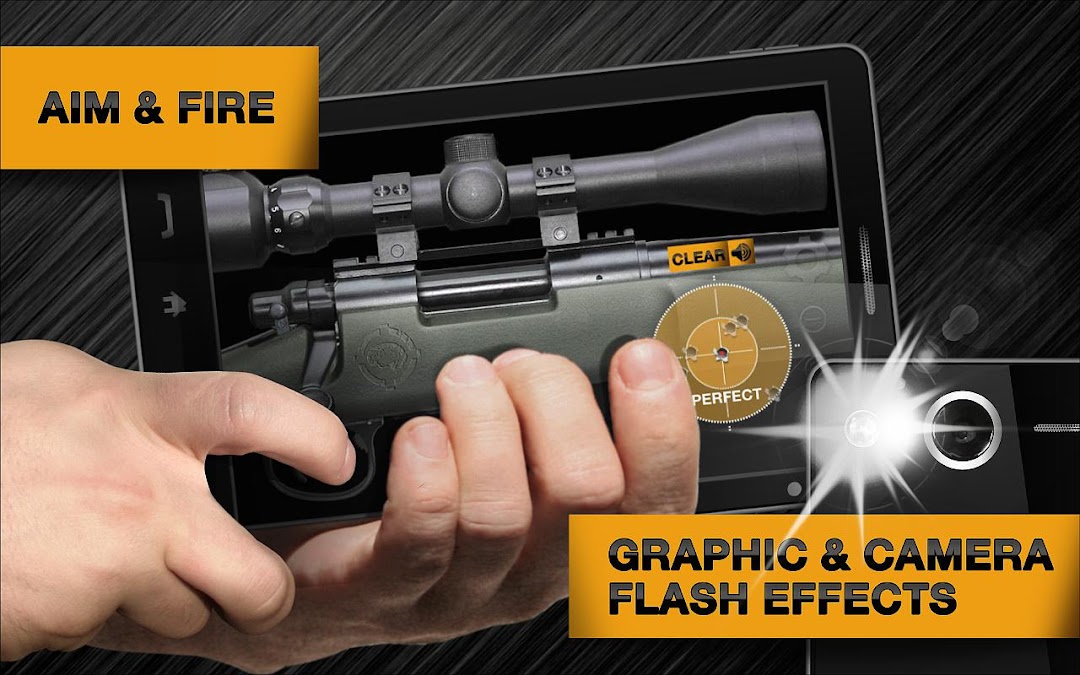
Welcome to the world of Weaphones, the ultimate firearms simulator for your phone or tablet.Blurring the line between digital and physical, Weaphones combines the two to create a fully interactive real world experience. Switch off the safety, load the magazine, rack the slide and fire, all without having the cops called on you.
Ergonomically designed, Weaphones fit naturally into the shooter’s hand. All the important controls are located within a finger’s reach. The ability to resize, flip and relocate the Weaphone assures perfect fit no matter the size of hand or screen.
For the price of a couple of 5.56mm rounds you can have a full arsenal of Weaphones… and you won’t shoot your eye out.
_________________________
» Realistic Sound, Smoke, Flash & Recoil Effects
» Firing and Shell Ejection Animations
» Full Interaction and Control
» Realistic Weapon Mechanics
» Mini-Games and Accessories
» Detailed Full HD Graphics
» 100% Customizable to Fit User’s Hand Size and Preference
→ Lefty Flip
→ Rotate 180°
→ Scale
→ Location
» User Adjustable Variables
→ Unlimited Ammo
→ Delay Timer (Grenade)
→ Auto Reload
→ Weapon Jamming/Overheating
→ Accelerometer Reloading
→ Camera Flash Shooting
→ Multi-Device Linking Android to Android or Android to iOS (e.g. C4 and Detonator)
» Weapon State Indicator (“Why Am I Not Shooting”)
» Ultra Detailed Step-By-Step Animated Tutorial for Each Weaphone
» Multi-Touch & Accelerometer Support
» Social Media Driven Future Content
_________________________
Weapon Types:
PISTOLS
ASSAULT RIFLE
SMGS
LIGHT MACHINE GUN
SNIPER RIFLE
SHOTGUN
GRENADE & C4
CROSSBOW
RPG
MINIGUN
40MM GRENADE LAUNCHER