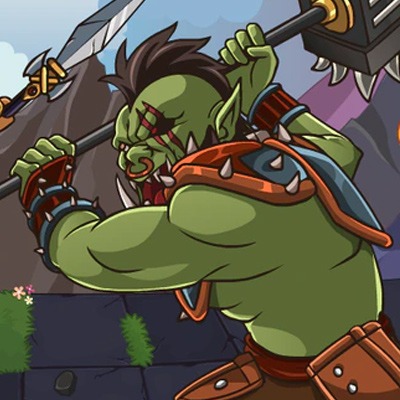
What The Fate! is a Role Playing game developed by Moonfrog, and LDPlayer is the best platform for playing What The Fate! on Windows PC, offering powerful features for an immersive experience.
When playing What The Fate! on PC, as a new player looking to start with a fresh account, the multi-instance and sync features are extremely useful for rerolls. You can use them to run multiple instances and begin the synchronization process. Bind your account until you draw the desired heroes.
In addition, operation recorder is great for games that require you to level up and complete tasks! Run the sync and record your actions, then repeat the main instance's actions in real-time. By doing so, you can run 2 or more accounts simultaneously. You can always get the heroes you want before others by faster rerolls and more efficient summoning! Start downloading and playing What The Fate! on your computer now!
🔥 Live Your Indian Dream – Your Choices, Your Story! 🔥Dive into the most gripping life simulator inspired by the vibrant chaos and charm of life in India! From surviving school exams to navigating family drama and chasing your wildest ambitions, every decision you make will shape your destiny. Will you rise to the top or crumble under the pressure? The choice is yours!
⚡ Features That Bring the Heat:
True Desi Vibes: Celebrate festivals, embrace traditions, and deal with the quirks of Indian society.
Dare to Dream Big: Crack IIT, become a Bollywood superstar, or dominate the cricket field—what’s your hustle?
Love & Chaos: Swipe right, get ghosted, or navigate arranged marriage proposals—romance, desi style.
The Grind is Real: Tackle tough exams, job interviews, and office politics. Can you handle the heat?
Twists at Every Turn: Will you play it safe or make life-changing decisions? Your path is never predictable.
💥 Why You Need This Game:
It's raw, it's real, and it’s all about life in India.
No two stories are ever the same—your choices create unique outcomes.
Flex your life skills and challenge your friends to see who can build the ultimate life!
🚀 Ready to Rule Your Story?
Download now and take charge of your Indian journey. Will you live a life worth remembering, or fade into the crowd? Let’s find out!
Join our Discord: https://discord.gg/DnDyN2AE7t