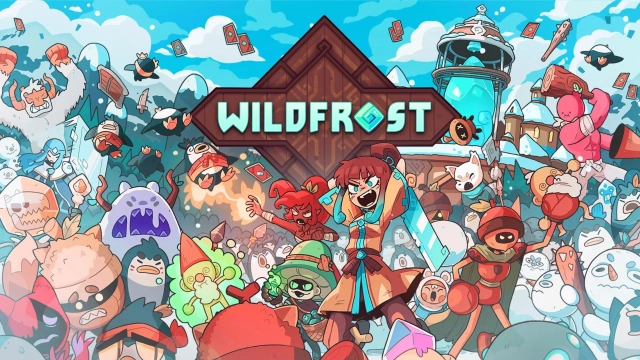
Wildfrost is a Card application developed by Chucklefish Limited, but with the best Android emulator-LDPlayer, you can download and play Wildfrost on your computer.
Running Wildfrost on your computer allows you to browse clearly on a large screen, and controlling the application with a mouse and keyboard is much faster than using touchscreen, all while never having to worry about device battery issues.
With multi-instance and synchronization features, you can even run multiple applications and accounts on your PC.
And file sharing makes sharing images, videos, and files incredibly easy.
Download Wildfrost and run it on your PC. Enjoy the large screen and high-definition quality on your PC!
**This app is 'try before you buy' - players have the option to purchase the full game once the demo has been completed**The sun has frozen over. The world has succumbed to the Wildfrost. Now only the town of Snowdwell and its survivors stand as the last bastion against an eternal winter… Build up a deck of powerful card companions and elemental items, as you battle to banish the frost once and for all!
* Build your perfect deck with over 160 cards!
* Endless replayability with daily runs and challenges
* Great for new and veteran card game fans alike, with an all-new tutorial and difficulty scaling ‘Storm Bell’ system
* Recruit cute card companions, elemental items and equip powerful charms to aid in your fight against the Wildfrost
* Choose your Leader from a variety of tribes, each with randomized skills and stats
* Master a dynamic ‘counter’ system to put your strategic skills to the test
* Expand and develop the hub town of Snowdwell between runs
* Unlock new cards, events, customisation options and more!
* Fully updated and ready to play with the latest content - ‘Better Adventures’ & ‘Storm Bells’!
* Updated UI for mobile play
“Excellent” 9/10 - Gamereactor
“Impressive” - 9/10 Screen Rant
“A Hot New Card Game” 9/10 - The Sixth Axis
“A perfect balance of accessibility and strategic depth” - 83, PC Gamer
“A Fresh, Unique Deck-Building Roguelike” - The Escapist