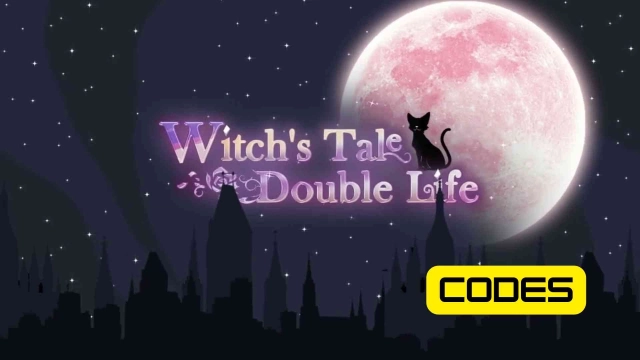
Witch's Tale: Story&Dress-up is a Role Playing game developed by ORI WISH LIMITED, and LDPlayer is the best platform for playing Witch's Tale: Story&Dress-up on Windows PC, offering powerful features for an immersive experience.
When playing Witch's Tale: Story&Dress-up on PC, as a new player looking to start with a fresh account, the multi-instance and sync features are extremely useful for rerolls. You can use them to run multiple instances and begin the synchronization process. Bind your account until you draw the desired heroes.
In addition, operation recorder is great for games that require you to level up and complete tasks! Run the sync and record your actions, then repeat the main instance's actions in real-time. By doing so, you can run 2 or more accounts simultaneously. You can always get the heroes you want before others by faster rerolls and more efficient summoning! Start downloading and playing Witch's Tale: Story&Dress-up on your computer now!
■Hot Features■-Choice-based Story
Explore various story endings shaped by your strategic choices. Craft your own destiny.
-Enchanting Wardrobe
Use your magic and imagination to create special styles. Be the fashion icon in Magnus City.
-Dangerous Romance
May your lover be a werewolf, vampire, or warlock? Solve the identity mysteries of the sexy and compelling characters within a thrilling and romantic experience.
-Cultivate Your Dream Team
Nurture meaningful connections, cultivate allies, and tackle challenges together.
-Magical Pet & Elves
Raise your lovely companions. Initiate your mystical business by crafting and selling enchanting artifacts.
■Synopsis■
A mysterious dream has always haunted you...
In a dark, void-like cosmic space, a black cat from the underworld attempts to communicate with you. Hidden within your bloodline lies an ancient secret, a power poised to influence the balance between magic and reality. The sealed, mysterious force is on the brink of awakening, and your destiny is intertwined with the fate of this world...
No, this is not just a dream.
The strange accident that claimed your father's life, your mother's evasive secrecy, and the increasingly frequent, unexplainable phenomena in your life...
You are at the center of it all.
■Websites■
Join our OFFICIAL COMMUNITIES for game details, latest updates, exclusive giveaways, and more!
Facebook: https://www.facebook.com/WitchsTaleDL
Discord: https://discord.gg/AdxNhwqBmA
Official Website: https://witch.oriwish.com