Wool Match 3d is a Puzzle application developed by Shycheese, but with the best Android emulator-LDPlayer, you can download and play Wool Match 3d on your computer.
Running Wool Match 3d on your computer allows you to browse clearly on a large screen, and controlling the application with a mouse and keyboard is much faster than using touchscreen, all while never having to worry about device battery issues.
With multi-instance and synchronization features, you can even run multiple applications and accounts on your PC.
And file sharing makes sharing images, videos, and files incredibly easy.
Download Wool Match 3d and run it on your PC. Enjoy the large screen and high-definition quality on your PC!
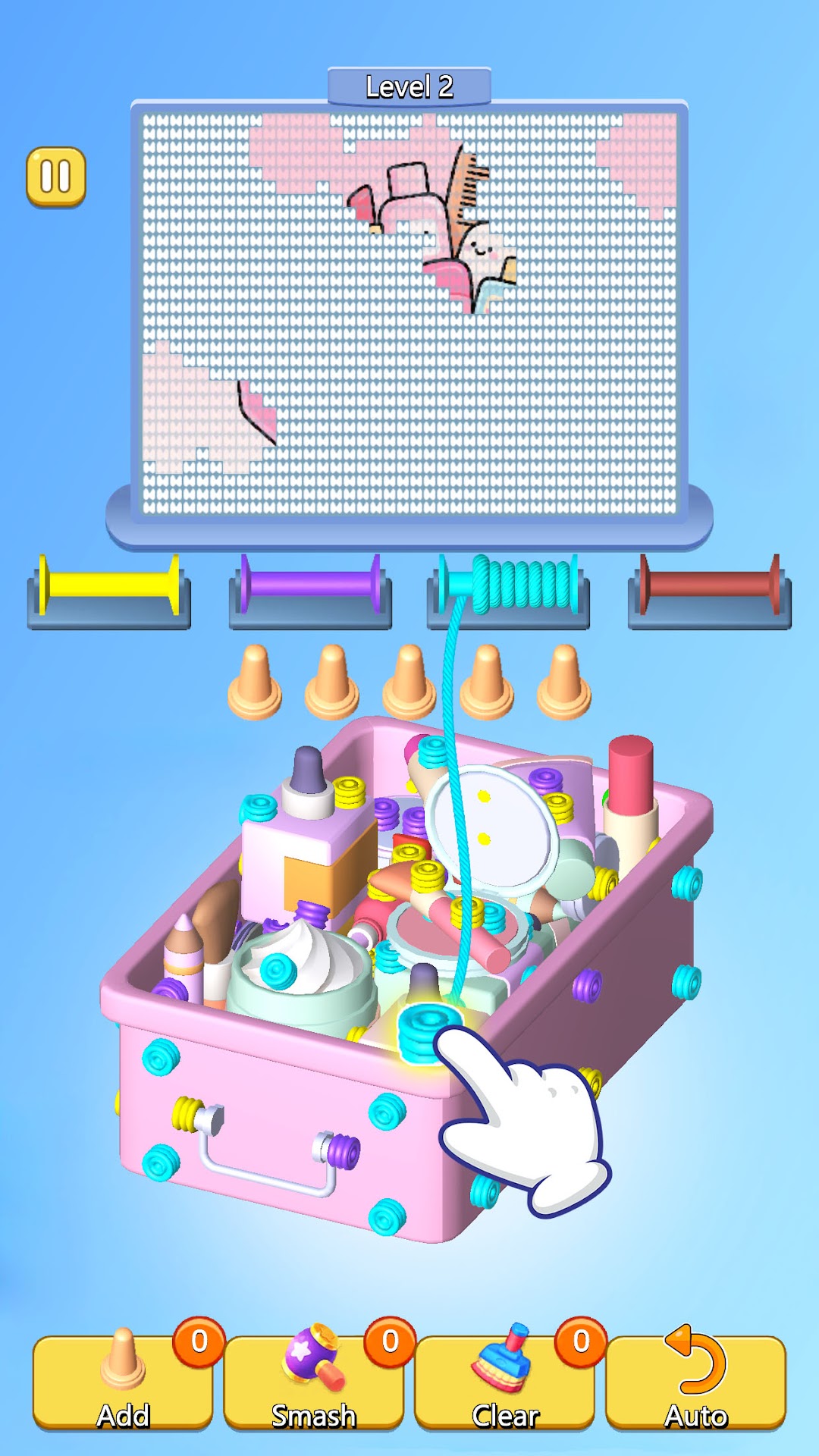
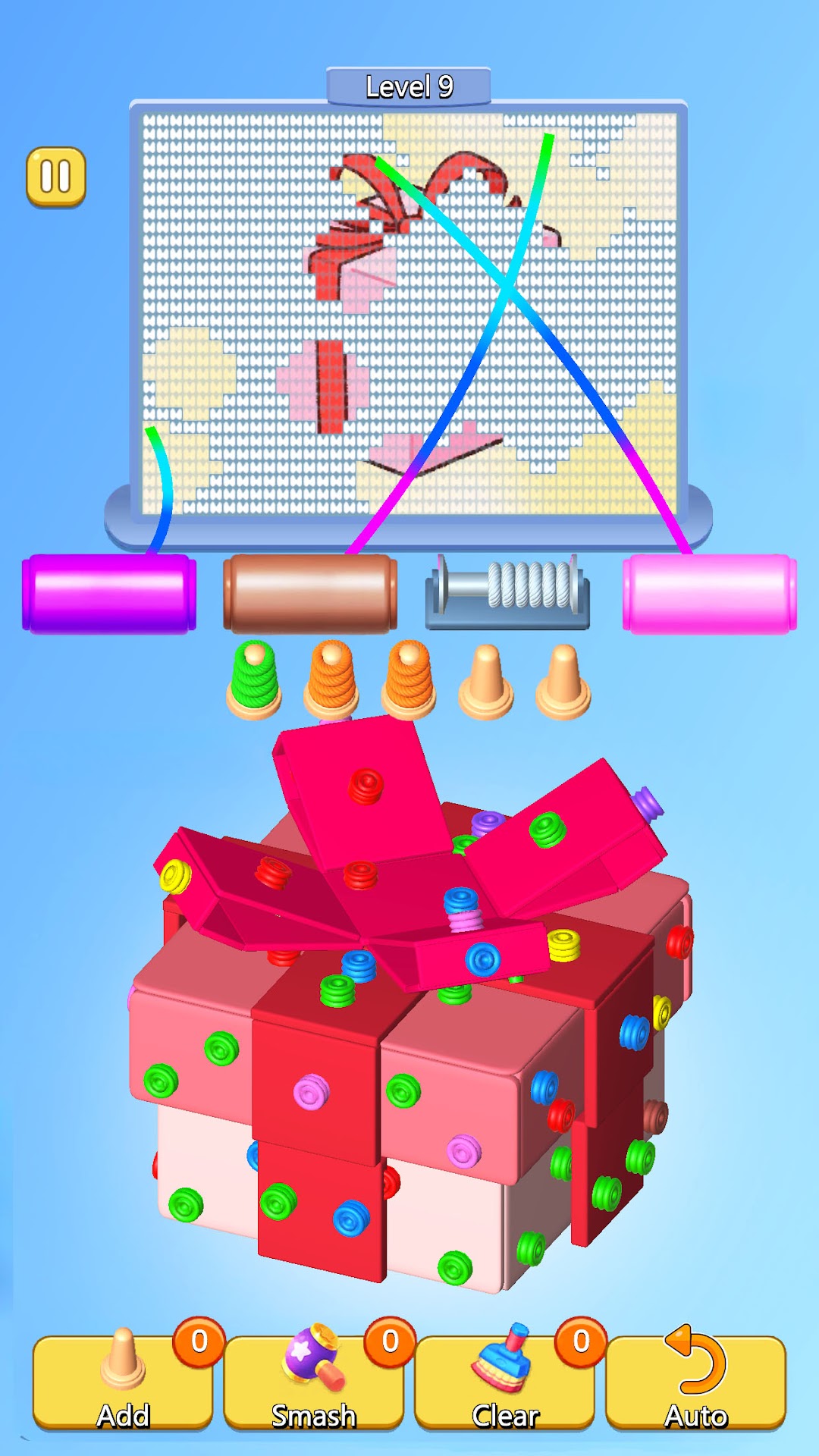
Prepare for an explosion of color and creativity with Wool Match 3D, where intricate sorting games and artistic freedom combine to deliver a delightful gaming experience! 🌟 Immerse yourself in wool games where clusters of vivid, colorful wool balls cling to 3D models. As a master of elimination, use smart wool sort techniques to strategically unravel these bundles and dismantle structures. The twist? Clear same-colored clusters through match mechanics, then weave cleared threads into stunning illustrations! 🎨How to play:
Dive into densely packed wool games! Disassemble 3D models covered in tangled wool using precise wool sort strategies. Pull strands strategically and watch colors vanish in satisfying cascades. Collect freed threads to sketch artworks while mastering addictive sorting games. Progress through levels where thread match challenges intensify, requiring clever wool organization to maximize artistic output. 🧶
Game Features:
- Innovative Wool Sort Mechanics: Break models using spatial sorting games logic blended with wool games charm 🏗️
- Thread Match Mastery: Create art from yarn cleared via precise thread match combos. Paint landscapes with color-rich wool! 🖌️
- Boosters for Sorting Games: Overcome complex wool sort puzzles using power-ups in this fresh take on sorting games 💥
- Wool Games Collection: Unlock models and illustrations through thread match victories, celebrating wool games creativity 📚
Ready to blend sorting games strategy with artistry? Download Wool Match 3D now! Engage in wool sort challenges and thread match puzzles while painting a yarn wonderland. Perfect for wool games enthusiasts seeking colorful relaxation. Match, sort, and weave your way to brilliance! 🌈
Play Wool Match 3D today — where every thread match becomes art! 🚀