Word Buddies - Fun Puzzle Game is a Word application developed by WORD CALM, but with the best Android emulator-LDPlayer, you can download and play Word Buddies - Fun Puzzle Game on your computer.
Running Word Buddies - Fun Puzzle Game on your computer allows you to browse clearly on a large screen, and controlling the application with a mouse and keyboard is much faster than using touchscreen, all while never having to worry about device battery issues.
With multi-instance and synchronization features, you can even run multiple applications and accounts on your PC.
And file sharing makes sharing images, videos, and files incredibly easy.
Download Word Buddies - Fun Puzzle Game and run it on your PC. Enjoy the large screen and high-definition quality on your PC!
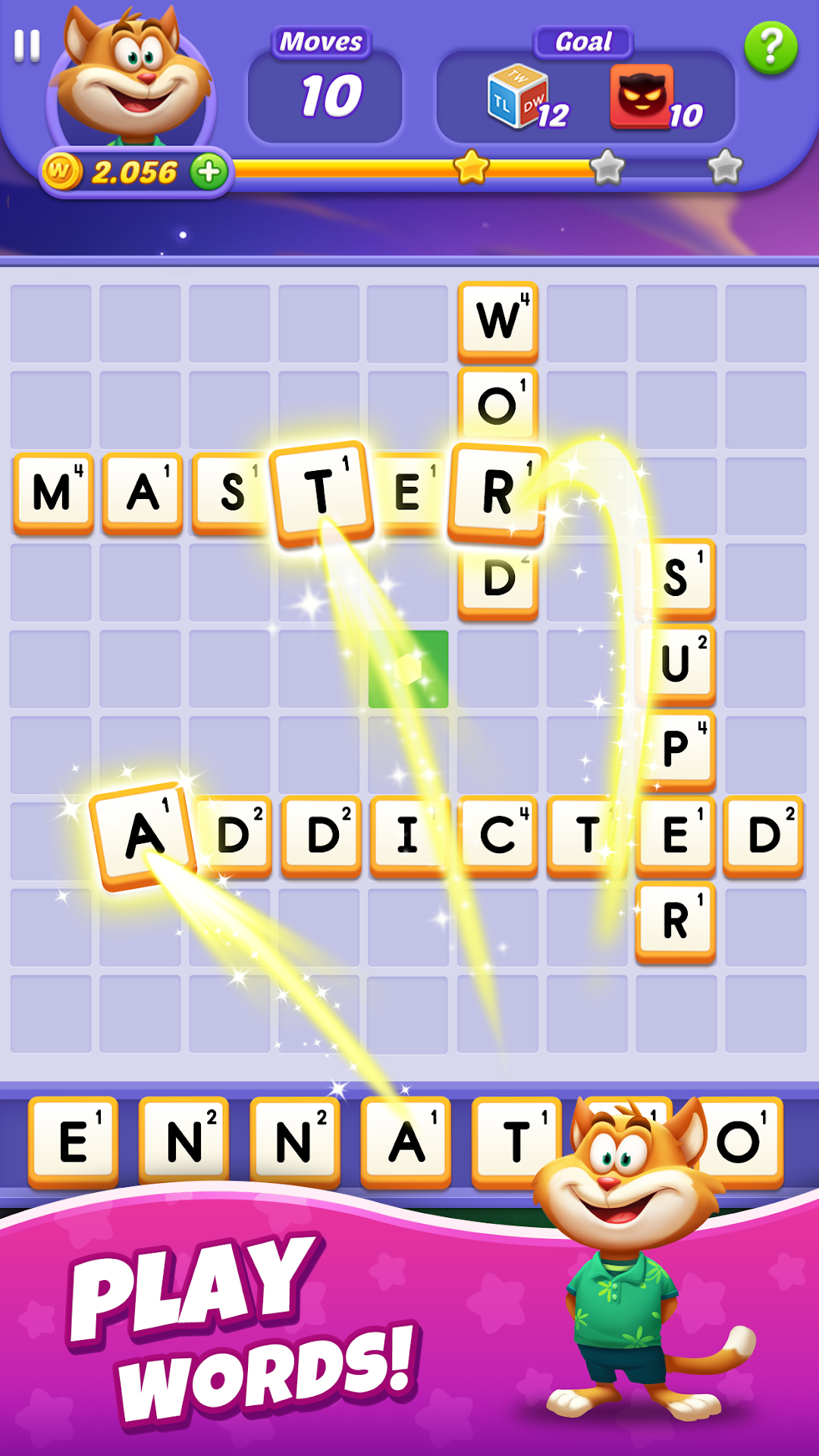
Check out the latest word game ever! Come and join Word Buddies!Word Buddies is a free and fun crossword game. It will exercise your brain and expand your vocabulary. It’s definitely the most interesting word game for you to kill time and relax.
Features:
BRAND NEW GAMEPLAY: Combined the classic word gameplay with unique mechanics, play the simple word-building game you know and love!
STRATEGIC LEVELS: Use your skills to make through tons of well-designed and challenging levels and unlock new episodes!
EASY TO LEARN, HARD TO MASTER: Expand your English vocabulary and sharpen your skills to the limit!
UNIQUE GOALS & OBSTACLES: Play with dozens of entertaining elements including crates, rockets, moles, bubbles and clouds!
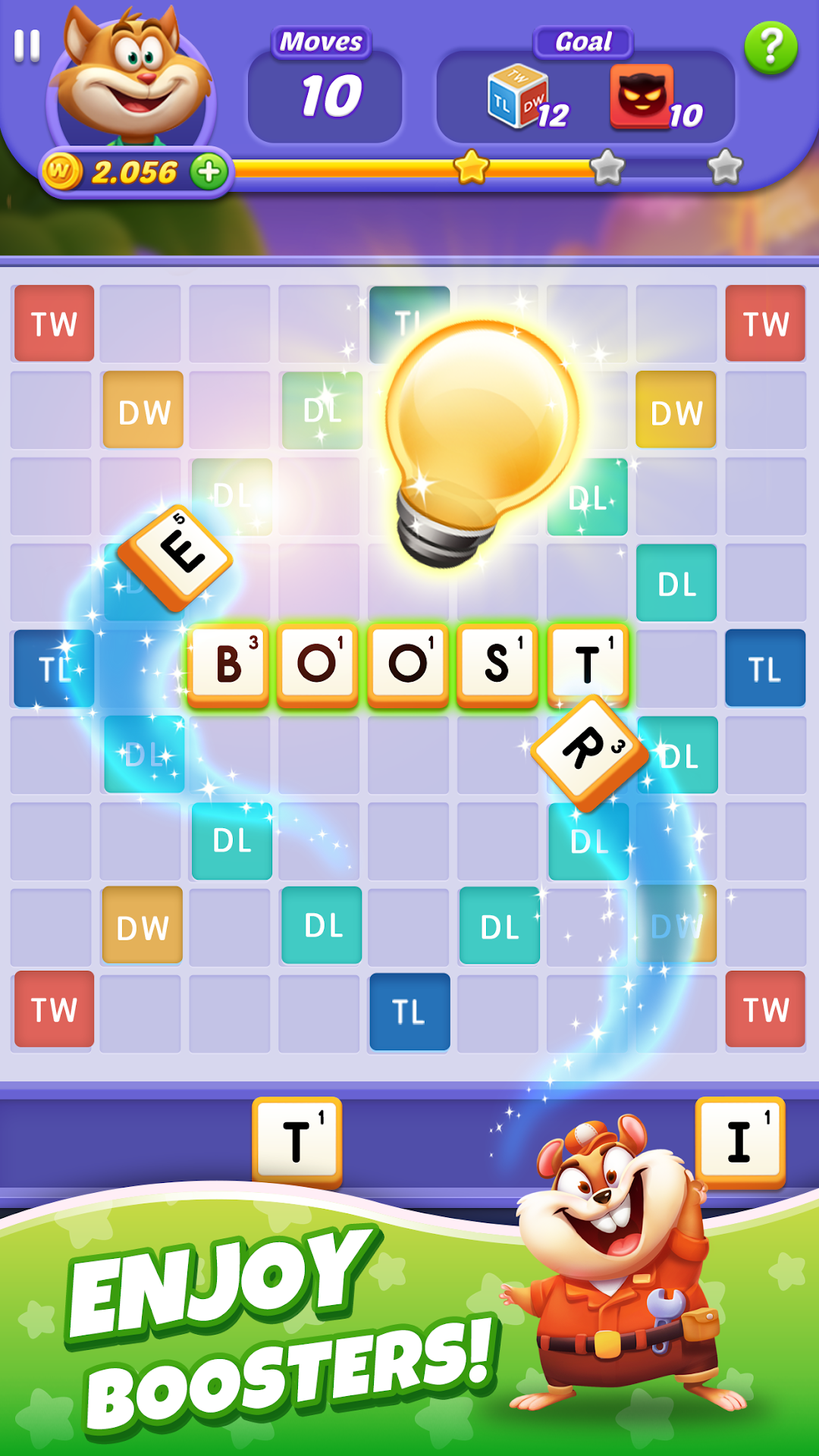
POWERFUL BOOSTERS: Unlock special boosters to make your way to the next level!
DAILY EVENTS: Take part in time-limited events to earn rewards to help you level up!
TEAM UP: Receive gifts from your teammates to keep on playing!
TRACK STATS: See how your word skills are progressing with our in-depth profile! View your scoring averages, longest words, most brilliant plays, and more!
PLAY EVERYWHERE: Sync your game easily between your phone and tablet!
Don't forget to ask your friends to join in on this awesome word game, they will also find Word Buddies very addictive.
Hope you have a great game experience! If you have any questions or suggestions feel free to contact us at: wordbuddies@outlook.com.
Like us on Facebook and join our group to stay up-to-date on Word Buddies news, contests, polls and other fun stuff.
https://www.facebook.com/groups/904606219902141/
https://www.facebook.com/Word-Buddies-328545021142706/