Word Lanes: Relaxing Puzzles is a Word application developed by Fanatee, Inc., but with the best Android emulator-LDPlayer, you can download and play Word Lanes: Relaxing Puzzles on your computer.
Running Word Lanes: Relaxing Puzzles on your computer allows you to browse clearly on a large screen, and controlling the application with a mouse and keyboard is much faster than using touchscreen, all while never having to worry about device battery issues.
With multi-instance and synchronization features, you can even run multiple applications and accounts on your PC.
And file sharing makes sharing images, videos, and files incredibly easy.
Download Word Lanes: Relaxing Puzzles and run it on your PC. Enjoy the large screen and high-definition quality on your PC!
"Playing Word Lanes for just 10 minutes daily can sharpen your mind, boost your memory, and relax your spirit so you can be your best self every day!Word Lanes mixes the brain-teasing gameplay of classic word search puzzles with a relaxing and healing atmosphere—an ideal match!
As you solve quiz clues and connect each letter to find the words in each crossword-style word search, you'll exercise your brain, challenge your memory, and energize your vocabulary.
You'll also shed stress, soothe your soul, and maximize mindfulness thanks to picturesque scenery and tranquil music in this wordy and peaceful puzzle game!
Features:
- Exercise your brain! The beautiful and meditative Word Lanes helps you enhance memory, sharpen logic, and improve spelling!
- Challenge your mind daily with fresh puzzles!
- Original art and an original soundtrack! Find the words as you take a trip through beautiful settings including a peaceful waterfall, a serene lighthouse, and more.
- Zen journey: This clever word game combines the classic newspaper word search with a relaxed healing mood. Connect each letter to match clues, spell words, and expand your vocabulary.
- ""Daily Unwind"" mode helps you decompress with fresh word game puzzles that each feature a theme such as cooking or celebrity trivia.
- Mastery points: Unlock more levels and earn new titles as you learn new vocabulary and trivia!
How to play:
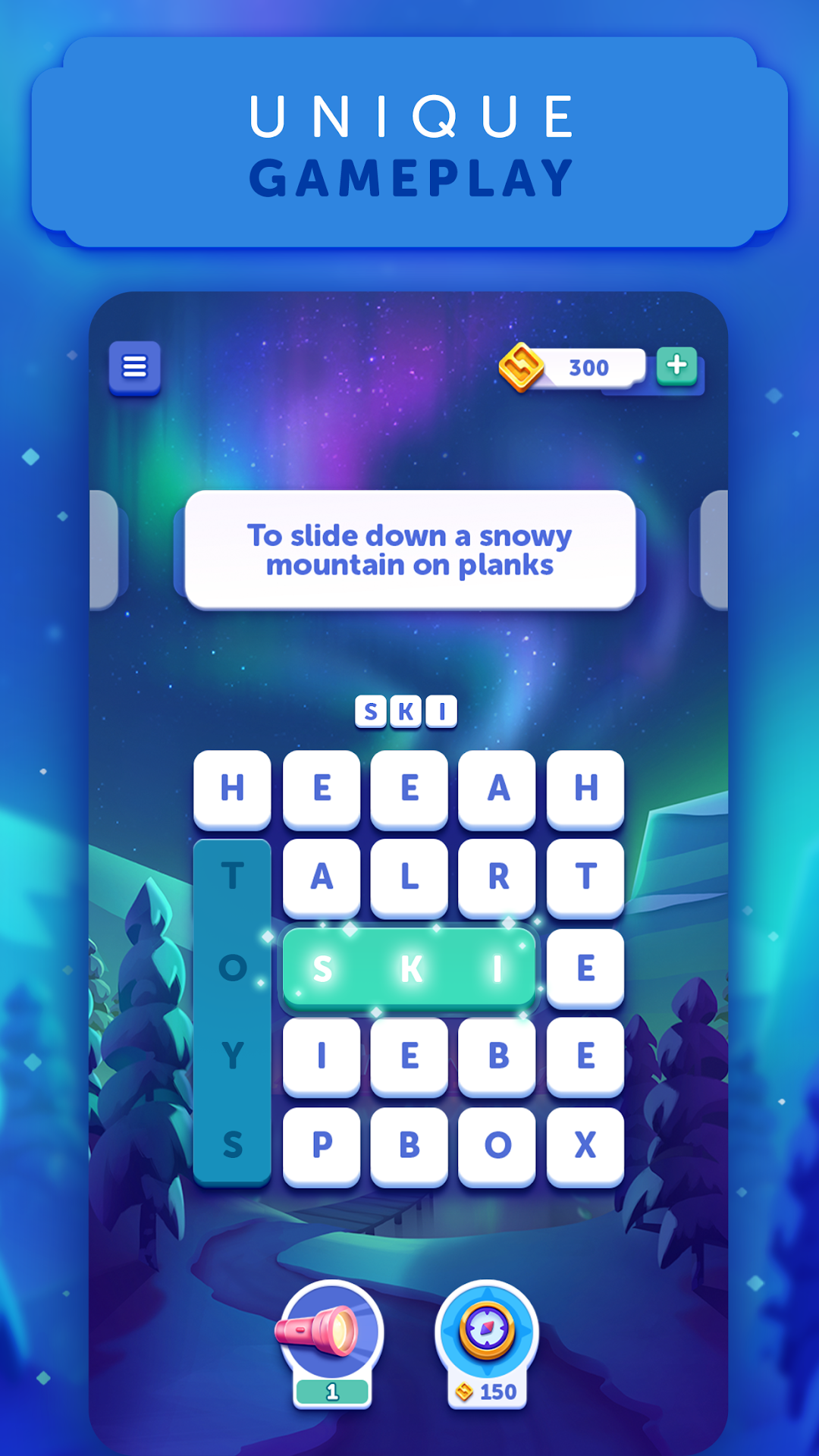
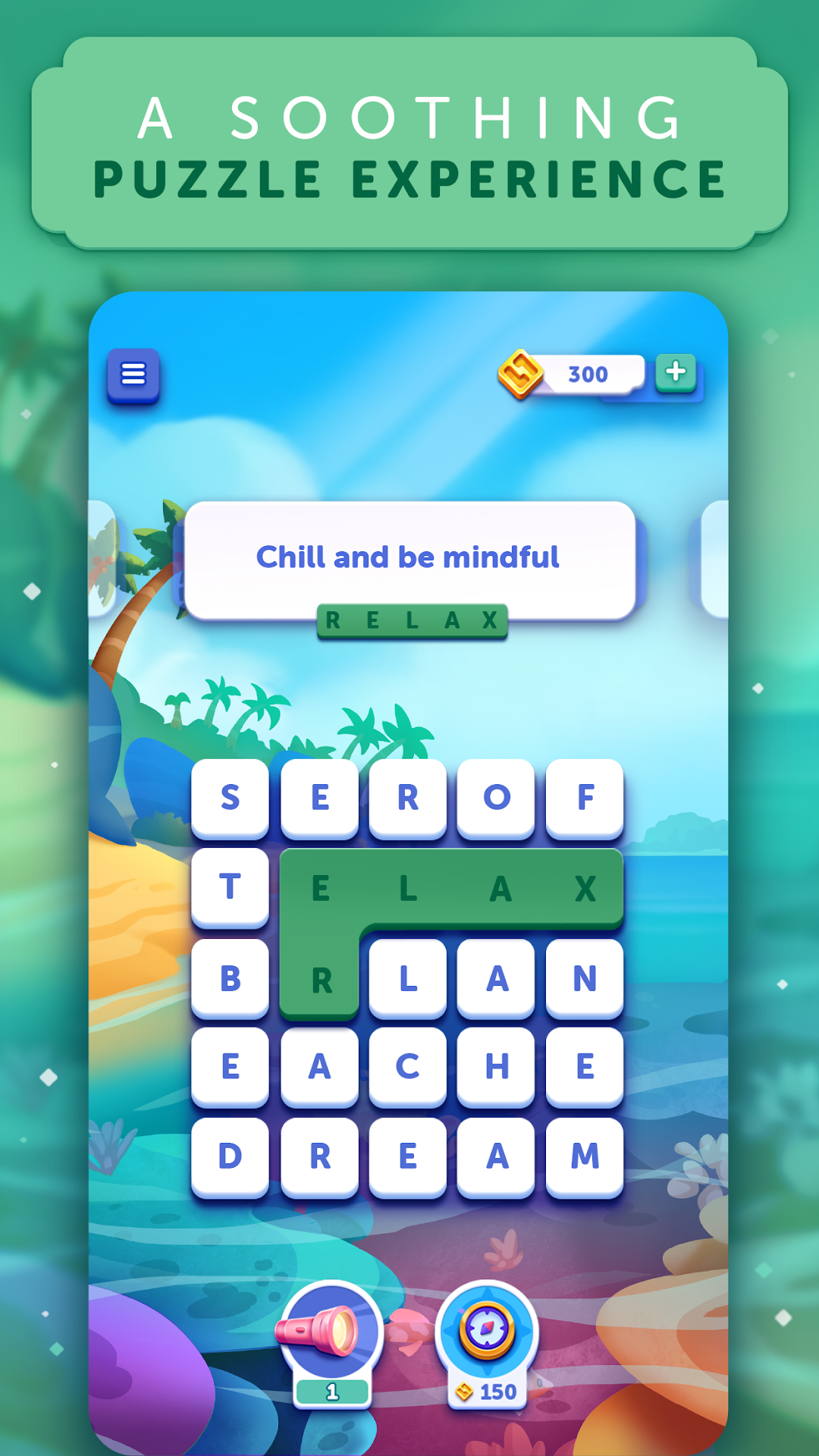
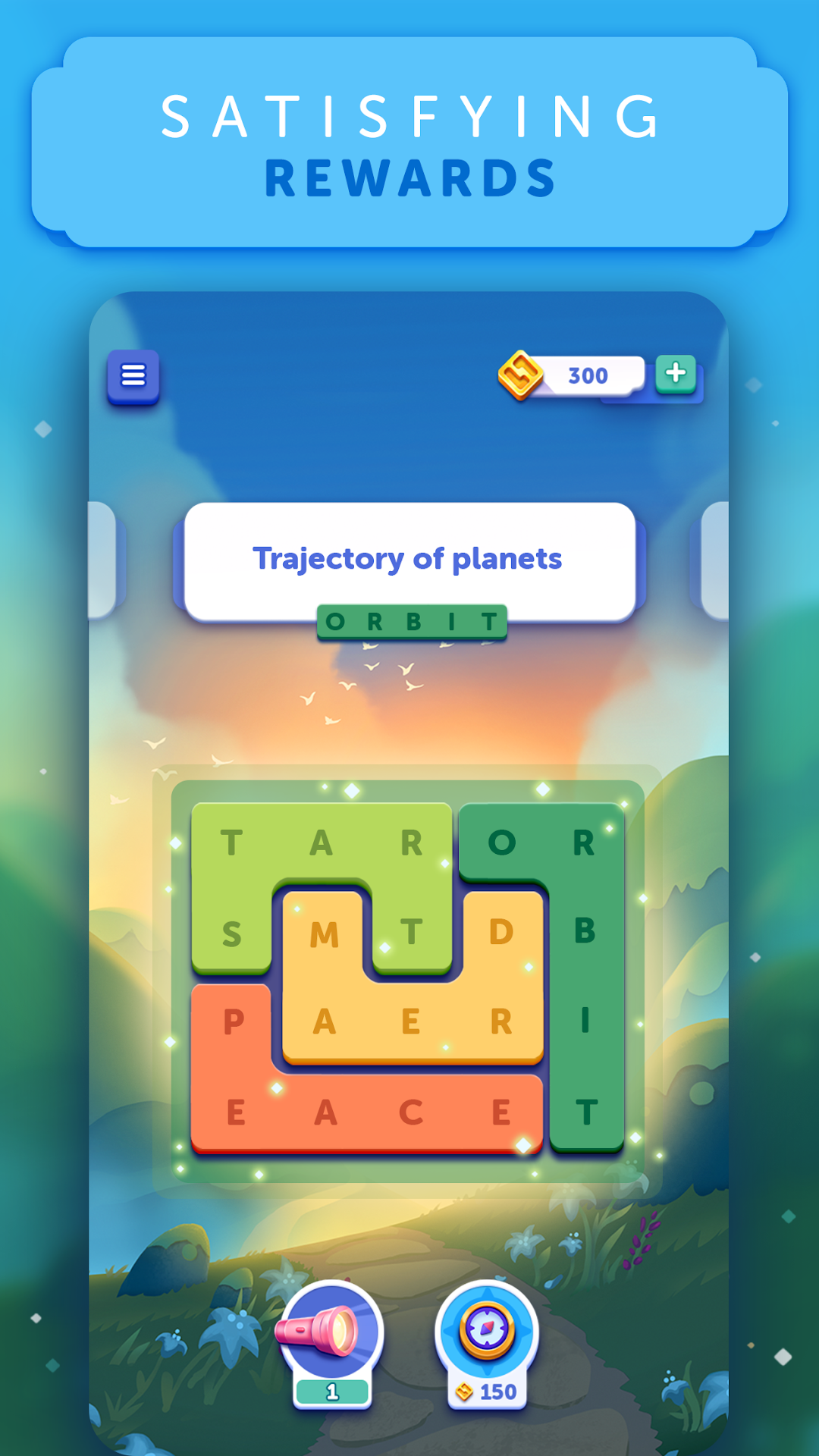
Have fun, give your mind a workout, and relax at the same time with word lanes! A letter grid appears onscreen along with a trivia clue about each hidden word. You simply find the words that match the clues and trace their letters with your finger to highlight them. All the while, lovely scenery and calming music help you de-stress. You can even unlock hints using free in-game coins you've collected. It's a simple, refreshing, and effective mental challenge!
Additional highlights:
- Free word game helps you exercise your brain, improve your spelling, and test your logic!
- Word Lanes combines the best parts of word search games, crossword puzzles, and a trip to the spa, creating an engaging and meditative word game experience
- More word game pages, backgrounds, and music added every month!
- Includes more than 6,000 wordy puzzles with more than 40,000 trivia clues to help you find the words!
- A zen-like word search experience. No timer. No pressure. No rush. Just a peaceful crossword search to quiz your brain, challenge your spelling, and increase mindfulness.
- Each vocabulary quiz is accompanied by a calming song blending ambient music with sounds of nature.
- Want to challenge your brain? Play Word Lanes! Connect each letter on the page to find the words, solve the quiz, and improve your memory.
- Short on time? No problem. Set the timer and refresh your mind with wordy vocabulary games for 5 to 30 minutes while Word Lanes watches the clock.
- Get free in-game coins and rewards daily! Get even more for solving additional free word game puzzles!
- Want a hint? Use free in-game coins to see where a word's first letter appears, or learn the first letter, last letter, and overall length of an answer.
- De-stress with ""Zen Memories,"" a peaceful, puzzle-free mode that gradually lowers sound and shuts off the screen when the timer ends—so you can unwind your mind and drift off to your happy place.
- No limits! Players of every age and level of vocabulary games skill can play Word Lanes! It's fun, free, and adds new word search puzzles daily!
- The word puzzle game Word Lanes is available in 11 languages, including English, German, Portuguese, Japanese, Italian, Polish, and more!
- Connect wordy puzzles in clever daily vocabulary games—and combine that gameplay with a one-of-a-kind serene atmosphere for a calming, yet challenging word game experience!
From Fanatee, the acclaimed vocabulary games studio that created the hit crossword puzzle game CodyCross and the award-winning letter match trivia game STOP!"