Word Search - Word Search Game is a Word application developed by DjApp World, but with the best Android emulator-LDPlayer, you can download and play Word Search - Word Search Game on your computer.
Running Word Search - Word Search Game on your computer allows you to browse clearly on a large screen, and controlling the application with a mouse and keyboard is much faster than using touchscreen, all while never having to worry about device battery issues.
With multi-instance and synchronization features, you can even run multiple applications and accounts on your PC.
And file sharing makes sharing images, videos, and files incredibly easy.
Download Word Search - Word Search Game and run it on your PC. Enjoy the large screen and high-definition quality on your PC!
A word search app offers a modern and interactive take on the classic word puzzle game. Players are presented with a grid filled with letters and a list of hidden words to find within the grid. Words can be positioned horizontally, vertically, diagonally, forwards, or backwards. The app challenges players to find all the words.This word search game is advantageous for adults and children alike, aiding in vocabulary enhancement, spelling accuracy, and refining word search abilities. Moreover, the activity of finding words can serve as an excellent exercise for the brain.
Features:
Relaxing Gameplay: Enjoy a calming and stress-free experience with soothing background music and stunning visuals.
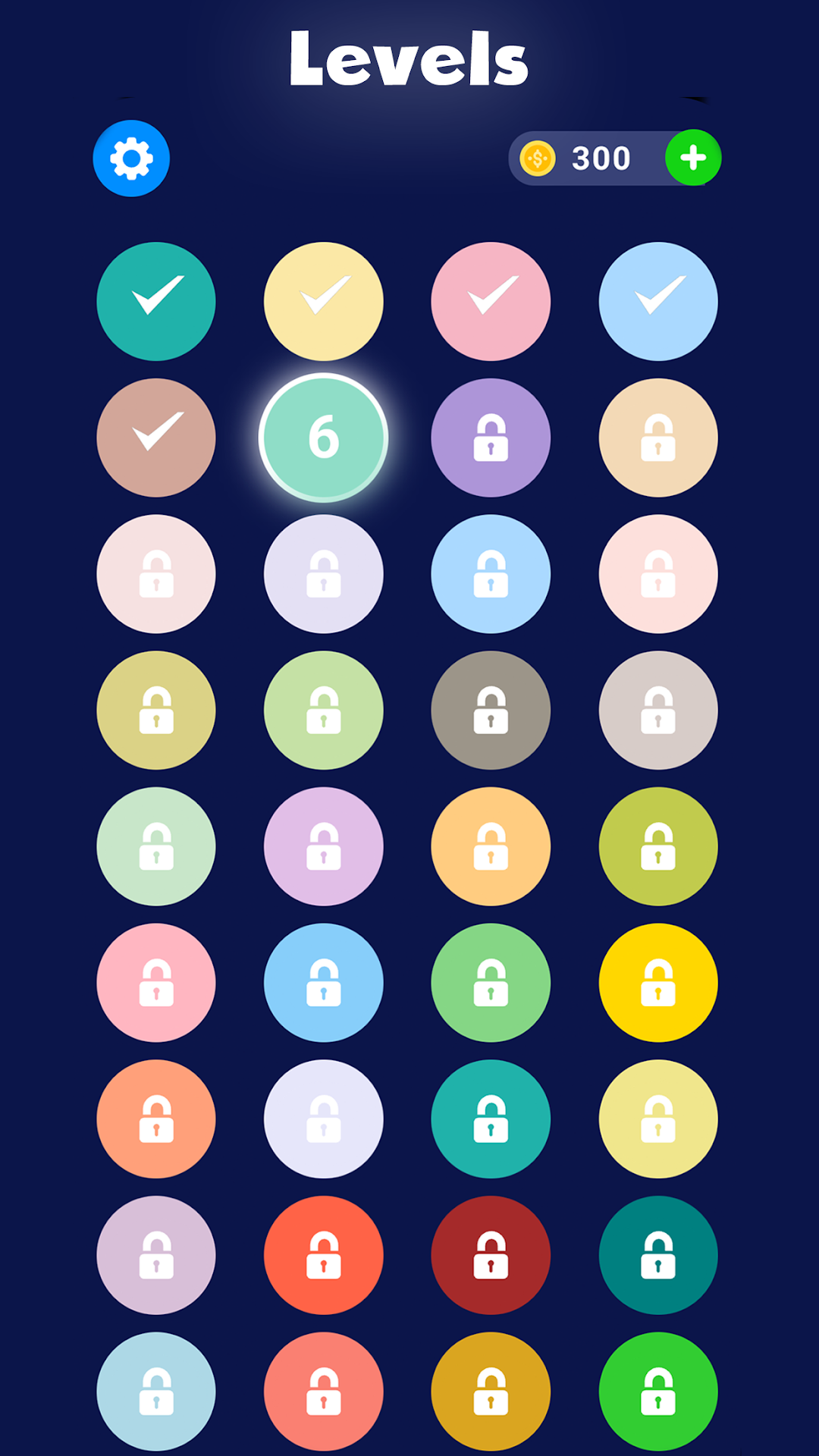
Multiple Levels: word search game has multiple levels with varying difficult .
Hint System: Use hints to get a clue and keep progressing through the levels.
Offline Mode: Play without an internet connection. Great for commuting, traveling, or when you want to disconnect.