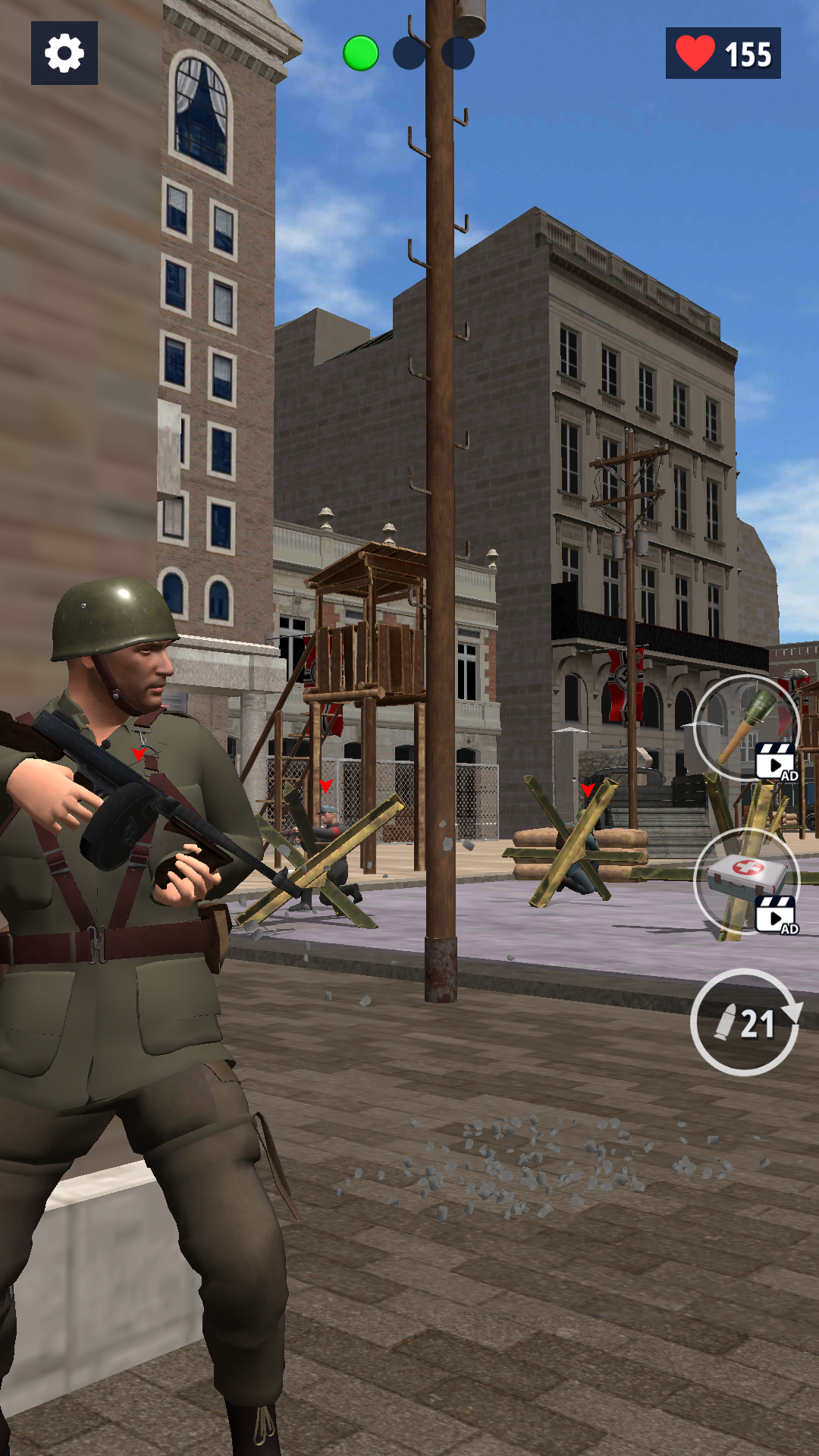
WW2 Duty: FrontLine Zone is a Action game developed by Cooking Game Global, and LDPlayer is the best platform for playing WW2 Duty: FrontLine Zone on PC, offering powerful features to immerse you in the game.
When playing WW2 Duty: FrontLine Zone on computer, you can adjust frame rate settings for smooth gameplay and stunning visuals.
LDPlayer also provides pre-configured keyboard mapping for convenient control of the entire game. Continuous optimization of keyboard mapping enhances key sensitivity and skill accuracy. Additionally, LDPlayer offers special buttons like shoot, hide mouse, and continuous key press for an enhanced gaming experience.
If you prefer using a gamepad, the automatic gamepad detection allows you to customize controls with just a few clicks, enabling you to freely maneuver your hero. Start downloading and playing WW2 Duty: FrontLine Zone on your computer now!
WW2 Duty: FrontLine Zone brings you straight into the brutal chaos of World War II with a gripping offline first-person shooter experience. Designed for fans of military action, historical warfare, and tactical gameplay. This game lets you relive some of the most iconic moments of the Second World War through the eyes of a frontline soldier.As an elite American soldier, you are dropped into active war zones where every step is a fight for survival. From the stormy beaches of Normandy to war-torn European villages, every mission is crafted to deliver intense, immersive combat. Whether you're launching an assault on enemy strongholds, rescuing captured allies, or defending strategic positions, you’ll need quick reflexes, smart tactics, and true courage to complete your duty.
Key Features:
- Full offline campaign – Play anytime, anywhere, no internet required
- Realistic WW2 environments – Battle across detailed, historically inspired locations.
- Authentic weaponry – Use classic WW2 guns and gear with realistic handling
- Cinematic missions – Experience a dramatic single-player story across various war zones
- Smooth FPS controls – Optimized for mobile devices with intuitive shooting mechanics
- Challenging AI enemies – Engage in smart, unpredictable combat scenarios
- Strategic objectives – Not just shooting – complete real military-style missions
Whether you’re a veteran of FPS games or a newcomer to the genre, WW2 Duty: FrontLine Zone offers a balanced mix of action, strategy, and history. Recreate legendary battles, become a hero under fire, and carve your legacy on the battlefield.
Download now and take your place on the front line. The fate of the mission depends on you.