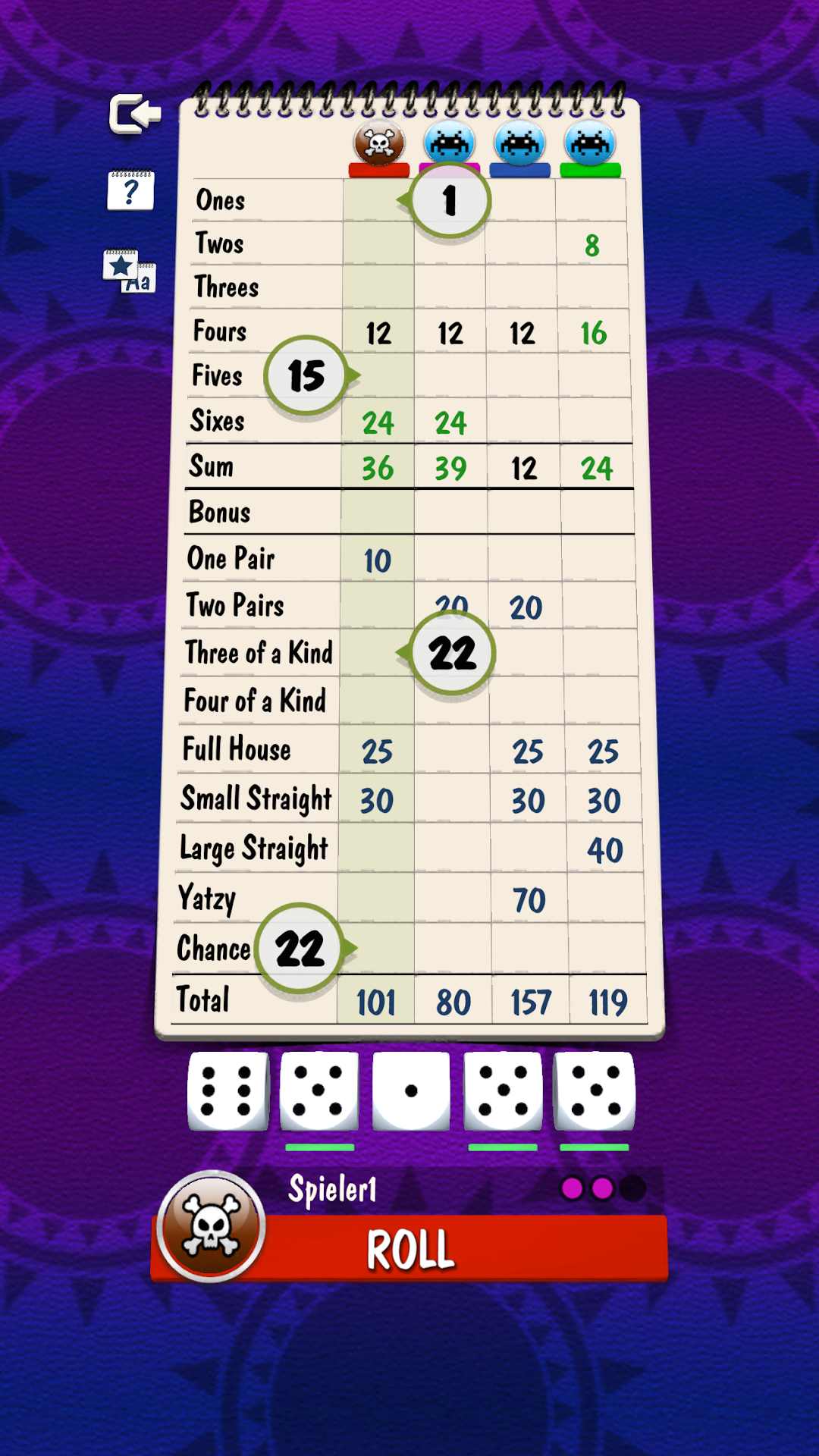
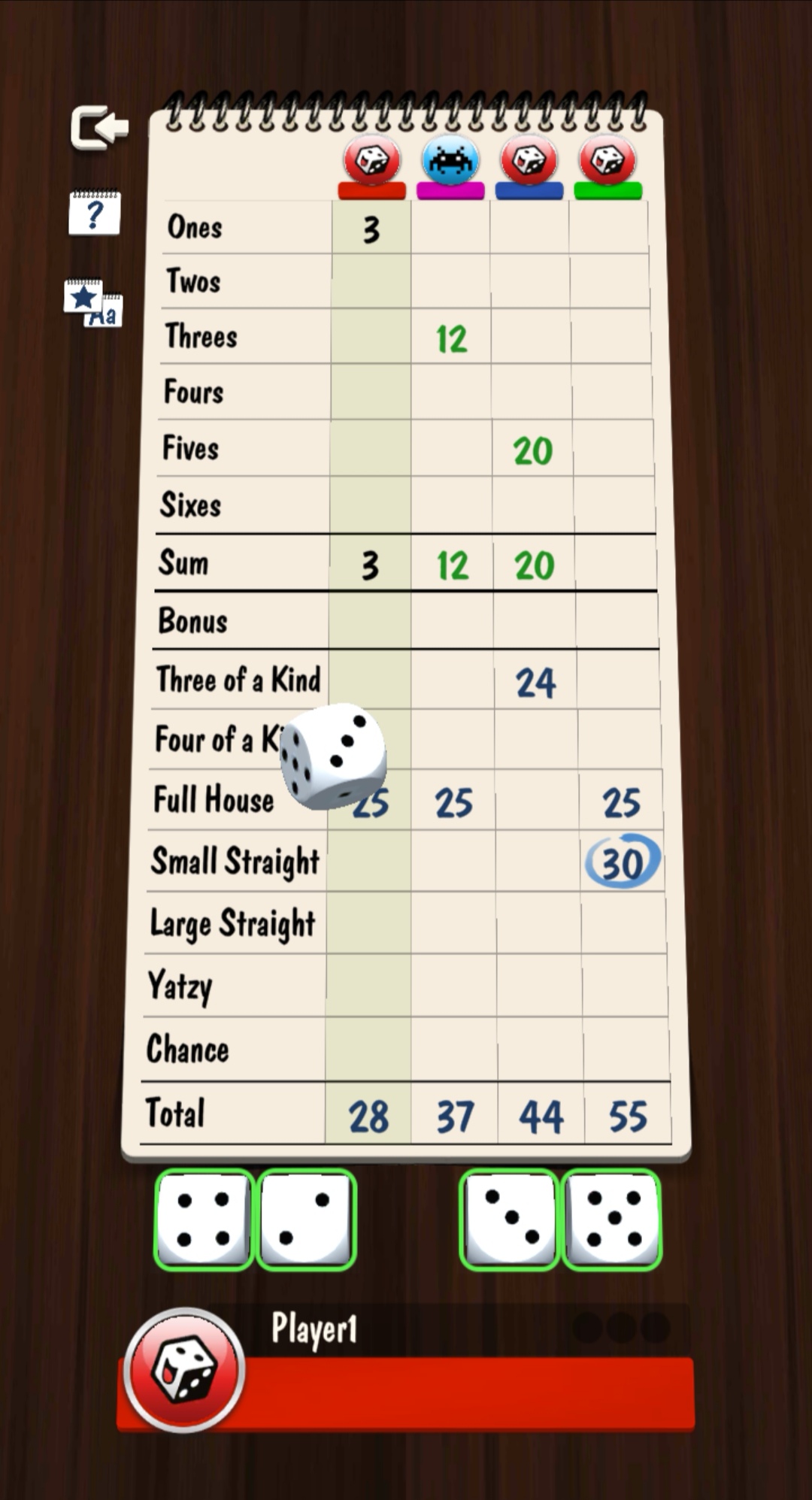
Yatzy Multiplayer Dice Game is a Board application developed by LITE Games, but with the best Android emulator-LDPlayer, you can download and play Yatzy Multiplayer Dice Game on your computer.
Running Yatzy Multiplayer Dice Game on your computer allows you to browse clearly on a large screen, and controlling the application with a mouse and keyboard is much faster than using touchscreen, all while never having to worry about device battery issues.
With multi-instance and synchronization features, you can even run multiple applications and accounts on your PC.
And file sharing makes sharing images, videos, and files incredibly easy.
Download Yatzy Multiplayer Dice Game and run it on your PC. Enjoy the large screen and high-definition quality on your PC!
Play the classic dice game Yatzy now completely free of charge, both online in multiplayer mode with your buddies and offline against the computer. Show us your tricks!What you can expect from our Yatzy dice game with online multiplayer:
Exciting dice duels: Play Yatzy online in 1 vs. 1 multiplayer mode against buddies, family and players from all over the world.
Multiplayer with 4 players: As an alternative to the dice duel, you can also show what you've got in the 4 player multiplayer mode of Yatzy online and put your strategy and tricks to the test and challenge your buddies.
Leaderboards & Achievements: Win games in online multiplayer, climb the Yatzy leaderboards and unlock great achievements. What is your strategy?
Play together on the same device: Yatzy can also be played on the same device with up to 4 players in multiplayer, offline without internet in hotseat mode. Gather all your buddies and play!
Beat the computer: If you prefer to play alone, you can also play against the computer in offline mode. Here you can refine your strategy without pressure and simply play Yatzy casually. You can choose the difficulty level of the dice game yourself, whether relaxed or tricky.
Customizable rules: Play with 5 or 6 dice or customize the rules completely to your preferences in the custom offline game. Play Yatzy as you know the dice game.
Choose your style: Change the background of the game in the settings to classic green felt or elegant dark wood, for example.
If you like strategic board games and tricky dice games like Backgammon or Farkle, then you'll love Yatzy with online multiplayer.
Further information:
In order to offer our Yatzy dice game online for free, we have to display advertising and thank you for your understanding.
Terms and Conditions: https://tc.lite.games
Privacy policy: https://privacy.lite.games