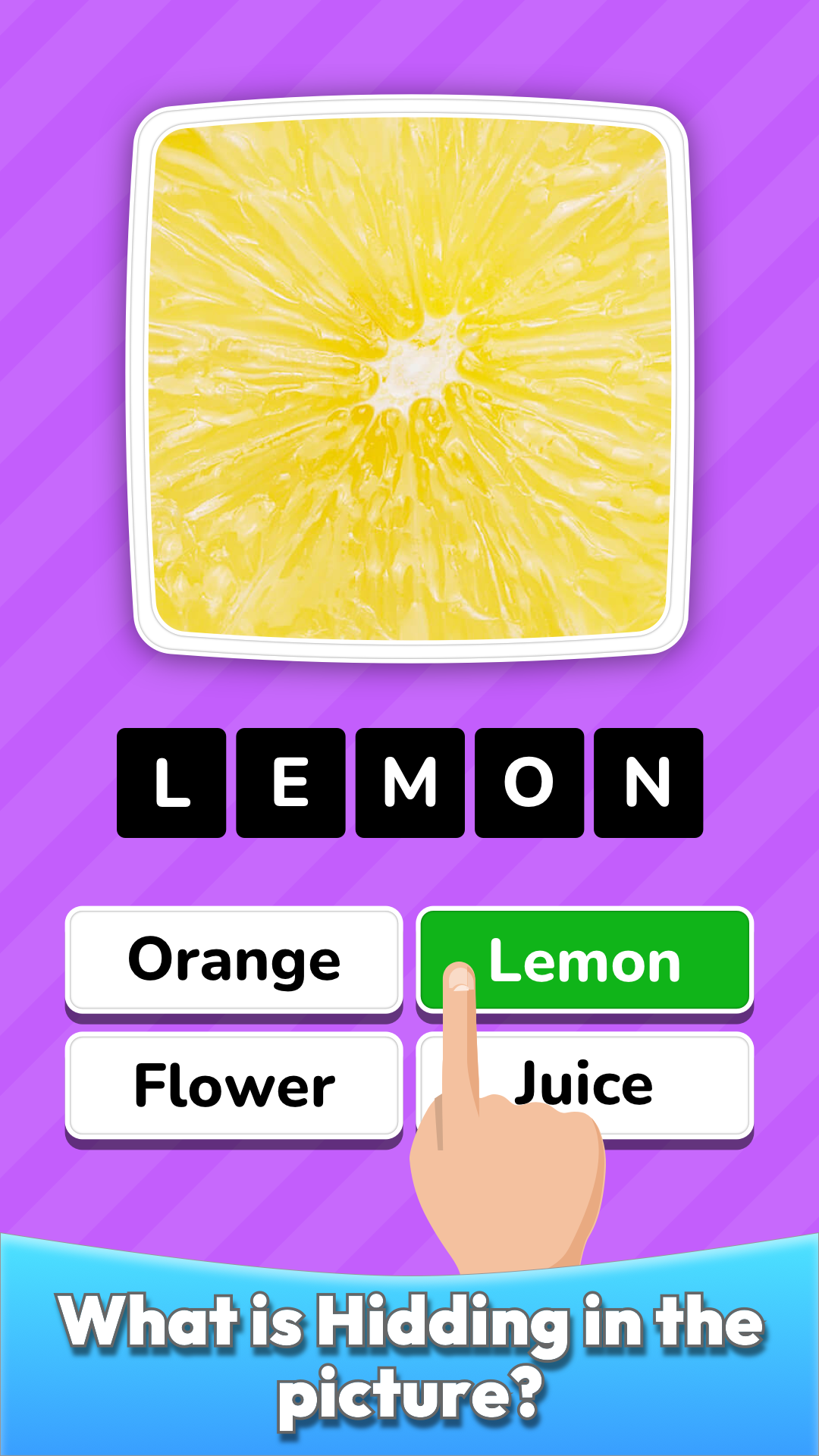
Zoom Quiz: Close Up Pics Game is a Trivia application developed by Kingim Studio LTD, but with the best Android emulator-LDPlayer, you can download and play Zoom Quiz: Close Up Pics Game on your computer.
Running Zoom Quiz: Close Up Pics Game on your computer allows you to browse clearly on a large screen, and controlling the application with a mouse and keyboard is much faster than using touchscreen, all while never having to worry about device battery issues.
With multi-instance and synchronization features, you can even run multiple applications and accounts on your PC.
And file sharing makes sharing images, videos, and files incredibly easy.
Download Zoom Quiz: Close Up Pics Game and run it on your PC. Enjoy the large screen and high-definition quality on your PC!
Do you like picture quizzes, logos quizzes, trivia games? Do you think you are good at guessing the picture, brain teaser games?Then Zoom Quiz: Close Up Pics Game, Guess the Word is just for you! Find out just how much you know!
Most recommended international popular game around the globe, be ready to get addicted, not stop playing and competing with your friends!
Play now for FREE, the world’s newest and most popular quiz game.
♥ More than 1,000,000 downloads around the world! Thank you! ♥
Zoom Quiz: Close Up Pics Game, Guess the Word Features:
★ Guess over 1000 pics, brands, places and objects from all over the world
★ Over 5 quiz topics, logo games, and picture puzzle games
★ Special American and many countries levels
★ Complete 50 engaging unique levels
★ With increasing difficulty as you play along
★ Perfect word and trivia games for the whole family
★ Invite your friend and gain coins
★ Offline game while you travel
★ Compete with your friends and players from all over the world
★ Use our unique hints to complete levels
★ Keep track of your stats and progress
★ Complete picture appears when you guess right
★ High quality pics
★ And all of that absolutely free
DOWNLOAD NOW FOR FREE
Thanks to this game you'll easily increase your vocabulary, guessing skills and attentiveness.
Zoom Quiz: Close Up Pics Game is fun, captivating and totally free.
It's a new quiz in the casual puzzle genre.
Updates with more levels and hundreds of brands coming soon.
In this trivia game you may find every category you love including cars, foods, brands and sites around the world. In this Zoom Quiz you can guess pics from all over the world as well as all American pictures. Can you guess every pic you hold dear?
In our zoom game you will find many more pictures and hints not available in other games. All for free.