18th Edition Electrical Wiring is a Education application developed by Wise Technology Ltd, but with the best Android emulator-LDPlayer, you can download and play 18th Edition Electrical Wiring on your computer.
Running 18th Edition Electrical Wiring on your computer allows you to browse clearly on a large screen, and controlling the application with a mouse and keyboard is much faster than using touchscreen, all while never having to worry about device battery issues.
With multi-instance and synchronization features, you can even run multiple applications and accounts on your PC.
And file sharing makes sharing images, videos, and files incredibly easy.
Download 18th Edition Electrical Wiring and run it on your PC. Enjoy the large screen and high-definition quality on your PC!
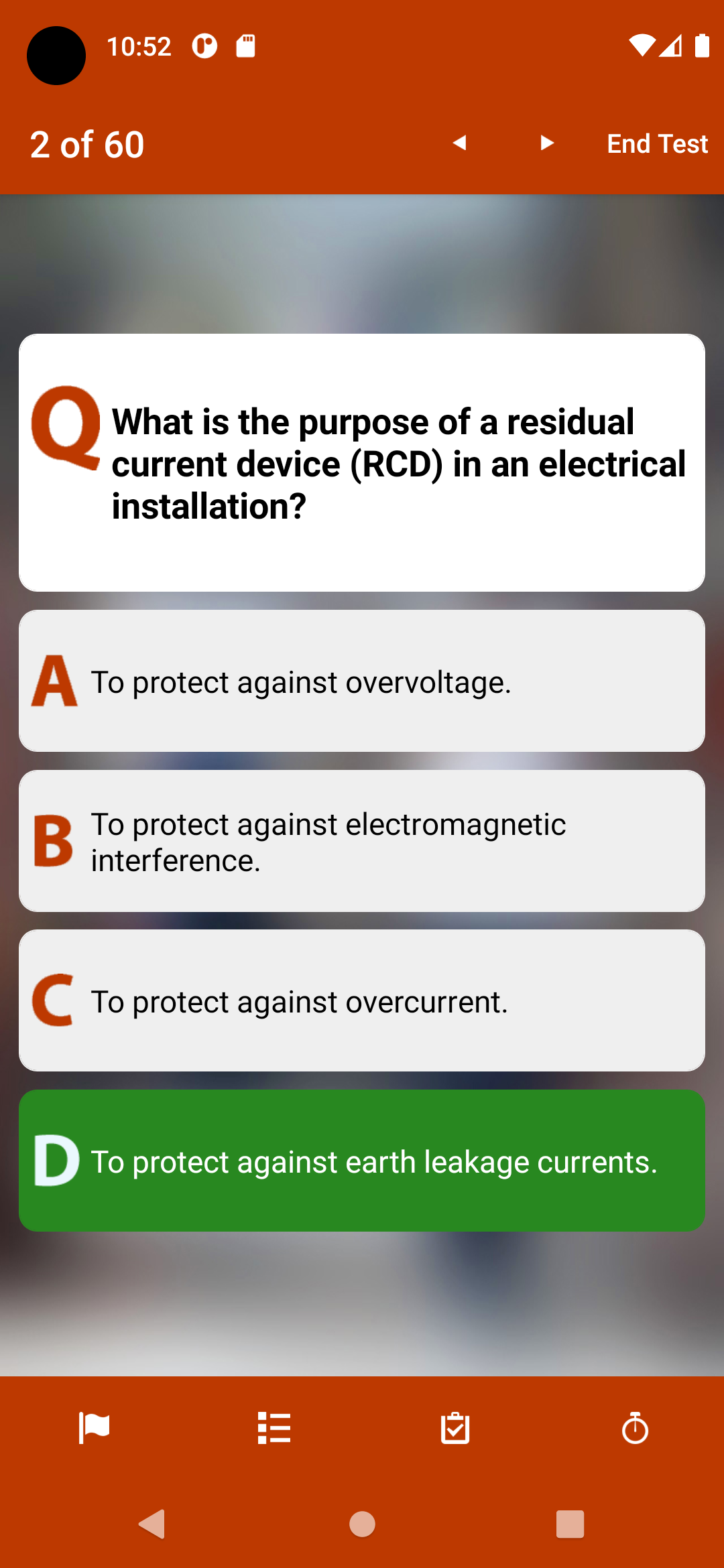
iPassPro is a comprehensive 18th Edition Electrical Wiring Regulations practice test app tailored for the Level 3 Award in the Requirements for Electrical Installations (BS 7671), crafted by an AEA Associate with a decade of experience at a leading UK Exam Body.Why iPassPro is Your Ultimate Exam Prep Companion:
- Expertly Curated Content: Designed to match the style and level of questions on your final exam, our content is written by subject matter experts.
- Unique Exams Every Time: With 200+ questions in our database, each 60 question exam is randomised, ensuring a fresh experience every time you practice.
- In-Depth Feedback: Opt for real-time feedback during your test and review detailed insights after you've completed it.
- Customised Exams: Focus on specific subject areas and choose between timed or untimed tests to suit your needs.
- Test Tools: Flag questions, track progress, monitor remaining time, reveal answers to tough questions, and review comprehensive feedback during your test.
- Visual Score Reports: Assess your performance by subject area with our easy-to-understand graphical breakdown.
- Track Your Progress: Save score reports from every exam, allowing you to review your improvement as the big day approaches.
- Share Your Results: Email score reports to yourself, friends, and tutors for extra support.
- Study Offline: No internet connection? No problem! Access iPassPro anytime, anywhere, with offline functionality (internet required only for emailing score reports).
Master a Wide Range of Topics:
- Understand the scope, object and fundamental principles of BS 7671
- Understand the definitions used within BS 7671
- Understand how to assess the general characteristics of electrical installations
- Understand requirements of protection for safety for electrical installations
- Understand the requirements for selection and erection of equipment for electrical installations
- Understand the requirements of inspection and testing of electrical installations
- Understand the requirements of special installations or locations as identified in BS 7671
- Understand the information contained within Part 8 and the appendices of BS 7671
With iPassPro, you'll be well-equipped to conquer your 18th Edition Electrical Wiring Regulations exam with confidence!