

2D Live Daily is a Entertainment application developed by Star Myanmar, but with the best Android emulator-LDPlayer, you can download and play 2D Live Daily on your computer.
Running 2D Live Daily on your computer allows you to browse clearly on a large screen, and controlling the application with a mouse and keyboard is much faster than using touchscreen, all while never having to worry about device battery issues.
With multi-instance and synchronization features, you can even run multiple applications and accounts on your PC.
And file sharing makes sharing images, videos, and files incredibly easy.
Download 2D Live Daily and run it on your PC. Enjoy the large screen and high-definition quality on your PC!
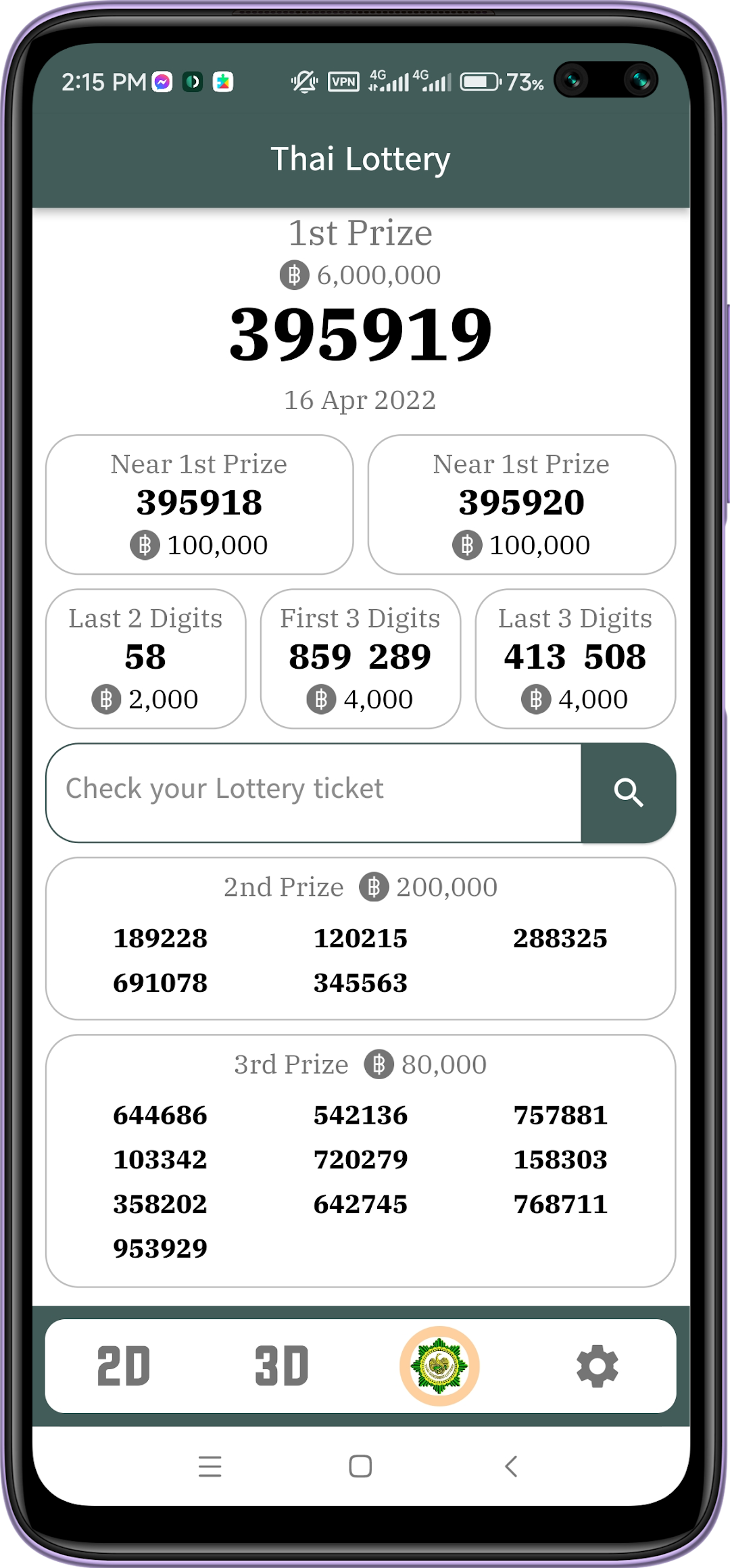
2D Live Daily provides results of all time.You can easily view real-time 2D Results.
Daily Modern Internet numbers are also provided.
2D Results live for two times a day.
Also having Taiwan 2D Results and history
Real-time Live Chatting for exploring numbers between users.
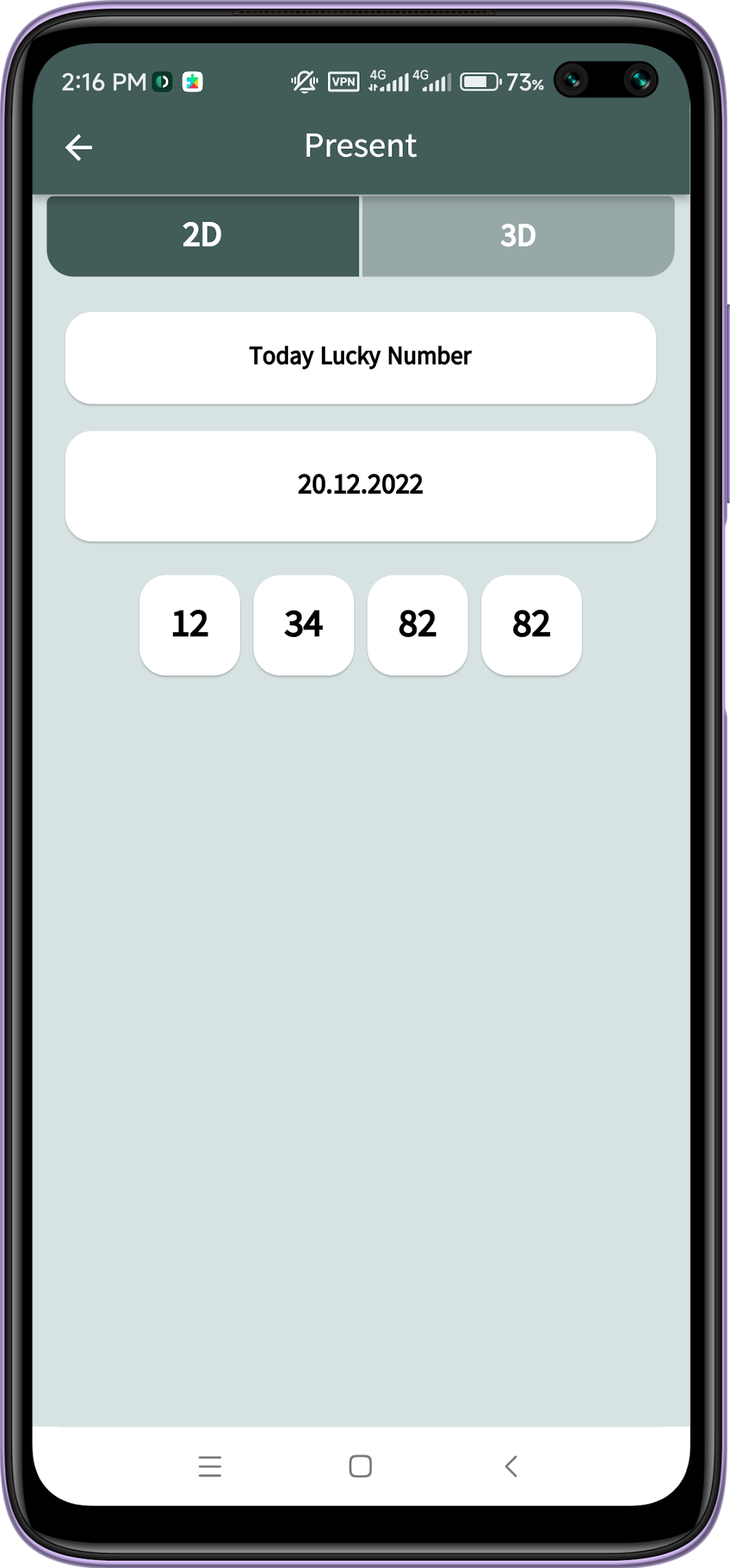
Daily Lucky Tips and Numbers.
Terms of Use:
All Data are provided for educational and personal use only. This app do not allow any gambling or violence behaviors.