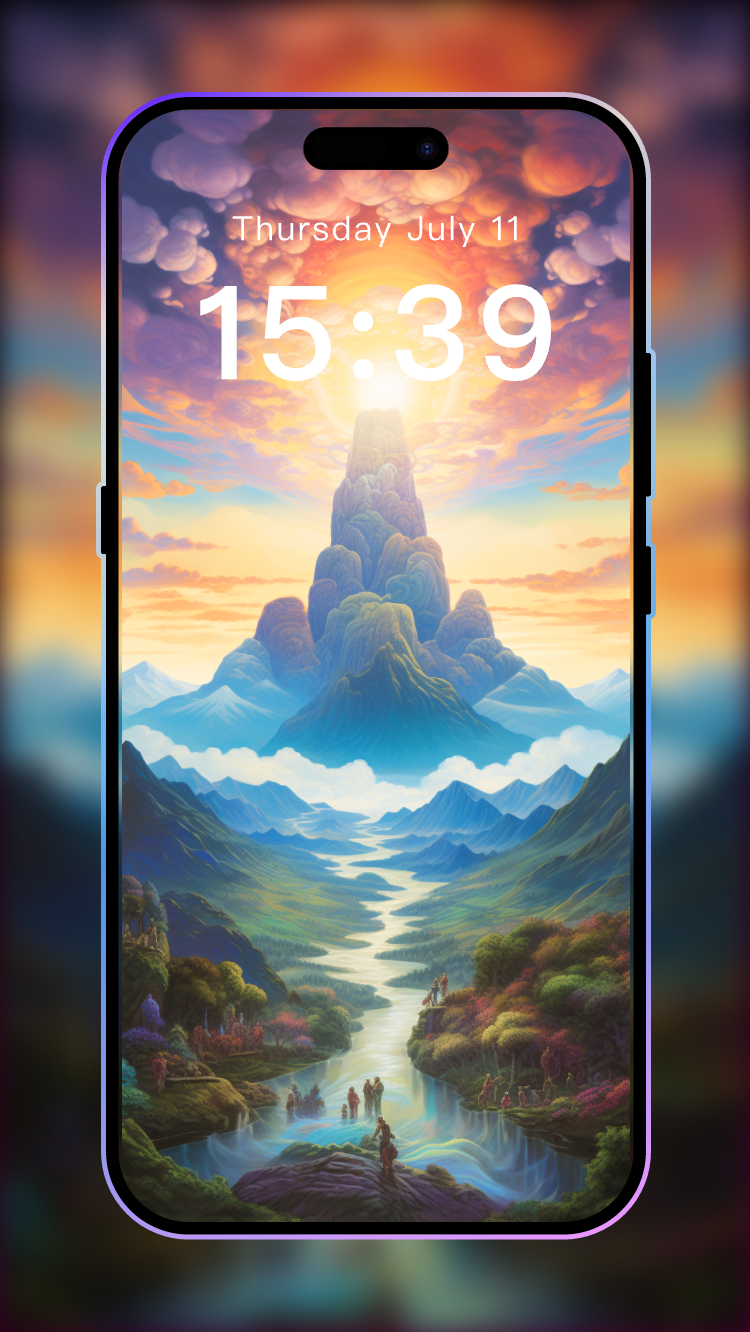
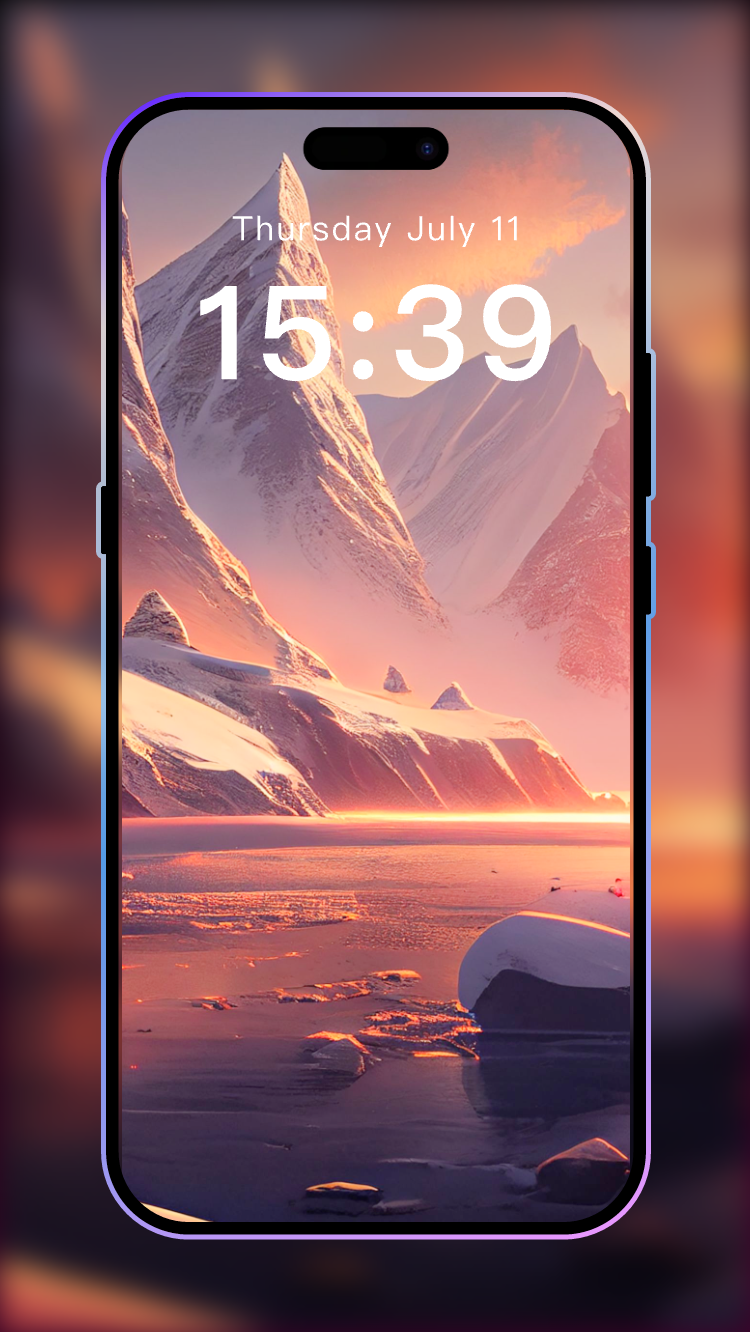
4K Wallpaper - Live Wallpapers is a Personalization application developed by KungfuNovel, but with the best Android emulator-LDPlayer, you can download and play 4K Wallpaper - Live Wallpapers on your computer.
Running 4K Wallpaper - Live Wallpapers on your computer allows you to browse clearly on a large screen, and controlling the application with a mouse and keyboard is much faster than using touchscreen, all while never having to worry about device battery issues.
With multi-instance and synchronization features, you can even run multiple applications and accounts on your PC.
And file sharing makes sharing images, videos, and files incredibly easy.
Download 4K Wallpaper - Live Wallpapers and run it on your PC. Enjoy the large screen and high-definition quality on your PC!
Transform Your Screen with 4K Wallpapers - Live WallpapersDive into our FREE collection of HD wallpapers and make your mobile shine
Feature Highlights:
🎨 One-Tap Wallpaper Set-Up:
Effortlessly refresh your screen with just a single tap
🚀 Sleek, Speedy, and Battery-Smart:
Enjoy a seamless experience with our user-friendly app. It's quick, light, and power-saving
🔍 Powerful Search Function:
Find your perfect wallpaper match with our intuitive search feature.
💌 Share & Set Instantly:
Share stunning UHD backgrounds with friends in a snap. Apply your favorite wallpaper to your screen with ease.
💾 Download High-Quality Images:
Choose between pristine 4K or Full HD to save directly on your device.
❤️ Favorites Folder:
Keep all the wallpapers you love in one place for quick access.
💡Diverse 4K Wallpaper Selection:
Explore a world of premium wallpapers across various categories for your phone's home or lock screen.
📱 Dynamic Wallpaper:
Bring your phone to life with mesmerizing video effects for both home and lock screen.
✨ Get ready to style your device with 4K Wallpapers - Live Wallpapers! Your phone deserves the spotlight!
Support
If you encounter any problems while using this application, you can contact me at the following email address:
jhqx888@gmail.com
Disclaimer:
All wallpapers in this app are under a common creative license and credit goes to their respective owners.
These images are not endorsed by any potential owner and are used for aesthetic purposes only. No copyright infringement intended and any request to remove images/logos/names will be honored.