Aarambh is a Education application developed by Education DIY17 Media, but with the best Android emulator-LDPlayer, you can download and play Aarambh on your computer.
Running Aarambh on your computer allows you to browse clearly on a large screen, and controlling the application with a mouse and keyboard is much faster than using touchscreen, all while never having to worry about device battery issues.
With multi-instance and synchronization features, you can even run multiple applications and accounts on your PC.
And file sharing makes sharing images, videos, and files incredibly easy.
Download Aarambh and run it on your PC. Enjoy the large screen and high-definition quality on your PC!
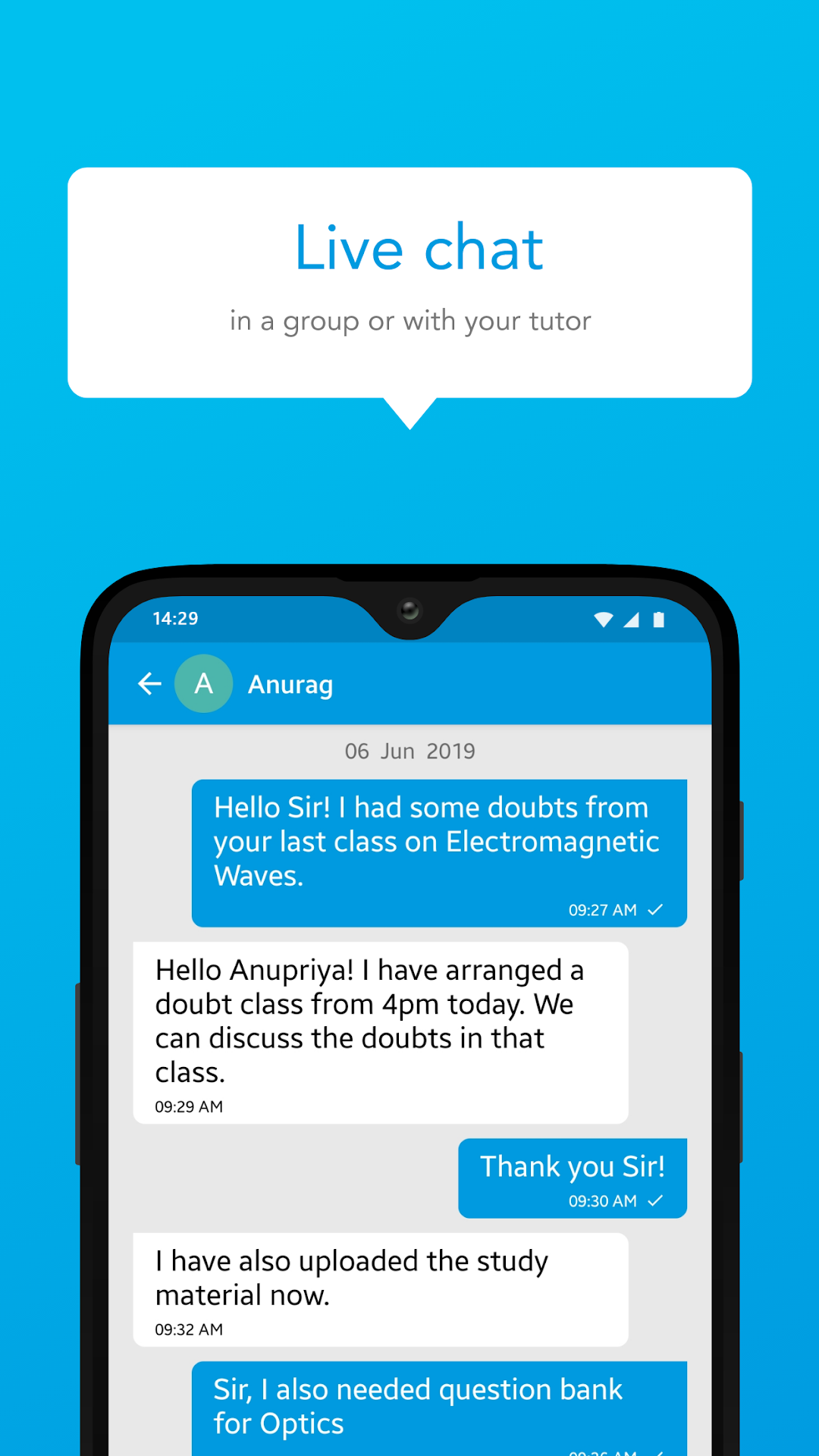
Begin your educational journey with Aarambh, the perfect app to ignite your learning potential! Our app provides a platform for students to explore and excel in various subjects. From mathematics and science to literature and history, we offer comprehensive study materials and engaging video lessons. Our interactive quizzes and practice exercises help reinforce concepts and improve problem-solving skills. With personalized study plans and progress tracking, you can monitor your growth and focus on areas that need improvement. Join Aarambh today and embark on a successful academic journey!