AASTMT Student Portal is a Education application developed by Arab Academy for Science, Technology (AASTMT), but with the best Android emulator-LDPlayer, you can download and play AASTMT Student Portal on your computer.
Running AASTMT Student Portal on your computer allows you to browse clearly on a large screen, and controlling the application with a mouse and keyboard is much faster than using touchscreen, all while never having to worry about device battery issues.
With multi-instance and synchronization features, you can even run multiple applications and accounts on your PC.
And file sharing makes sharing images, videos, and files incredibly easy.
Download AASTMT Student Portal and run it on your PC. Enjoy the large screen and high-definition quality on your PC!
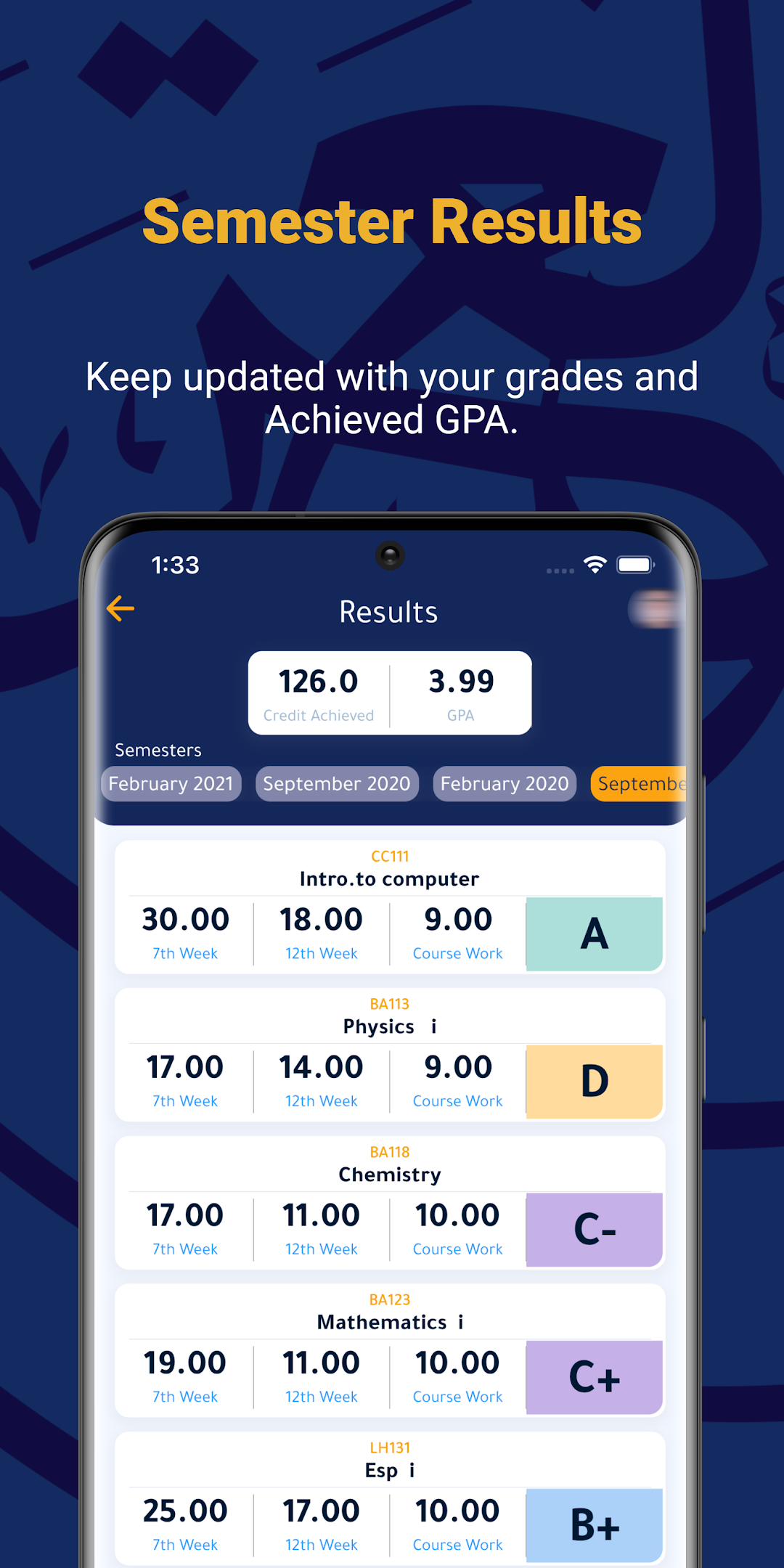
The AASTMT Student Portal app is an innovative and comprehensive academic tool designed for students of the Arab Academy for Science, Technology, and Maritime Transport. With its range of features, the app has quickly become an essential resource for students looking to enhance their academic performance and streamline their academic experience.One of the most significant advantages of the AASTMT Student Portal app is its ability to provide students with easy access to their academic results, schedules, and attendance records. These features allow students to track their academic progress and ensure they stay on top of their coursework.
Moreover, the app provides students with access to course news and updates, enabling them to stay informed about any changes or updates related to their academic program. Students can also communicate with their professors directly through the app's private messaging feature, promoting collaboration and engagement within the academic community.
Another standout feature of the AASTMT Student Portal app is its integration with Moodle, a popular online learning platform. By integrating with Moodle, the app allows students to access course content, quizzes, and other resources directly through the app, making it easier for students to keep up with their coursework.
The app's secure QR code-based student identity system is another valuable feature. This system eliminates the need for physical identification cards, reducing the risk of identity theft and improving campus security. The system also allows students to access campus services and facilities with ease, such as libraries, labs, and sports centers.
Additionally, the AASTMT Student Portal app enables students to receive announcements from the Head of Department and Dean. This feature ensures that students are always up to date on the latest developments in their academic program, promoting transparency and accountability within the academic department.
In conclusion, the AASTMT Student Portal app is a valuable academic tool for students at the Arab Academy for Science, Technology, and Maritime Transport. With its range of features, the app enables students to streamline their academic experience, enhance their academic performance, and stay connected with their academic community. If you are a student at AASTMT, we highly recommend downloading the AASTMT Student Portal app today and taking advantage of its numerous benefits.