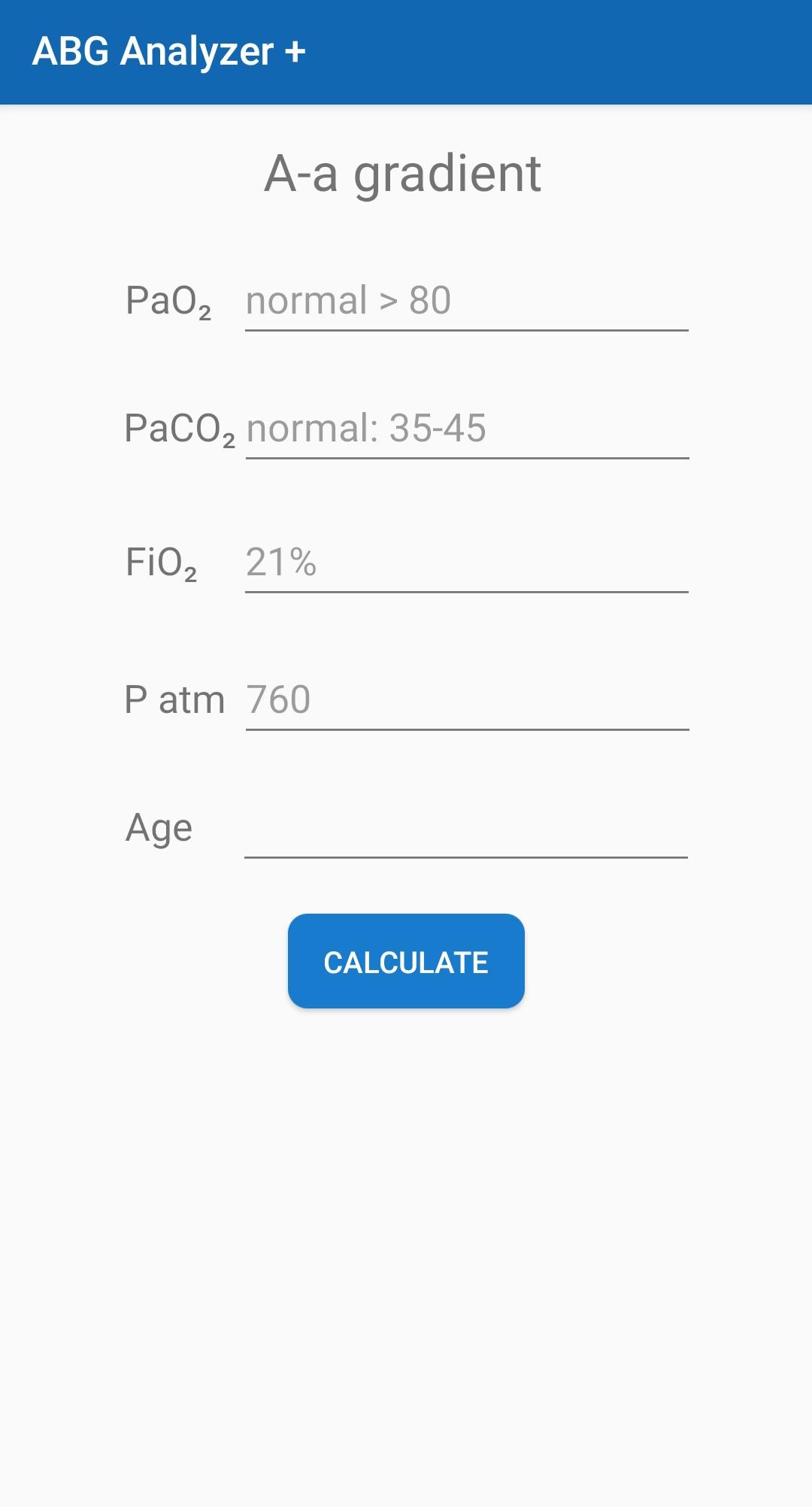
ABG Analyzer + is a Medical application developed by Ratib TM, but with the best Android emulator-LDPlayer, you can download and play ABG Analyzer + on your computer.
Running ABG Analyzer + on your computer allows you to browse clearly on a large screen, and controlling the application with a mouse and keyboard is much faster than using touchscreen, all while never having to worry about device battery issues.
With multi-instance and synchronization features, you can even run multiple applications and accounts on your PC.
And file sharing makes sharing images, videos, and files incredibly easy.
Download ABG Analyzer + and run it on your PC. Enjoy the large screen and high-definition quality on your PC!
The ultimate tool for ABG analysis and interpretation!The tool is capable of of:
- AG and delta AG over delta HCO3.
- Evaluate consistency and validity of values.
- Calculate expected HCO3 or pCO2.
- Interpretation of the primary and hidden metabolic/respiratory disorders.
- Calculate actual and expected A-a gradient.
This tool is a blood gas and acid base calculator and interpreter.
Please feel free to suggest adding functions or ideas to this app.