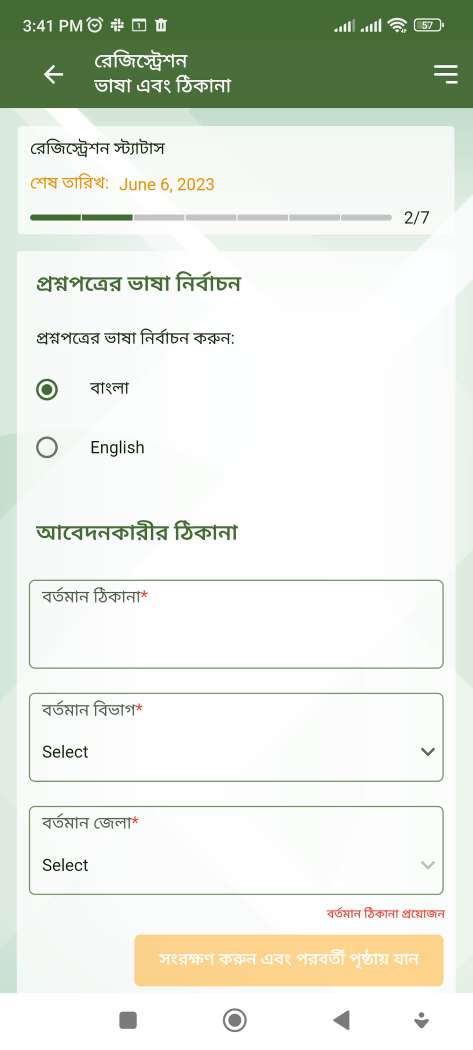
ACAS APP is a Education application developed by Sylhet Agricultural University, but with the best Android emulator-LDPlayer, you can download and play ACAS APP on your computer.
Running ACAS APP on your computer allows you to browse clearly on a large screen, and controlling the application with a mouse and keyboard is much faster than using touchscreen, all while never having to worry about device battery issues.
With multi-instance and synchronization features, you can even run multiple applications and accounts on your PC.
And file sharing makes sharing images, videos, and files incredibly easy.
Download ACAS APP and run it on your PC. Enjoy the large screen and high-definition quality on your PC!
The Agriculture Cluster Admission System (ACAS) is implementing an automated solution to improve the management and control of the admission process for public agriculture universities in Bangladesh. The proposed system architecture includes pre-registration and post-registration stages to facilitate applicant registration and selection.During pre-registration, applicants can access the ACAS website, which provides information about the admission process, the remaining registration period, guidelines, and required documents. They can check their eligibility by providing their SSC and HSC registration details or O-Level/A-Level transcripts. After confirming eligibility, applicants can sign up using their mobile number and email address, with OTP verification and a system-generated PIN and password.
Post-registration, applicants can sign in using the provided credentials and access their academic information fetched from the education board. They can prioritize their quota type, preferred question language, and exam centers. The system checks the uploaded photo for compliance with specified criteria. Applicants can review and edit their information before final submission, after which changes are not allowed. They are required to make a payment for the application fee, and upon successful payment, they can download an acknowledgment slip and admit card.
After conducting the admission exam, the system processes the results by collecting and storing the achieved numbers from OMR sheets, calculating scores based on SSC/HSC marks, and defining final merit scores. The admin user can download the result sheet and publish it on the official website and other media. Applicants can view their merit position on the dashboard and receive SMS and email notifications with their merit scores. Further instructions are provided on the applicant dashboard.
Once the result and merit/waiting list are published, candidates can begin the admission process according to the guidelines. The admin user can download the result sheet and publish it, while applicants can view their merit position and proceed with subject selection and payment of the admission fee through the ACAS system.
Overall, the ACAS system aims to streamline and automate the admission process, providing a user-friendly interface for applicants while ensuring data security and accuracy.