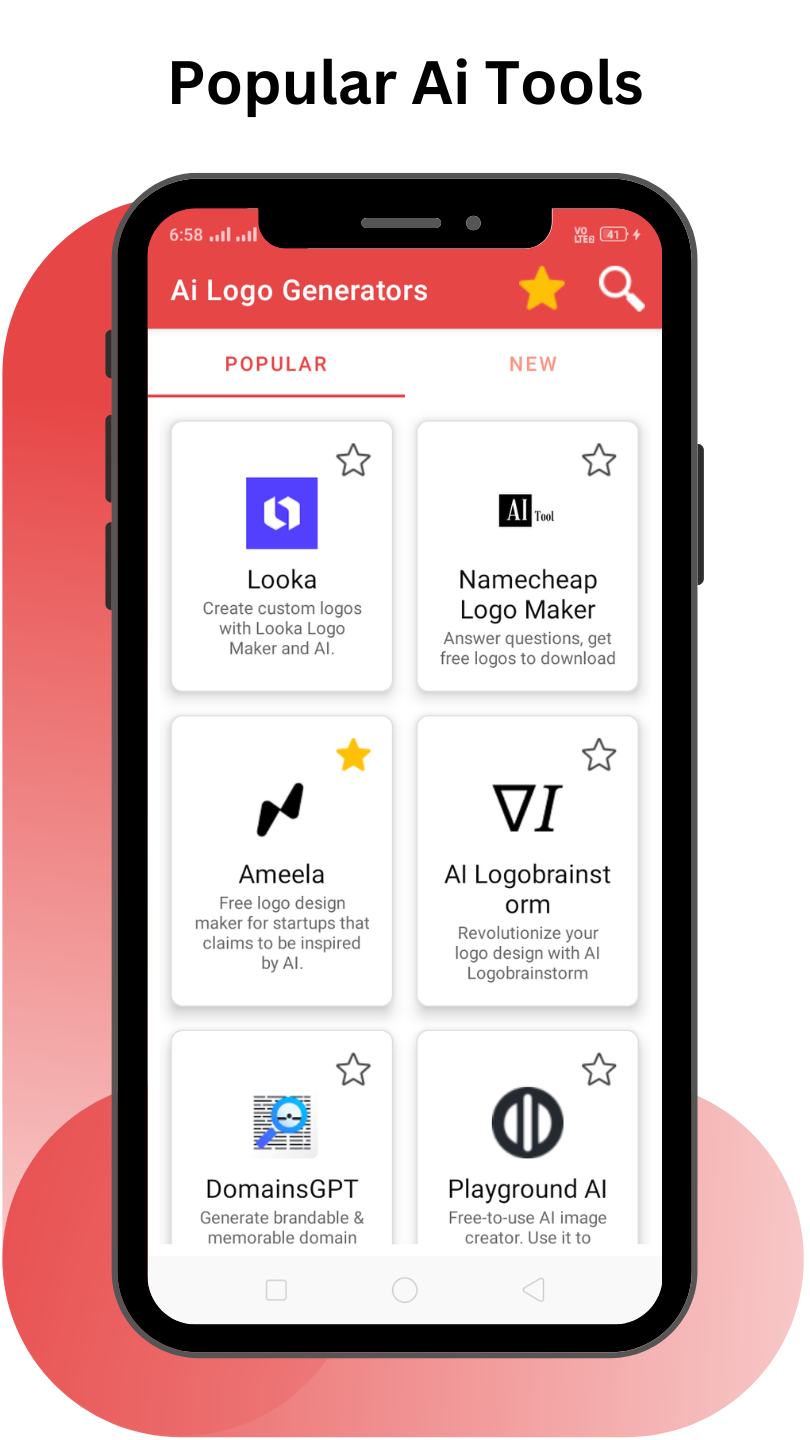
Ai Logo Generator - All in one is a Tools application developed by Blue Planet Apps, but with the best Android emulator-LDPlayer, you can download and play Ai Logo Generator - All in one on your computer.
Running Ai Logo Generator - All in one on your computer allows you to browse clearly on a large screen, and controlling the application with a mouse and keyboard is much faster than using touchscreen, all while never having to worry about device battery issues.
With multi-instance and synchronization features, you can even run multiple applications and accounts on your PC.
And file sharing makes sharing images, videos, and files incredibly easy.
Download Ai Logo Generator - All in one and run it on your PC. Enjoy the large screen and high-definition quality on your PC!
This ai tool is specially designed for Logo Generation. It contains all ai logo related free and freemium tools. With an extensive collection of logo generators, you can quickly find the perfect logo generator for your work. Our user-friendly interface makes it easy to search for and use the ai logo tool you need. These Artificial intelligence tools help you work faster.You can easily search for ai tools based on your specific requirements and find which AI tool fits you.
Our All in one AI tools app also allows you to use the tools directly within the app, making it convenient and easy to get started with. Ai Logo Generators contain only free and Freemium AI tools. We add new AI tools on a regular basis.
Tips for using this AI tool:
1) If you know the name of some particular Artificial intelligence tool, you can search for that directly by name.
2) But, If you don't know any ai tool names then this is the perfect place, what you have to do is just type the keyword related to your work like background, logo, and watermark. our All in one ai tool will find the tools for you and then you can choose the perfect tool from it
Key Features:
- All Ai Logo Generators.
- User-friendly interface for easy searching and tool selection
- Use AI tools directly within the app
Disclaimer -
All the Ai tools and websites in this app are owned by their respective owners and companies. we don't have any copyright over the website's content. We are just providing you with a way to find those tools and use them. so whatever you do on those websites(Like creating an account or whatever) is yours and the respective website owner's responsibility. For more details or
if you have any confusion, please e-mail us.