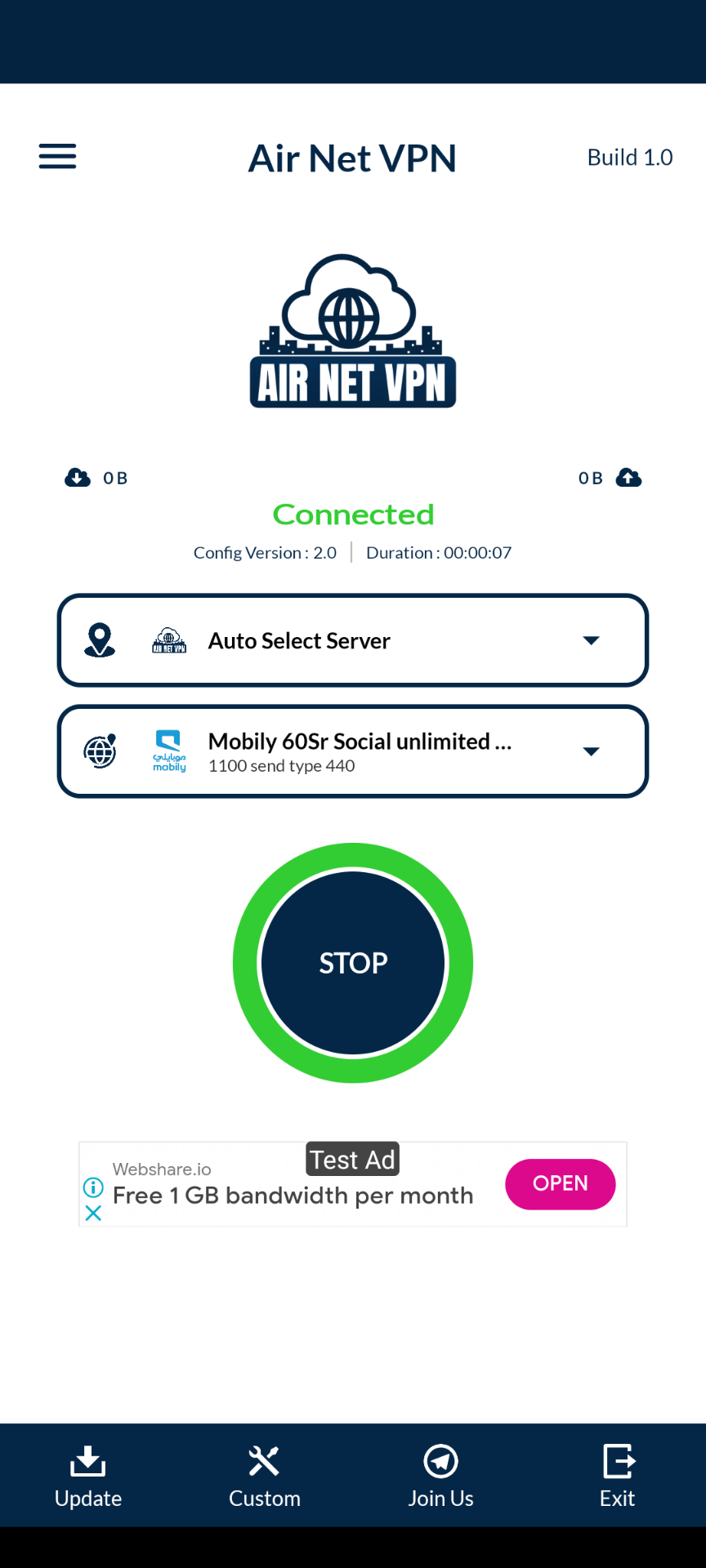
Air Net VPN is a Tools application developed by SusTech Peradise, but with the best Android emulator-LDPlayer, you can download and play Air Net VPN on your computer.
Running Air Net VPN on your computer allows you to browse clearly on a large screen, and controlling the application with a mouse and keyboard is much faster than using touchscreen, all while never having to worry about device battery issues.
With multi-instance and synchronization features, you can even run multiple applications and accounts on your PC.
And file sharing makes sharing images, videos, and files incredibly easy.
Download Air Net VPN and run it on your PC. Enjoy the large screen and high-definition quality on your PC!
Air Net VPN is a free and unlimited VPN proxy, offering you Free and fast VPN service andAccess any block sites and social application Worldwide.
Why Choose This AIR NET VPN?
✅ One Tap Connected (Simple & Easy)
✅ HTTP, TCP, WS, UDP, v2ray, OpenVPN Protocol Added
✅ Hide your Ip (Protect your Privacy)
☑️ All Country 3G,4G,5G, Wi-Fi Network Supported
☑️ Don’t Save any user log file
✅ 1Gbps High Speed Server
✅ No Limit / Unlimited Bandwidths
✅ Support All VOIP Calling App
OpenVPN 3, V2Ray, and Hysteria UDP Support:
Air Net VPN goes beyond the standard VPN offerings by seamlessly integrating OpenVPN 3, V2Ray and Hysteria UDP protocols. This ensures top-notch encryption and an optimized connection for a smooth and secure browsing experience.
Data Privacy Assurance:
Rest easy knowing that Air Net VPN is committed to safeguarding your privacy. Our app operates under a strict no-logs policy, meaning we do not collect or store any user data. Your online activities remain confidential and secure.
User-Friendly Interface:
Navigating through Air Net VPN is a breeze. Our user-friendly interface allows you to connect to the VPN with just a tap, providing a hassle-free experience for both beginners and seasoned users.
Global Server Network:
Enjoy unrestricted access to content from around the world with our extensive server network. Air Net VPN offers servers in various locations, ensuring a fast and reliable connection wherever you are.
Lightning-Fast Speeds:
Don't compromise on speed. Air Net VPN is optimized to provide high-speed connections, allowing you to stream, download, and browse with minimal lag.
Automatic Connection on Public Wi-Fi:
Enhance your security on the go. FLY TUNNEL VPN can be set to automatically connect to the VPN when you're on public Wi-Fi networks, keeping your data safe from potential threats.
24/7 Customer Support:
Our dedicated customer support team is available 24/7 to assist you with any inquiries or issues. We are committed to ensuring you have a smooth and enjoyable experience with Air Net VPN.
For More Information, Please Contract us: airnetvpn@gmail.com
JOIN OUR TELIGRAM CHANNEL: https://t.me/airnetvpn