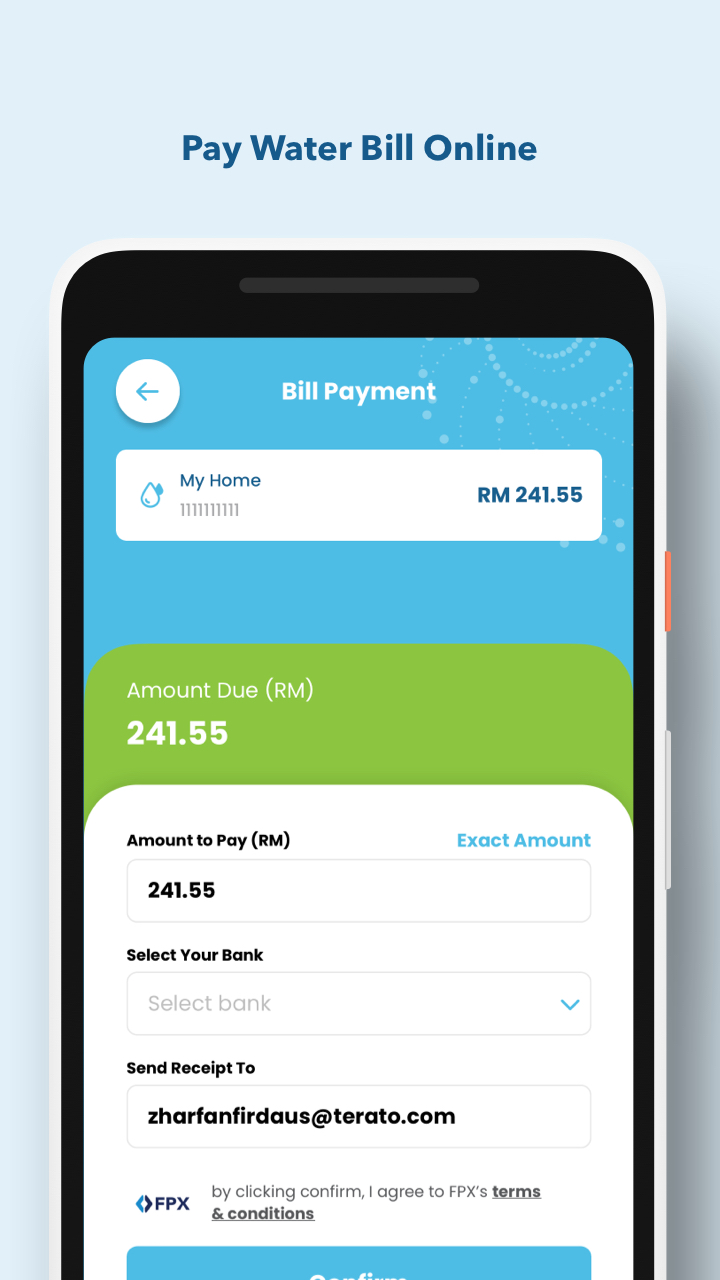
Air Selangor is a Business application developed by Pengurusan Air Selangor Sdn Bhd, but with the best Android emulator-LDPlayer, you can download and play Air Selangor on your computer.
Running Air Selangor on your computer allows you to browse clearly on a large screen, and controlling the application with a mouse and keyboard is much faster than using touchscreen, all while never having to worry about device battery issues.
With multi-instance and synchronization features, you can even run multiple applications and accounts on your PC.
And file sharing makes sharing images, videos, and files incredibly easy.
Download Air Selangor and run it on your PC. Enjoy the large screen and high-definition quality on your PC!
This is an official mobile application from Pengurusan Air Selangor Sdn Bhd. It is as another information and complaint channel in order to provide better services to water consumers of Selangor, Kuala Lumpur and Putrajaya, in line with todays' technological advancement in Information Technology and Communication. Any complaint submitted through this application will be received instantly by our Pengurusan Air Selangor Sdn Bhd Consumer Service team, to authenticate its validity and to ensure the complaint will be attended.Pengurusan Air Selangor is committed in providing the best and highest quality in its services.
Features:-
- Water Disruption Calendar: Scheduled Water Disruption information and Unscheduled Water Disruption.
- Water Rationing Calendar: Water Rationing Scheduled (Only enable when rationing is declared by state government).
- eComplaint: Complaint on Pengurusan Air Selangor and water related issues.
- Press Release: Access to latest press release, announcement and headlines.
- www.airselangor.com: instant access to Pengurusan Air Selangor official website.