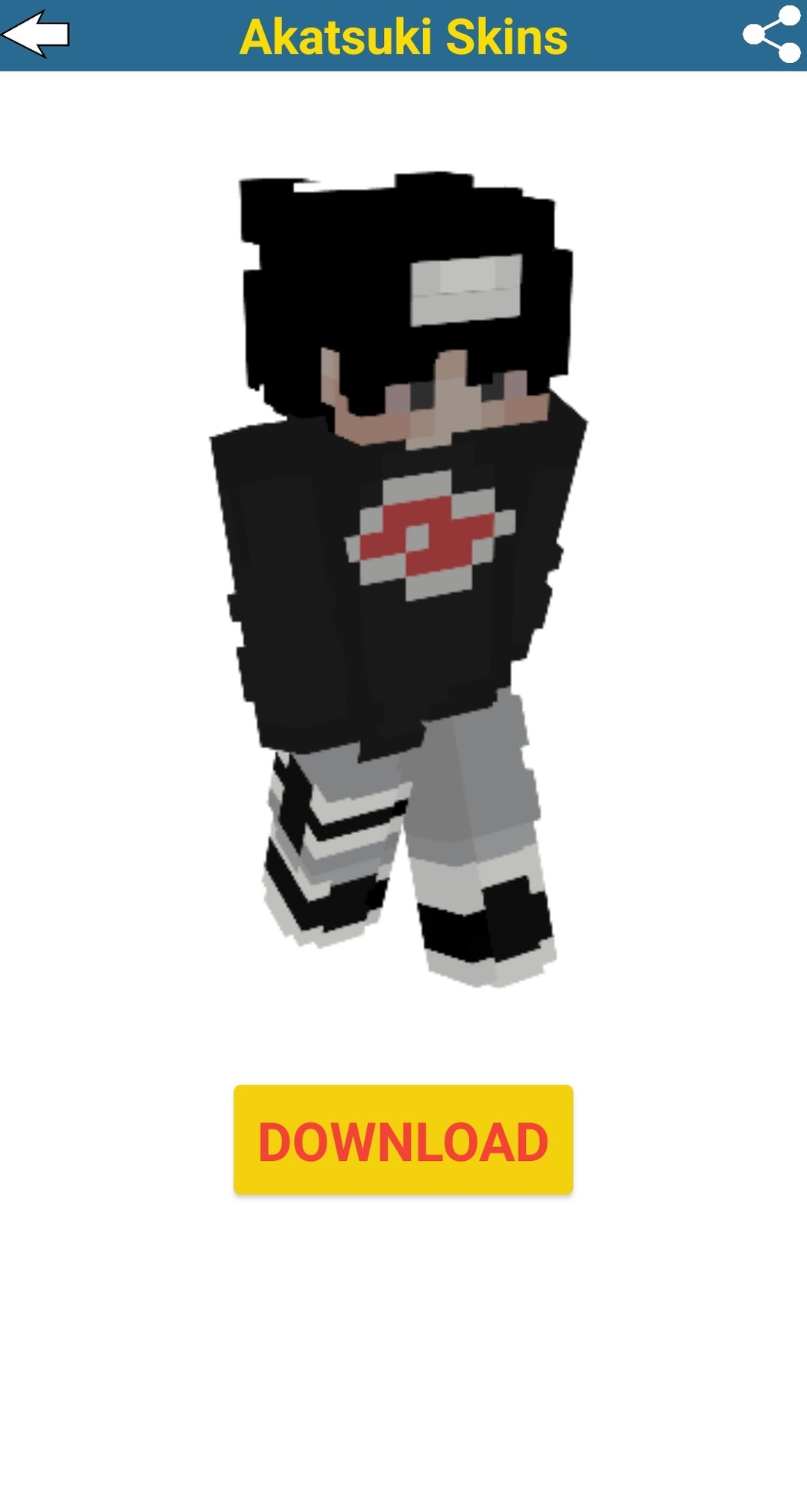


Akatsuki Skins For Minecraft is a Entertainment application developed by Minecraftplaymarketapps, but with the best Android emulator-LDPlayer, you can download and play Akatsuki Skins For Minecraft on your computer.
Running Akatsuki Skins For Minecraft on your computer allows you to browse clearly on a large screen, and controlling the application with a mouse and keyboard is much faster than using touchscreen, all while never having to worry about device battery issues.
With multi-instance and synchronization features, you can even run multiple applications and accounts on your PC.
And file sharing makes sharing images, videos, and files incredibly easy.
Download Akatsuki Skins For Minecraft and run it on your PC. Enjoy the large screen and high-definition quality on your PC!
Here we have collected the best list of Akatsuki Skins for Minecraft Pocket Edition. Select your favourite Akatsuki Skins with one download button and change minecraft skin in your game menu.Each skin you can download for free with just the touch of a button! The Akatsuki Skins For Minecraft PE is simple to use:
Just a few clicks and you are downloading skins.
When downloading, the skin is placed in the gallery, where you install it into the game.
How to install Akatsuki Skins for Minecraft :
Select a skin from the catalog
Click on the "Download" button
Go to the game and select the icon with a hanger
Choose a black character
Select the downloaded skin from the gallery and enjoy the game!
Enjoy skins for minecraft that will lift your spirits, and you can surprise your friends in multiplayer mode!
Important
For downloading and viewing skins for minecraft requires an Internet connection.
You can always recommend this app to your friends and invite them to play because here we have the largest collection of skins !
We update the app regularly, we are constantly working to make the Skins for Minecraft app better and more useful for you. Please feel free to email us at minecraftplaymarketapps@gmail.com for any requests for suggestions for update issues. We would love to hear from you.
--— DISCLAIMER —--
Akatsuki Skins for Minecraft is an unofficial application for Minecraft. This application is not affiliated with Mojang AB, the Minecraft name, the Minecraft brand, and all Minecraft property is the property of Mojang AB or a respected owner. According to http://account.mojang.com/documents/brand_guidelines