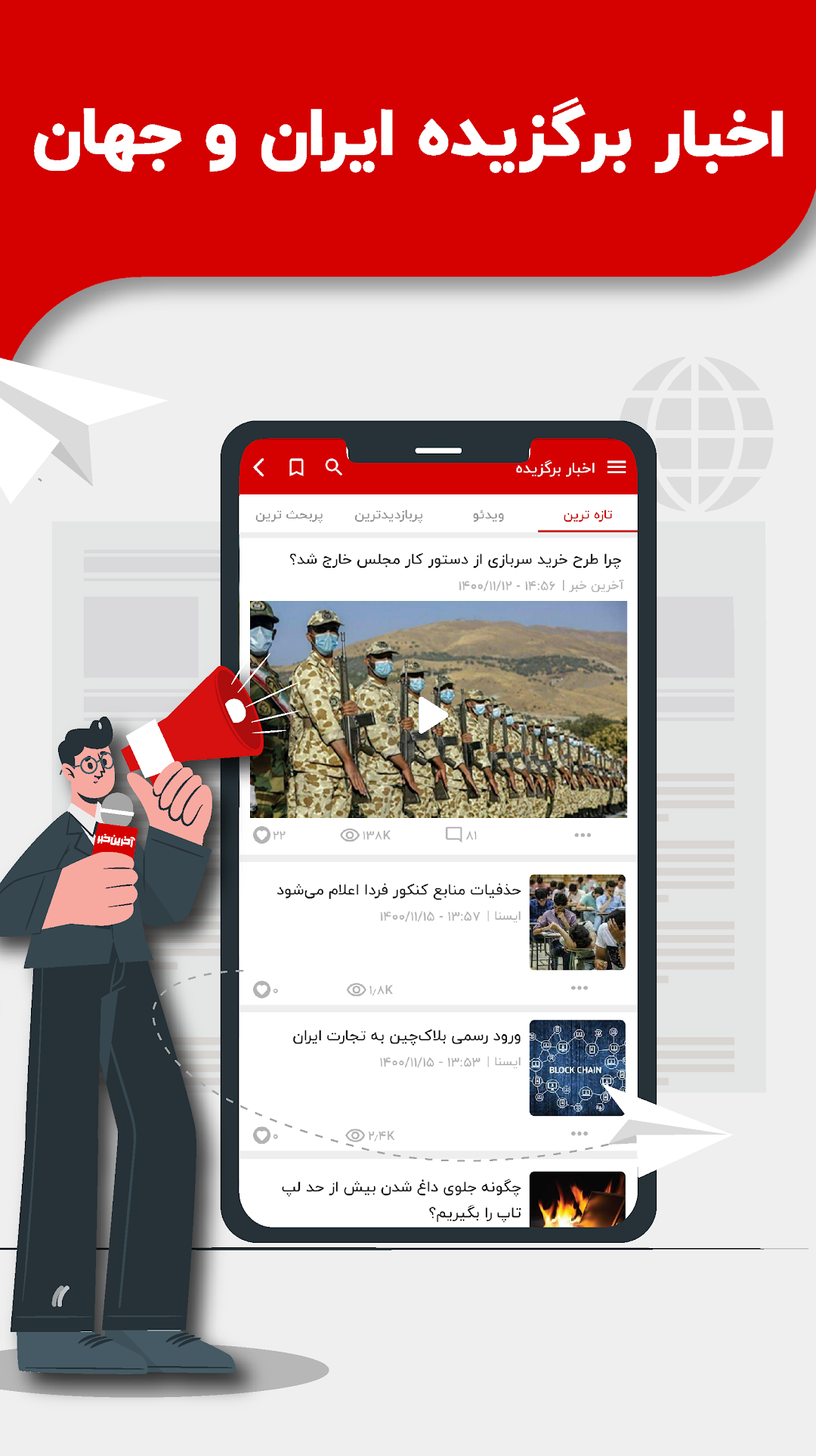
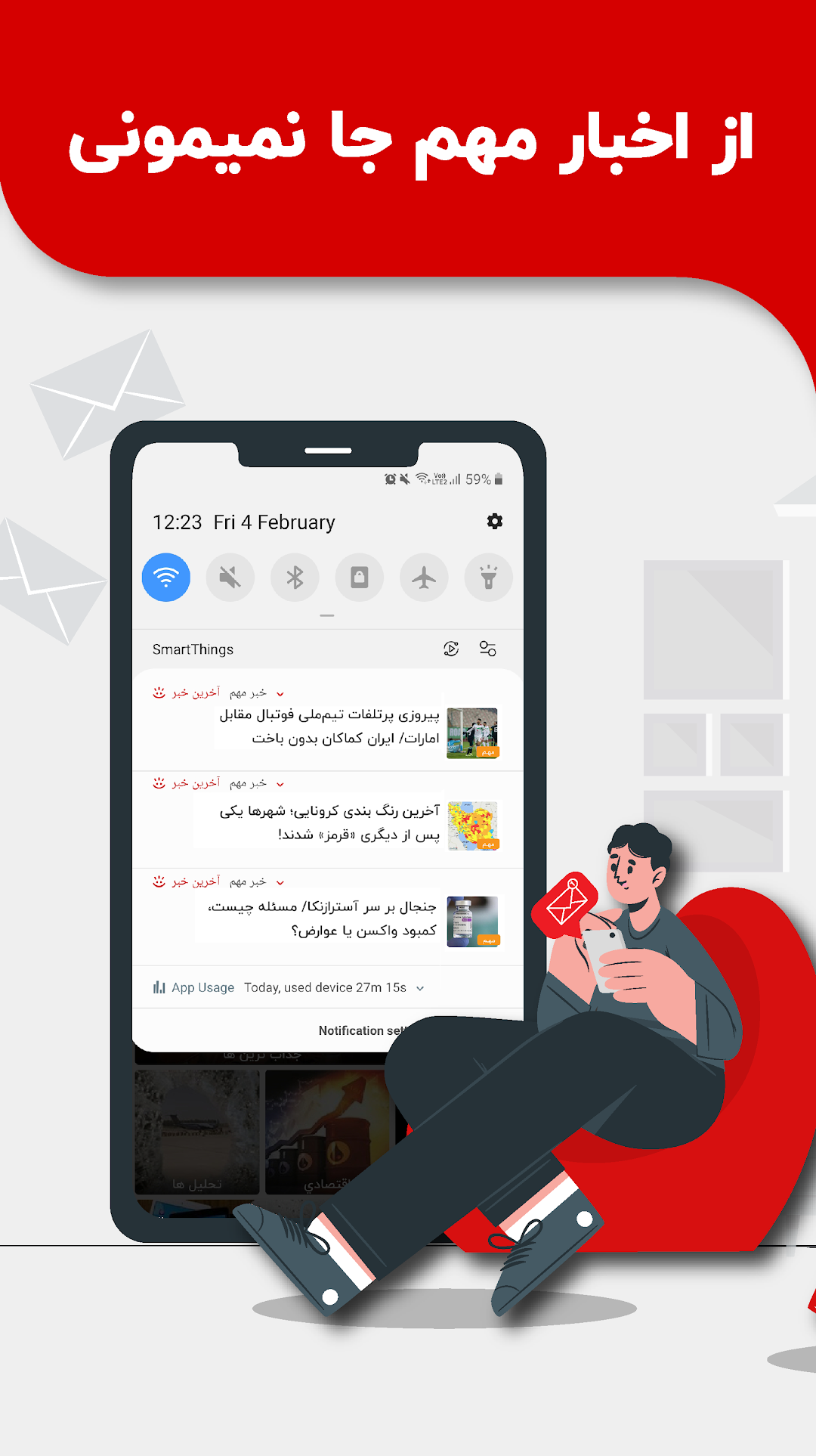
Akharinkhabar is a News&Magazines application developed by Cultural and Artistic Institute of Khorasan, but with the best Android emulator-LDPlayer, you can download and play Akharinkhabar on your computer.
Running Akharinkhabar on your computer allows you to browse clearly on a large screen, and controlling the application with a mouse and keyboard is much faster than using touchscreen, all while never having to worry about device battery issues.
With multi-instance and synchronization features, you can even run multiple applications and accounts on your PC.
And file sharing makes sharing images, videos, and files incredibly easy.
Download Akharinkhabar and run it on your PC. Enjoy the large screen and high-definition quality on your PC!
Akharinkhabar (Latest News) is a news program with so many features for users. It covers world news in 24/7 with support of specialized editorial staff, in categories such as sports, politics, top news, cinema and pictures.“Akharinkhabar” brings you complete articles with full text and photos all inside the app from local news sources.
Users can write comments about news, and they will be shown on the web, too.
Keep yourself updated with the most popular trending articles and topics of the moment.
Here there are some other feature:
• News and image sharing:
It supports all ways of social and media sharing
• Saving images:
You can save images in your mobile phone gallery
• Offline access:
You can read the news and your newsfeed while offline when you are out of coverage. You can also save articles for reading later.
• Search capabilities:
You can search among all the news posted so far.
• Breaking news:
Even when the app is not running, you can receive breaking news alerts. Breaking news are top priority news.
• Special news:
Even when the app is not running, you can receive breaking news alerts. Special news are second priority news.
• Options:
You can easily customize features such as alerts for breaking and special news, font, memory, offline mode and so on.
• Personal Profile:
You can introduce and have your personal news profile.
• Bookmarks:
Using bookmarks, you can save your desired articles for later viewing.
• Custom setting:
You can customize news categories based on news sources.
We are committed to building the best mobile experience and are interested in your feedback.
Contact us:
Tell: +98 51 31634 334
Email: info@akharinkhabar.ir