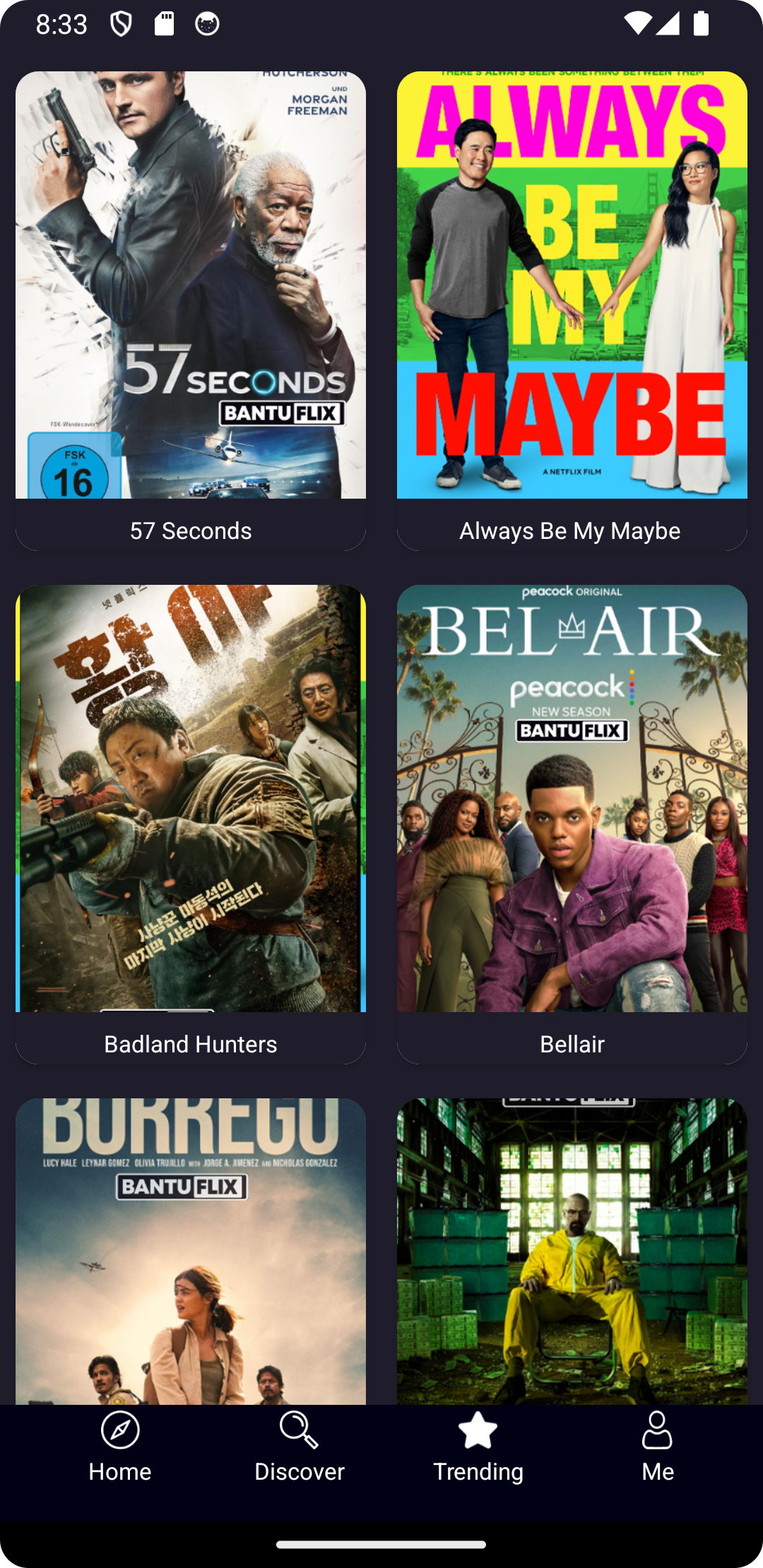
AllVjs Translated Movies is a Entertainment application developed by NileFlowAI, but with the best Android emulator-LDPlayer, you can download and play AllVjs Translated Movies on your computer.
Running AllVjs Translated Movies on your computer allows you to browse clearly on a large screen, and controlling the application with a mouse and keyboard is much faster than using touchscreen, all while never having to worry about device battery issues.
With multi-instance and synchronization features, you can even run multiple applications and accounts on your PC.
And file sharing makes sharing images, videos, and files incredibly easy.
Download AllVjs Translated Movies and run it on your PC. Enjoy the large screen and high-definition quality on your PC!
We're excited to announce our latest update, bringing you an enriched experience with an even wider selection of Ugandan movies, now available in multiple languages to enhance accessibility and enjoyment.What's New:
Luganda Translated Movies: Dive into our expanded collection of Ugandan films, now featuring multi-language subtitles and dubbing, including translations in Luganda. Immerse yourself in these compelling stories with language options that cater to a broader audience.
Streamlined Language Selection: We've revamped our language selection feature to make it easier than ever to choose your preferred language for subtitles or dubbing. Enjoy a smooth, personalized viewing experience.
Enhanced Playback Quality: Experience improved streaming with higher-quality playback for a more immersive viewing adventure. Our latest updates ensure top-notch visual and audio performance, so you can fully enjoy your favorite Ugandan movies.
Bug Fixes and Performance Enhancements: We've resolved reported issues and made backend improvements to optimize the app's performance, ensuring a more stable and reliable platform for uninterrupted movie streaming.
Your Feedback Matters:
We're dedicated to continuously improving your experience. Your feedback is invaluable to us, so please share any suggestions, comments, or concerns via email.
Shorts Added: Don’t miss our new addition of short films, offering more variety to your entertainment options.