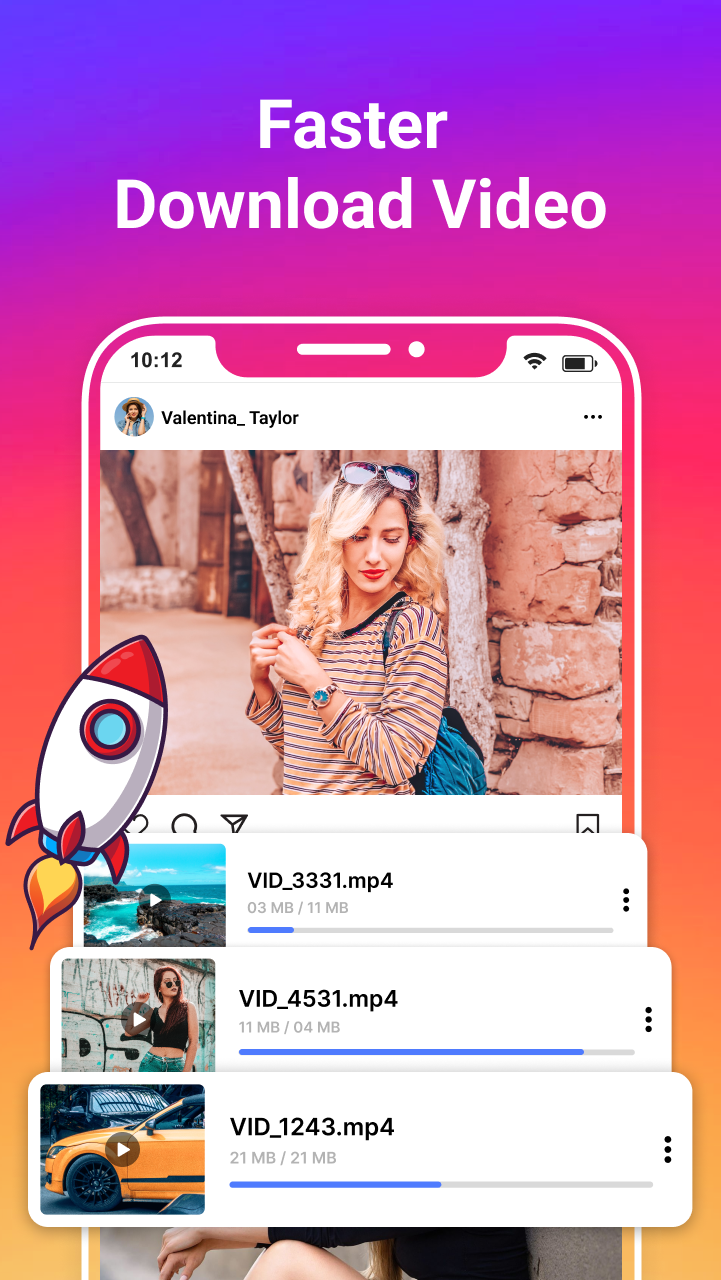
All Video Download is a Tools application developed by It Tech Sol, but with the best Android emulator-LDPlayer, you can download and play All Video Download on your computer.
Running All Video Download on your computer allows you to browse clearly on a large screen, and controlling the application with a mouse and keyboard is much faster than using touchscreen, all while never having to worry about device battery issues.
With multi-instance and synchronization features, you can even run multiple applications and accounts on your PC.
And file sharing makes sharing images, videos, and files incredibly easy.
Download All Video Download and run it on your PC. Enjoy the large screen and high-definition quality on your PC!
Trust me, this is an all-video downloader! I use it every day.You can download videos and music directly from the internet using All Video Downloader. And play videos offline.
Highlights
* Free Video Saver
* Easy Video Cache
* All formats, such as mp4,flv,mp3, mov, avi, wmv, doc, xls, pdf, txt, etc. are supported.
* Auto-detect videos and easily download all video
* Full-featured download manager: pause, resume, and delete downloads
* Download several files at the same time
* Download the video in the background
* Download files to an SD card
* Fast download speeds with an HD video downloader
* Check the progress anytime
* Download anything from the URL
* Fast and free video downloader
* Browse videos with the built-in browser
* Download the video without limitations.
* Play videos offline with the built-in video player
Video downloaders automatically detect videos, so you can download them instantly. Fast download and play offline.
Notes :-
* This app is not affiliated with or authorized by any social media site.
* Or Any unauthorized actions and violations of intellectual property rights is the whole responsibility of the user(Like download and repost or reupload of content)
* Due to YouTube's download restriction, our app does not support YouTube downloading.
Thank You!!