Aloha Voice Chat Audio Call is a Communication application developed by Amy and Brody Limited, but with the best Android emulator-LDPlayer, you can download and play Aloha Voice Chat Audio Call on your computer.
Running Aloha Voice Chat Audio Call on your computer allows you to browse clearly on a large screen, and controlling the application with a mouse and keyboard is much faster than using touchscreen, all while never having to worry about device battery issues.
With multi-instance and synchronization features, you can even run multiple applications and accounts on your PC.
And file sharing makes sharing images, videos, and files incredibly easy.
Download Aloha Voice Chat Audio Call and run it on your PC. Enjoy the large screen and high-definition quality on your PC!
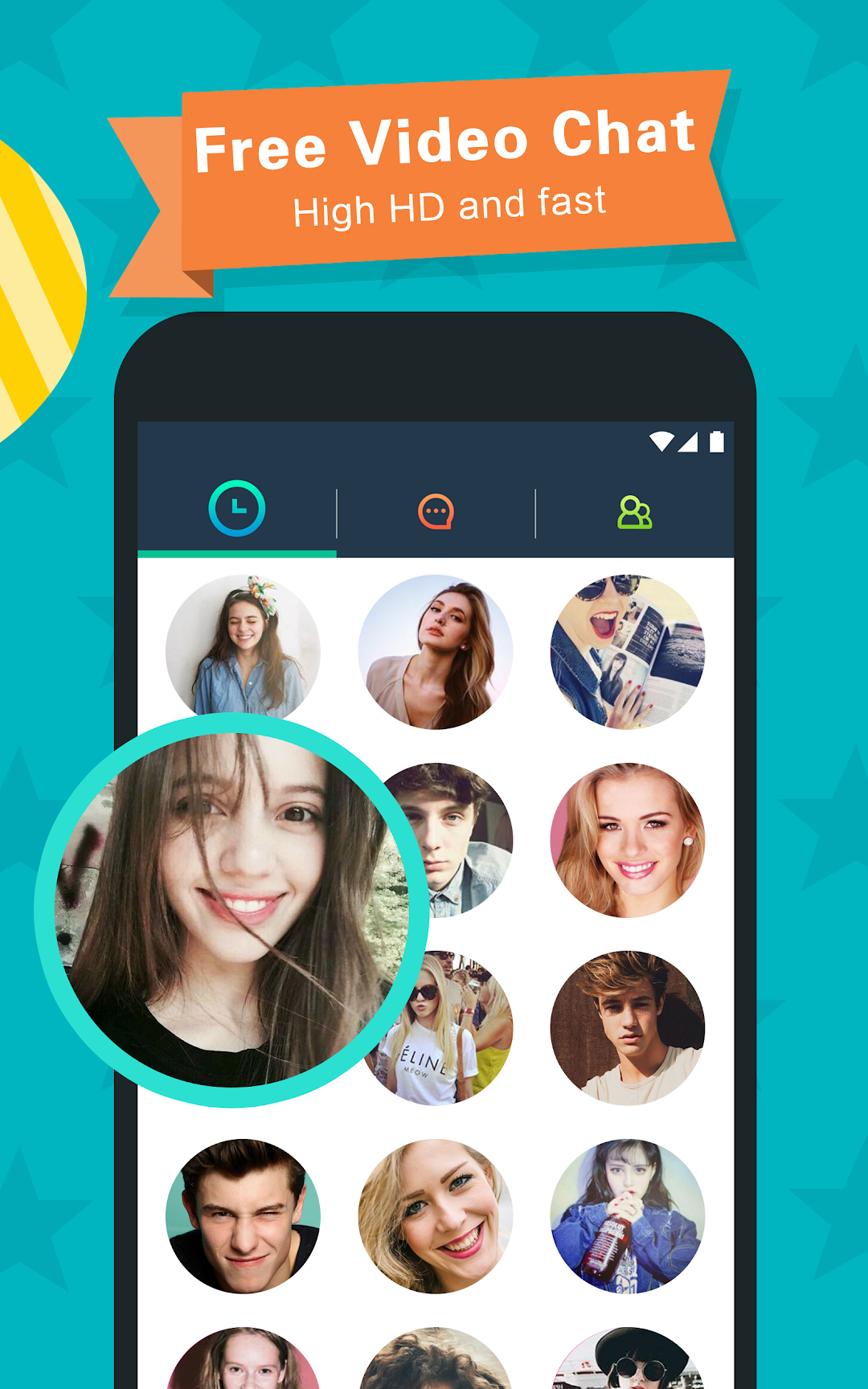
“ALOHA” makes it easy to know people around the world through voice chats with people nearby. It is really a simple and free calling app just listen and you'll soon notice the clear voice call with a high quality sound. Voice chat is the best way to interact with strangers and get to know each other. Video chat is also supported among friends.Do you live in a place where it is too hard to connect with others or feel lonely and need to exchange of thoughts, ideas or feelings with someone?
Are you tired of others being deceptive, dishonest or lying about their gender?
Would you like to build true friendship with people around the world without checking their profile?
Swipe up and get ready to have amazing audio chat with people around you!
We are building an enjoyable, clean and harmony community, so any offensive behaviors or violations against our terms of use will be taken seriously and will result in the termination of your account.
Main Features:
1. Ability to select gender and region preferences and build new conversations while talking to strangers.
2. Ability to conduct voice chats through 3G\4G and Wi-Fi.
3. Unlimited text, video messages and video chat among friends to enhance your friendship.
4. Dozens of quality effects, stickers, filters and emoji
5. Ability to add the people you know during voice calls to your friend list.
6. Ability to make video calls (video chat) with new friends after adding them to your friend list.
7. Sign up using Facebook.
You can chat with global users about the topics you care about and you will never know who you will meet next. Stay in touch with those you enjoy chatting with. Maybe you can be best friends or even become lovers. Be friendly to everyone you meet and cherish the hard-won’s fate. Start a romantic chatting tour at once!
User privacy information will be encrypted and won’t be shared with any third parties. The only information shared to other users is the information in your ALOHA profile that you allow other users to view.
Notice: Additional fees may apply when using cellular data.