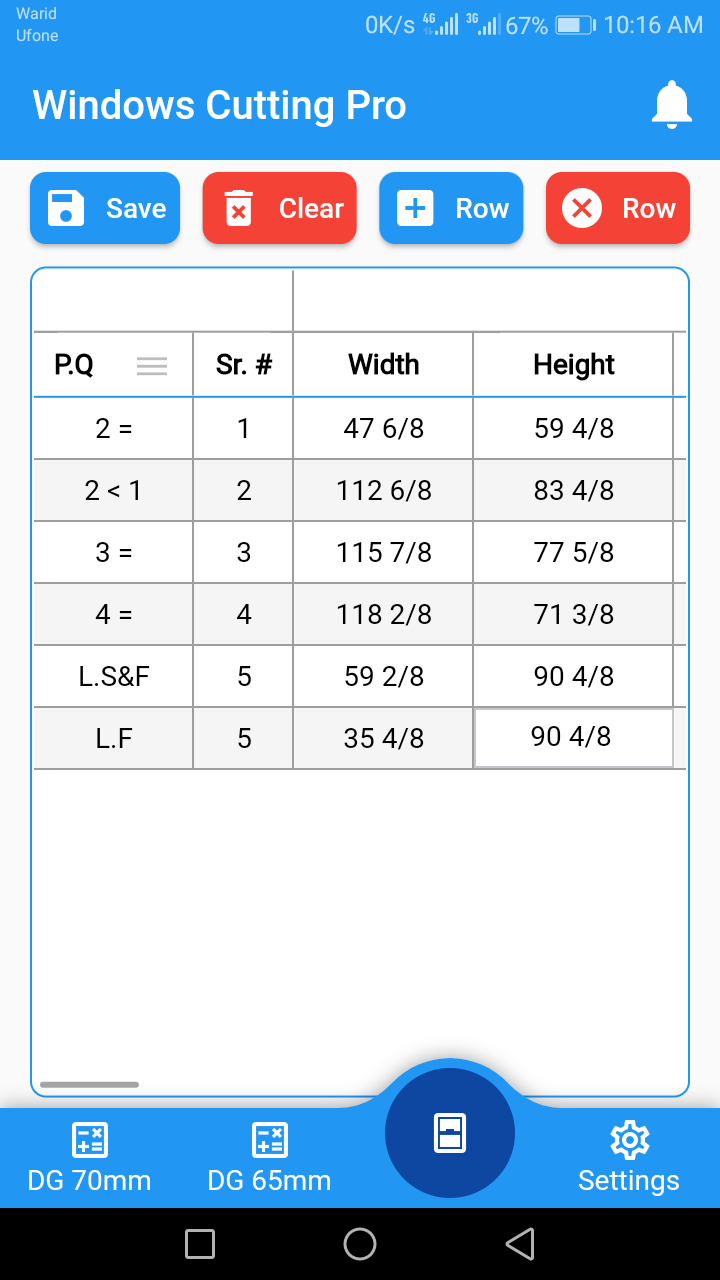


Aluminum Windows Cutting Pro is a Tools application developed by Nasir Hussain Sahiwal, but with the best Android emulator-LDPlayer, you can download and play Aluminum Windows Cutting Pro on your computer.
Running Aluminum Windows Cutting Pro on your computer allows you to browse clearly on a large screen, and controlling the application with a mouse and keyboard is much faster than using touchscreen, all while never having to worry about device battery issues.
With multi-instance and synchronization features, you can even run multiple applications and accounts on your PC.
And file sharing makes sharing images, videos, and files incredibly easy.
Download Aluminum Windows Cutting Pro and run it on your PC. Enjoy the large screen and high-definition quality on your PC!
Aluminum Windows Cutting Pro is a cutting-edge mobile application designed specifically for professionals in the construction and window installation industry. This app offers a comprehensive suite of features to streamline and enhance the process of cutting aluminum windows with precision and efficiency.With Aluminum Windows Cutting Pro, users can access a user-friendly interface that provides a range of tools and functionalities. The app includes advanced measurement capabilities, allowing users to accurately measure and mark dimensions for aluminum windows. It also offers a variety of cutting options, including straight cuts, angled cuts, and complex shapes, all tailored to the specific requirements of aluminum window frames.
The app utilizes innovative algorithms and advanced technology to optimize cutting efficiency, ensuring minimal material wastage and precise results. Users can input their desired measurements and specifications, and the app will generate cutting instructions, reducing the margin of error and saving valuable time on manual calculations.
Aluminum Windows Cutting Pro also includes a comprehensive database of aluminum profiles from various manufacturers, providing users with easy access to a wide range of window profiles. This feature simplifies the selection process and ensures compatibility between the chosen profile and the cutting instructions.
Additionally, the app offers a variety of customization options, allowing users to save cutting patterns, create templates, and adjust parameters to suit their specific project needs. It also provides an intuitive preview mode, enabling users to visualize the outcome before executing the actual cutting process.
Whether you're a seasoned professional or a novice in the industry, Aluminum Windows Cutting Pro is an indispensable tool that simplifies and optimizes the aluminum window cutting process. Its user-friendly interface, precise measurements, cutting options, and comprehensive database make it an essential companion for anyone involved in aluminum window installation.