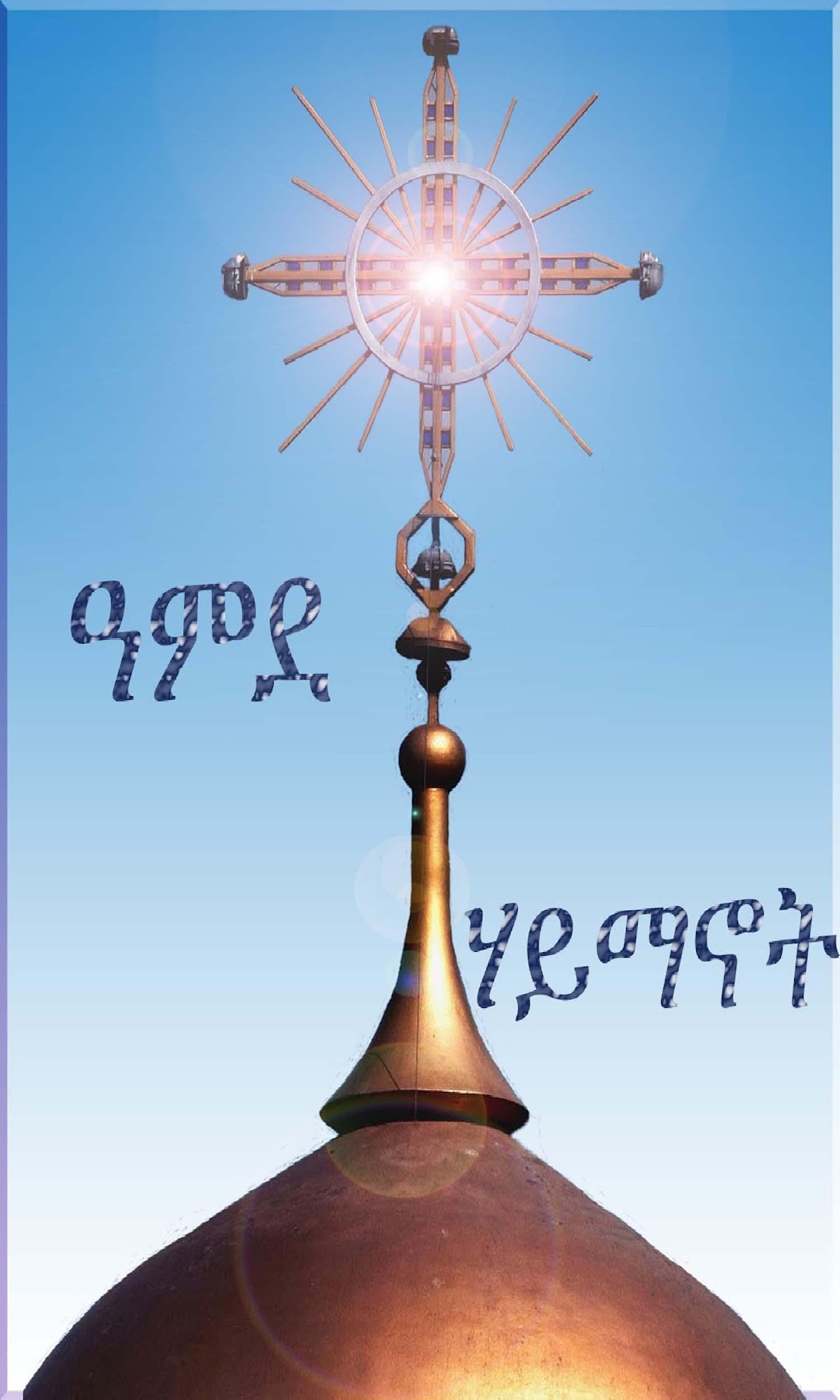
Amde Haymanot older Version is a Books&Reference application developed by Kemekol Systems, but with the best Android emulator-LDPlayer, you can download and play Amde Haymanot older Version on your computer.
Running Amde Haymanot older Version on your computer allows you to browse clearly on a large screen, and controlling the application with a mouse and keyboard is much faster than using touchscreen, all while never having to worry about device battery issues.
With multi-instance and synchronization features, you can even run multiple applications and accounts on your PC.
And file sharing makes sharing images, videos, and files incredibly easy.
Download Amde Haymanot older Version and run it on your PC. Enjoy the large screen and high-definition quality on your PC!
This App is for Ethiopian Orthodox Church believers. If you are looking for answers about the Orthodox belief, this app is a good place to start. It provides a starting point to answering such questions as:- Who is Jesus?
- Is Jesus God?
- Why did He die on a cross?
- Do Orthodox worship Mary the Mother of God and the saints?
- Who are saints?
- icons in orthodox church
...... and many more.
Serious questions raised by protestants, Muslims or those who simply seek answers to life are addressed in a clear and sympathetic way.
This app will be updated on a regular basis and users are encouraged to request additional resources in their quest for answers about the Orthodox faith.