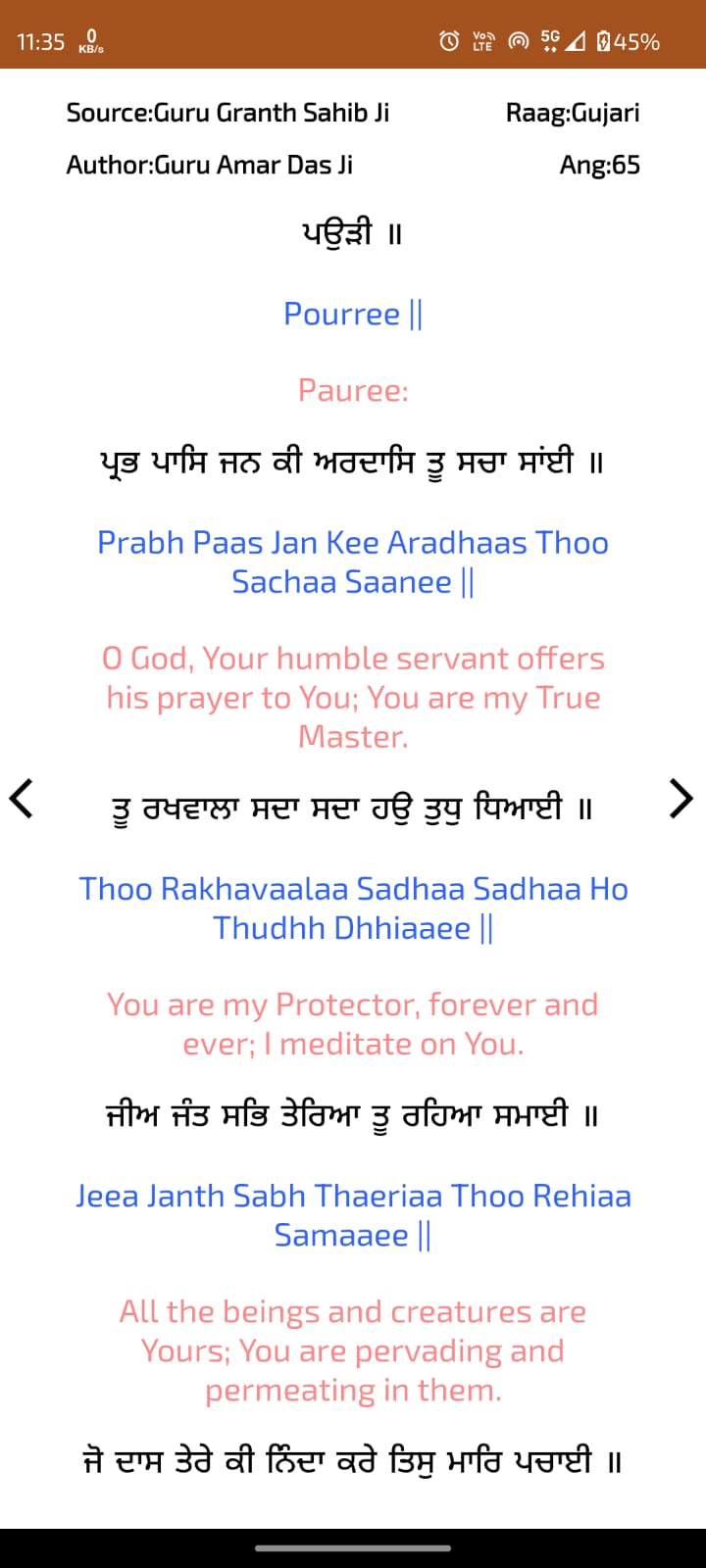
Amrit Kirtan Pothi is a Education application developed by Manpreet Singh Bhatia, but with the best Android emulator-LDPlayer, you can download and play Amrit Kirtan Pothi on your computer.
Running Amrit Kirtan Pothi on your computer allows you to browse clearly on a large screen, and controlling the application with a mouse and keyboard is much faster than using touchscreen, all while never having to worry about device battery issues.
With multi-instance and synchronization features, you can even run multiple applications and accounts on your PC.
And file sharing makes sharing images, videos, and files incredibly easy.
Download Amrit Kirtan Pothi and run it on your PC. Enjoy the large screen and high-definition quality on your PC!
Amrit Kirtan is a collection of shabads (verses) which are traditionally sung by Raggis in the Sikh congregations from:- Sri Guru Granth Sahib Ji - ਸੰਪੂਰਨ ਗੁਰੂ ਗ੍ਰੰਥ ਸਾਹਿਬ
- Sri Dasam Granth Ji - ਸੰਪੂਰਨ ਸ੍ਰੀ ਦਸਮ ਗ੍ਰੰਥ ਸਾਹਿਬ
- Bhai Gurdas ji’s Kabit - ਕਬਿਤ ਭਾਈ ਗੁਰਦਾਸ ਜੀ
- Vaaran by Bhai Gurdas Ji - ਵਾਰਾਂ ਭਾਈ ਗੁਰਦਾਸ ਜੀ
- Banni Bhai Nand Lal Ji - ਬਾਣੀ ਭਾਈ ਨੰਦ ਲਾਲ ਜੀ ਦੀ
- Rehatnamme - ਰਹਿਤਨਾਮੇ
. This application is complete Amrit Kirtan gutka with english translation and transliteration, where one can search shabad by shabad initials, by page or can browse shabads by Amrit Kirtan's 113 chapters.
. You can also save your favourite shabads as bookmark.
. You can also change settings to turn on/off transliteration and translation. Can also change font size of each line.
. Saadh Sangat ji, if you have any suggestions then please email me at info@gurbanistatus.in