Animal Skin for Minecraft is a Entertainment application developed by Dream Room, but with the best Android emulator-LDPlayer, you can download and play Animal Skin for Minecraft on your computer.
Running Animal Skin for Minecraft on your computer allows you to browse clearly on a large screen, and controlling the application with a mouse and keyboard is much faster than using touchscreen, all while never having to worry about device battery issues.
With multi-instance and synchronization features, you can even run multiple applications and accounts on your PC.
And file sharing makes sharing images, videos, and files incredibly easy.
Download Animal Skin for Minecraft and run it on your PC. Enjoy the large screen and high-definition quality on your PC!
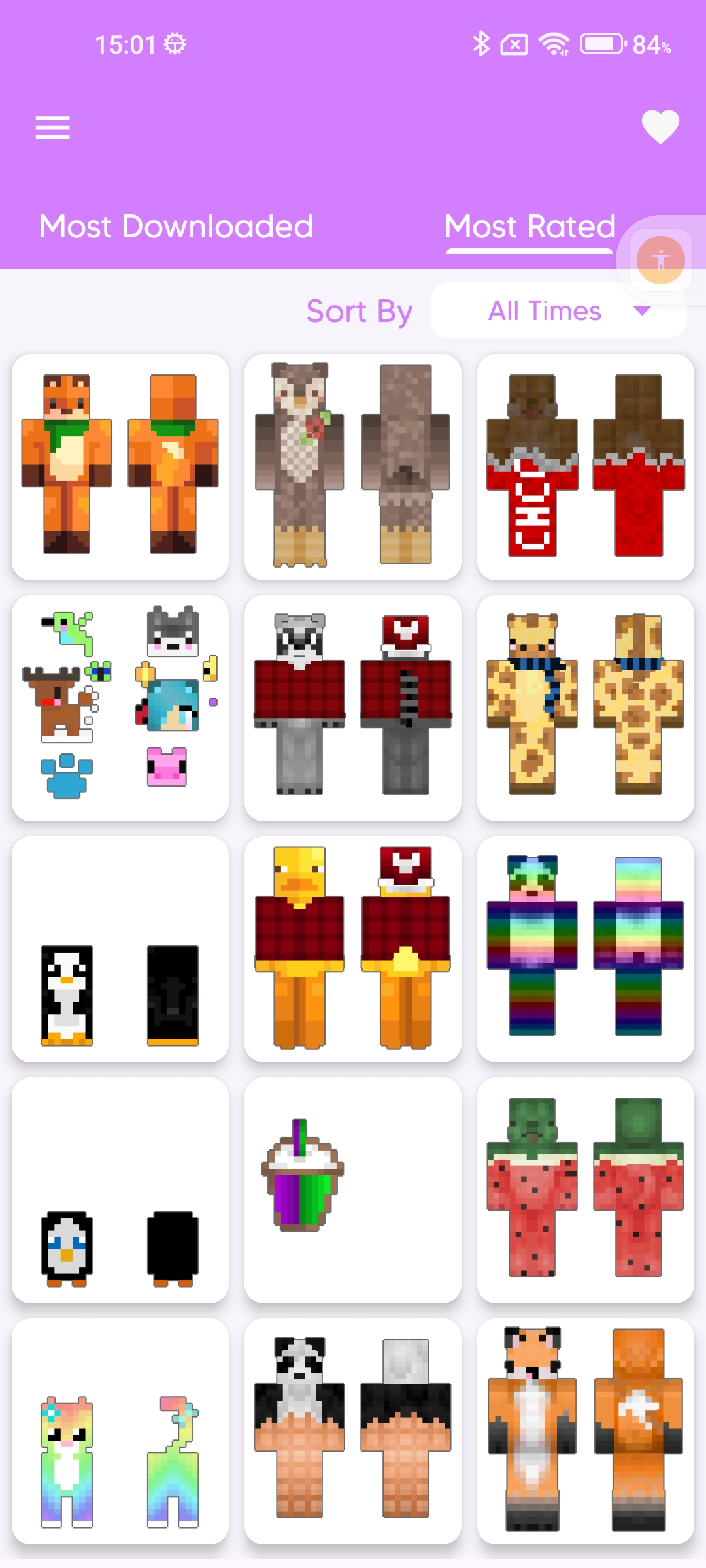
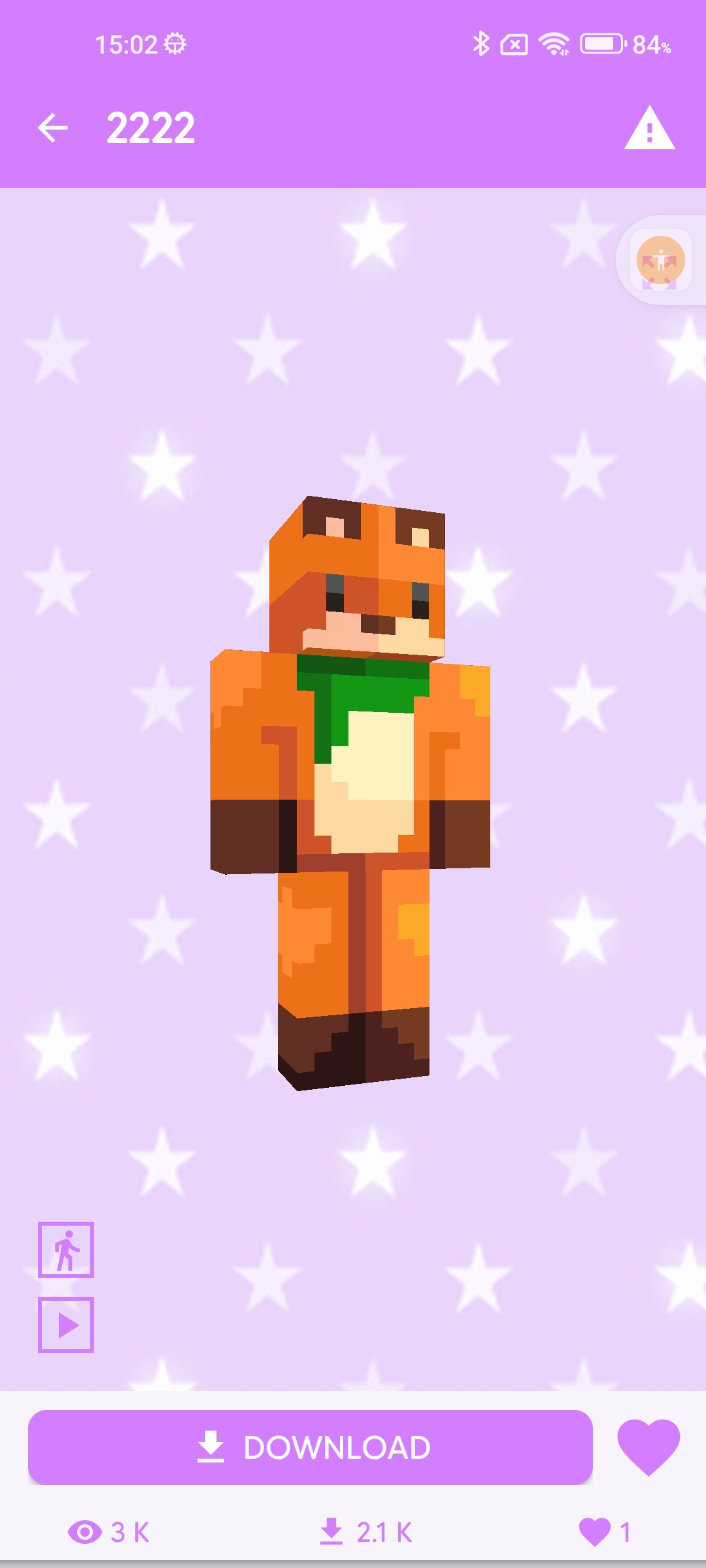
Animal Skin for Minecraft is the ultimate mobile app for players looking to transform their in-game avatar into a variety of captivating animal characters. With an extensive collection of meticulously designed skins, users can choose from a diverse range of creatures, including lions, wolves, pandas, and more.Navigate through the user-friendly interface to explore the vast selection of animal-inspired skins, each crafted with intricate detail and vibrant colors. Whether you're looking to roam the Minecraft world as a majestic jungle cat or explore as a playful panda, this app has you covered.
With regular updates and new additions, "Animal Skin for Minecraft" ensures that players always have access to the latest and most captivating animal-themed designs. Elevate your gaming experience and unleash your wild side with this must-have app for Minecraft enthusiasts.
📝 Leave your wishes in the comments, what new skins you would like to see, we will definitely add them every week.
⚠️ Disclaimer: ⚠️
Please note that this is an unofficial application for Minecraft™ Pocket Edition. This application is in no way affiliated with Mojang AB. Minecraft™, the Minecraft™ trademark, and Minecraft™ assets are the property of Mojang AB or its respected owner. All rights reserved. According to http://account.mojang.com/documents/brand_guidelines